Access groups
An access group is what actually gives people access. It ties one profile to a set of member users and a set of warehouses. A user gains permissions only by being a member of a group.
You manage groups in the Client app under System Administration → Access Groups.
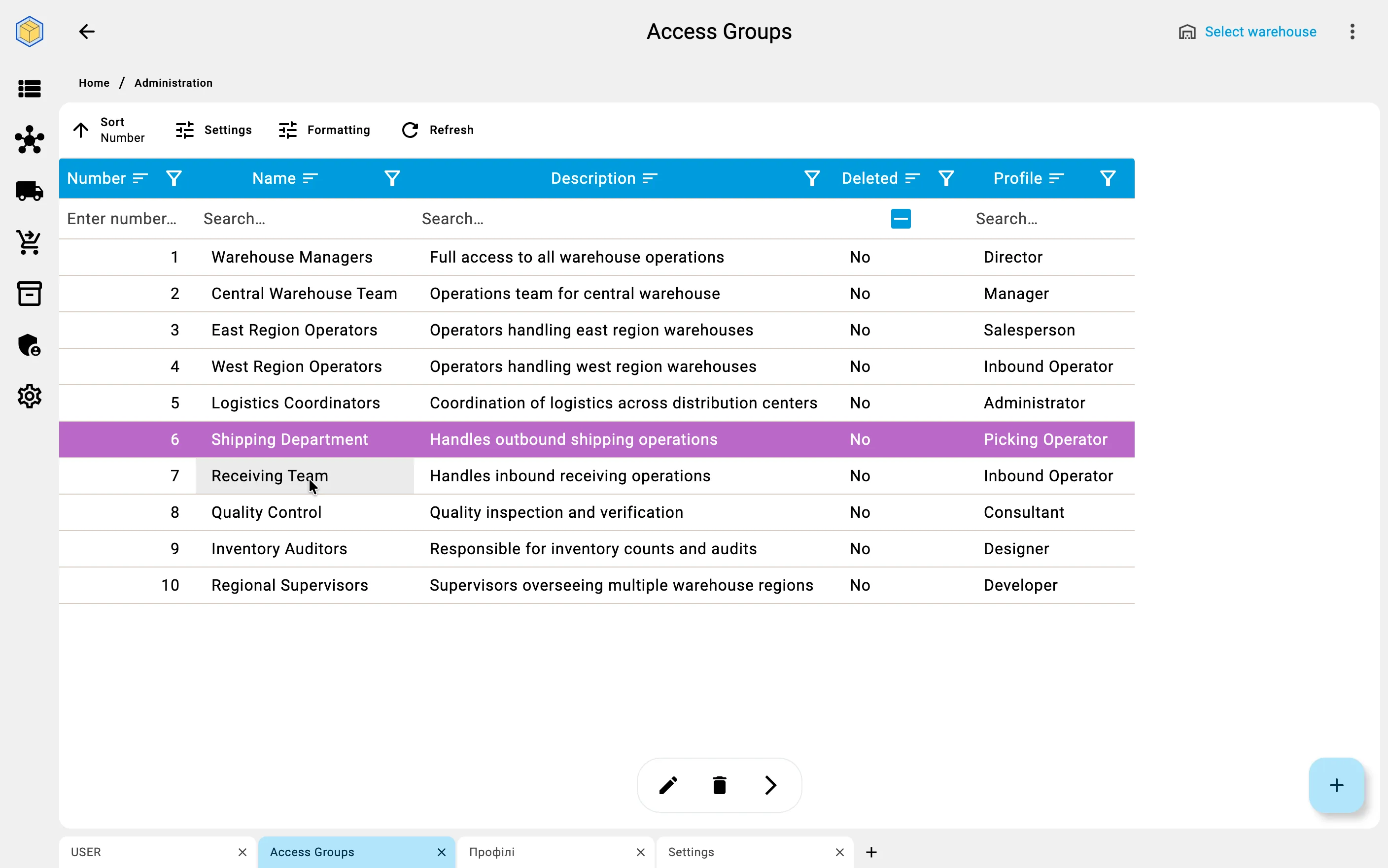
What a group contains
A group has three tabs.
General
- Name — how the group is identified (required).
- Description — an optional note about what the group is for.
- Profile — the profile whose permissions this group hands to its members (required).
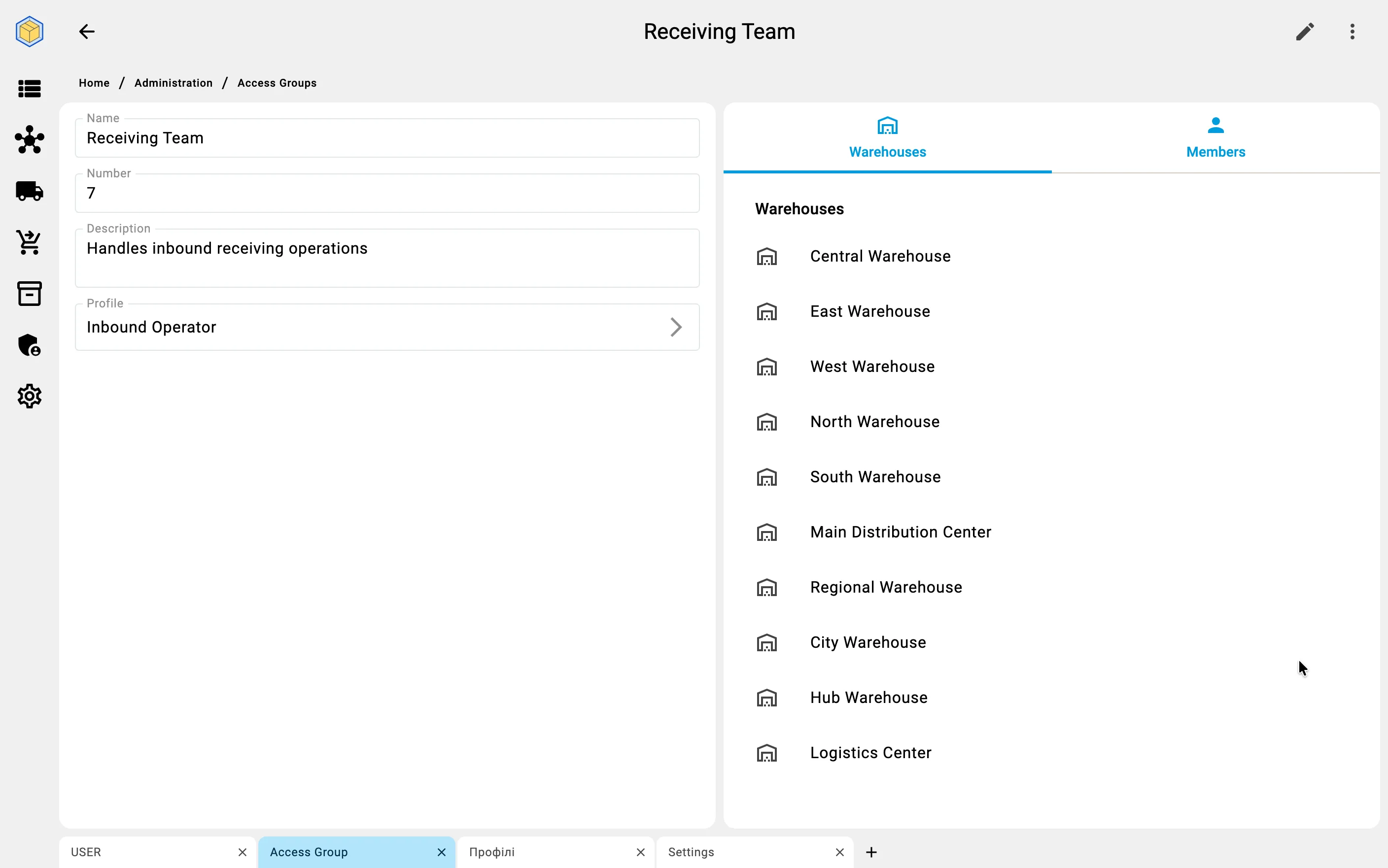
Warehouse assignments
The warehouses this group works with. They matter when the group's profile has Warehouse Access Restricted turned on — see Warehouse restrictions. Use Add warehouses to assign them; the list shows No warehouses assigned when empty.
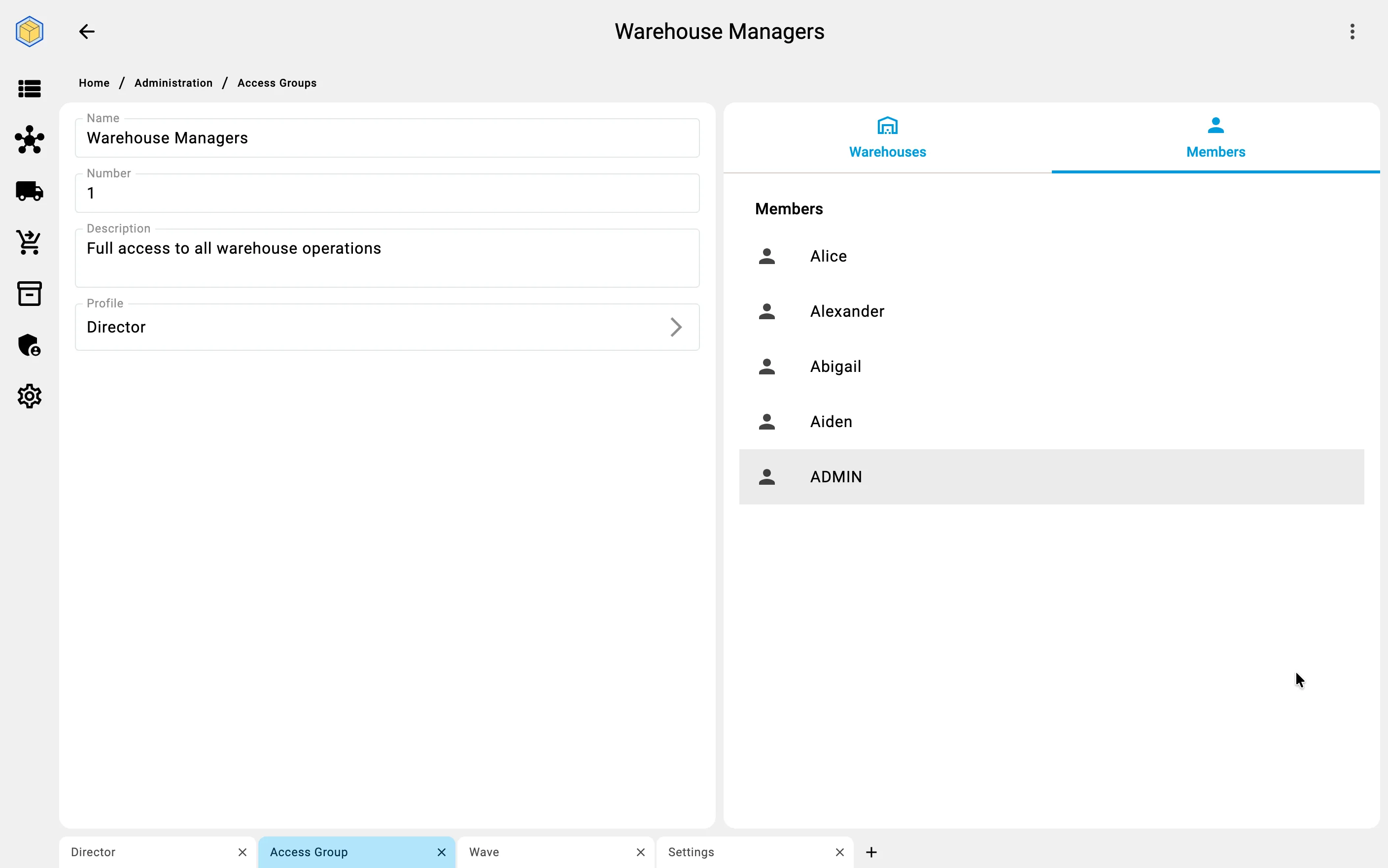
Members
The users who belong to the group. Use Add members to add them. You can manage the same link from the other side, on a user's Group membership tab.
A user may belong to more than one group. When they do, the groups combine — see Combining groups.