Profiles
A profile is a reusable set of permissions. It does not belong to any one person — you build a profile once (for example, "Receiving clerk" or "Picker") and then hand it to people through an access group.
You manage profiles in the Client app under System Administration → Profiles.
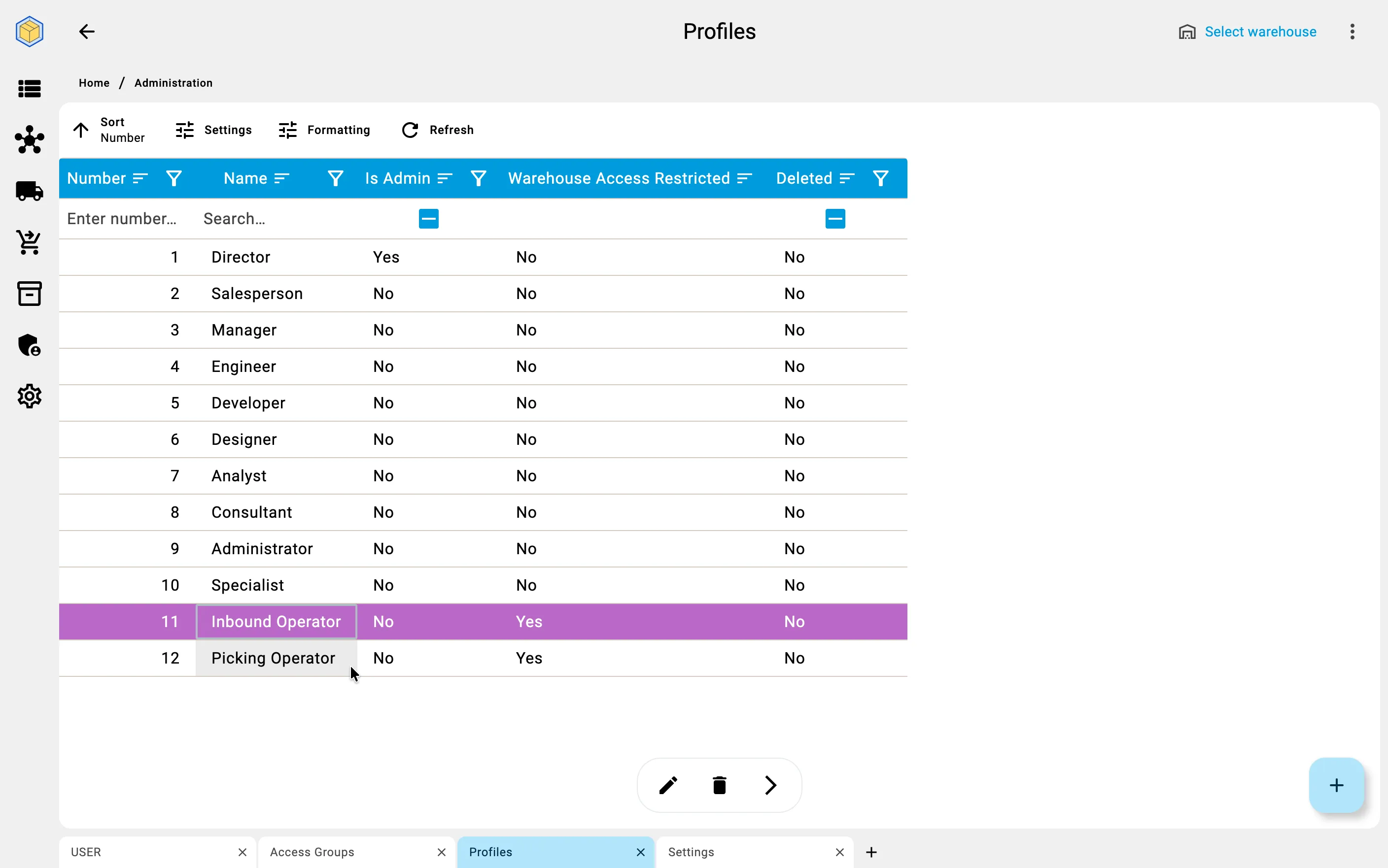
What a profile contains
A profile has a Name and two tabs: General and Permissions.
General
- Name — how the profile is identified.
- Is Admin — when on, the profile grants full access and skips every permission and warehouse check. Use it only for administrative profiles.
- Warehouse Access Restricted — when on, the people who hold this profile see data only for the warehouses their group is assigned to. When off, they work across all warehouses. See Warehouse restrictions.
Permissions
The Permissions tab is a table of the record types the WMS protects, grouped by Section. For each row you allow any combination of five actions: Read, Add, Edit, Delete, and View. Each is explained in Permissions.
The columns use short labels — R / A / E / D / V — with a checkbox in each cell. A filter above the table (All, With access, Without access) helps you focus, and a Permission Legend spells out what each action means.
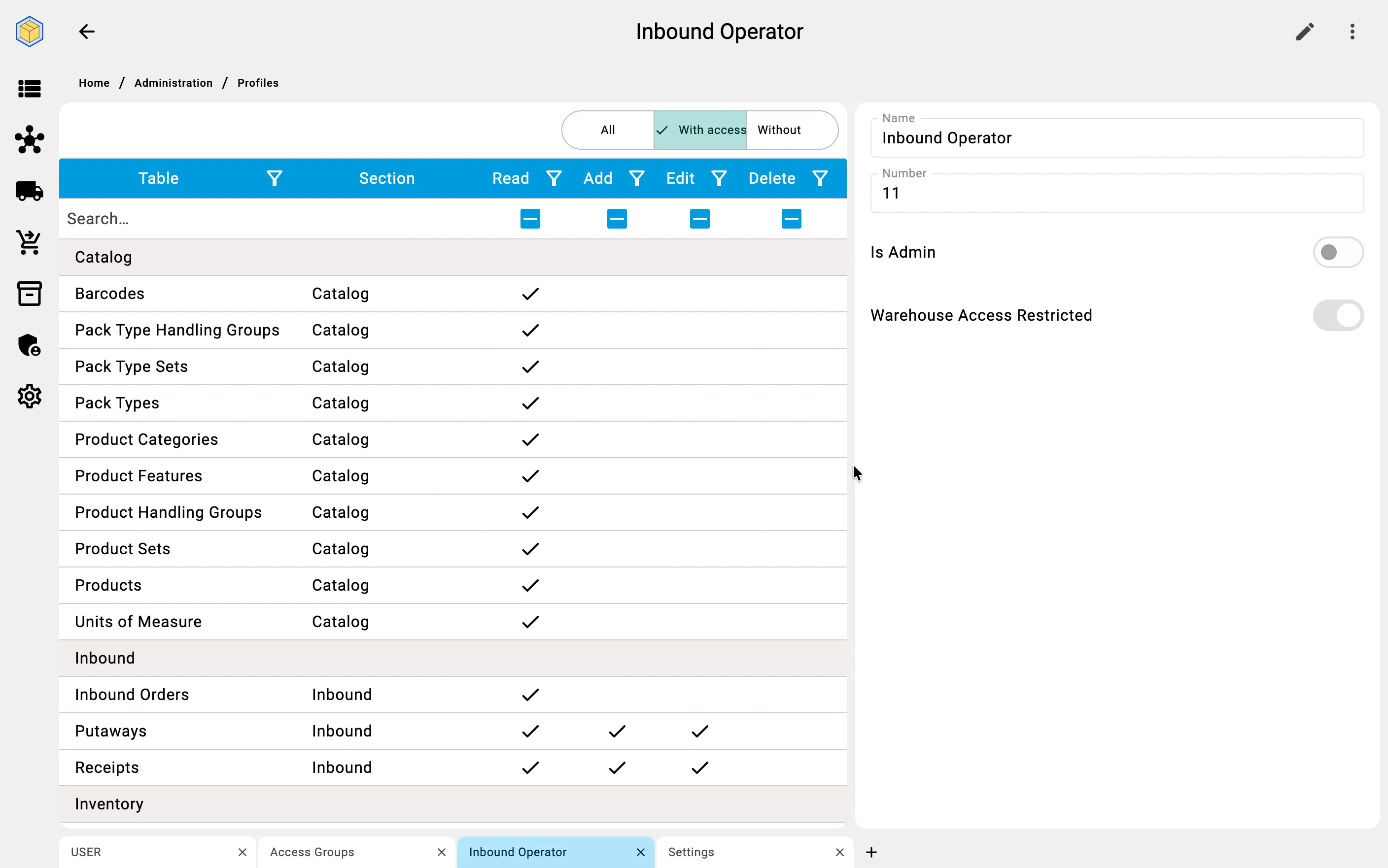
A blank profile grants nothing — tick the actions you want to allow.