Warehouse restrictions
Warehouse restrictions limit a group's members to the warehouses they actually work in, so someone at one site does not see or touch stock at another.
Two settings work together:
- Warehouse Access Restricted — a switch on the profile.
- Warehouse assignments — the list of warehouses on the access group.
How it works
- When a group's profile has Warehouse Access Restricted turned off, its members work across all warehouses. The group's warehouse assignments are ignored.
- When it is turned on, its members are limited to the warehouses assigned to that group. They see records, and can act, only for those warehouses.
The restriction shapes what a user can see and do — for example, a receiving clerk restricted to Warehouse 1 will only ever work with Warehouse 1's documents.
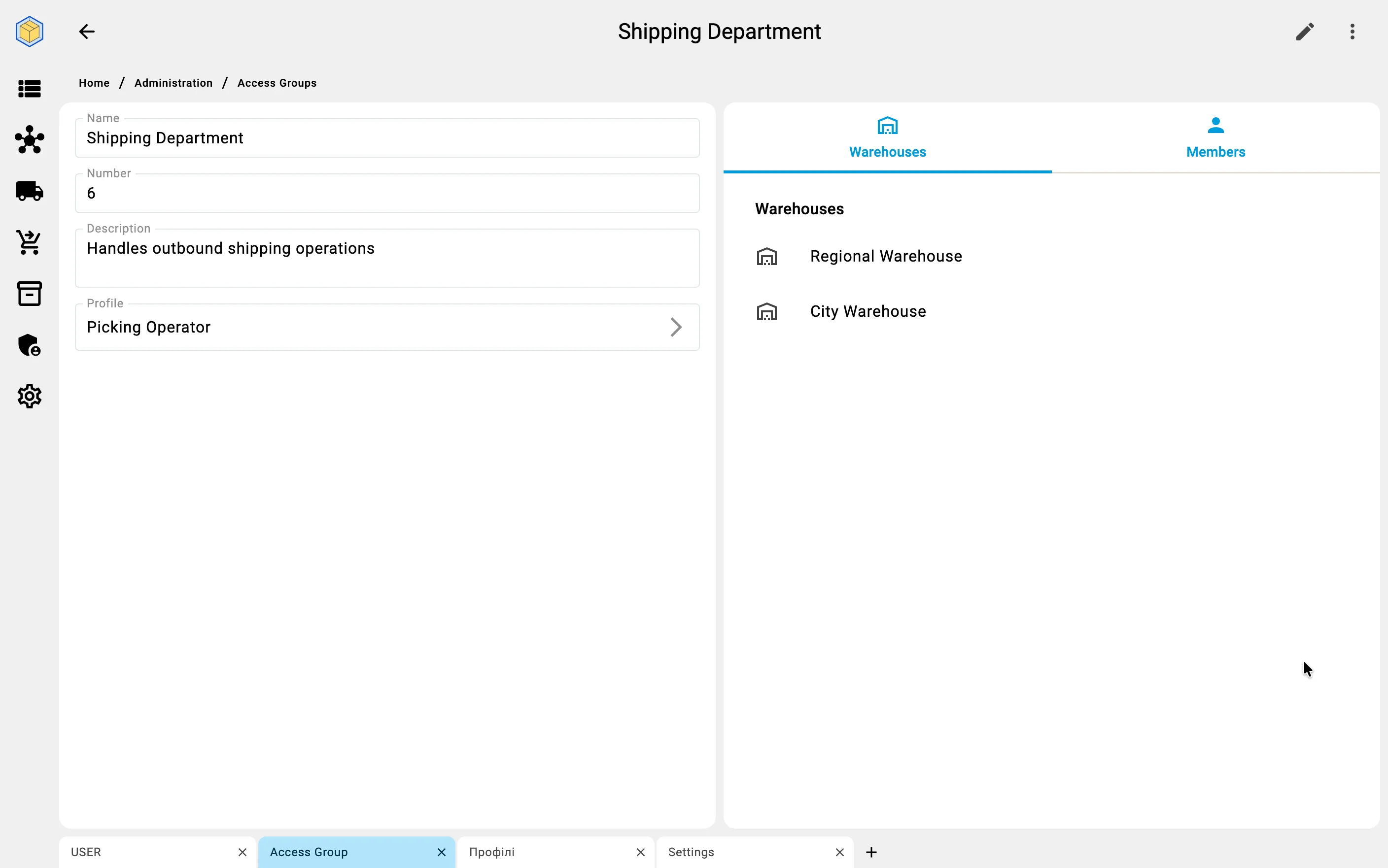
When a user belongs to several groups, their warehouse access is added together, and an unrestricted group can widen it — see Combining groups.
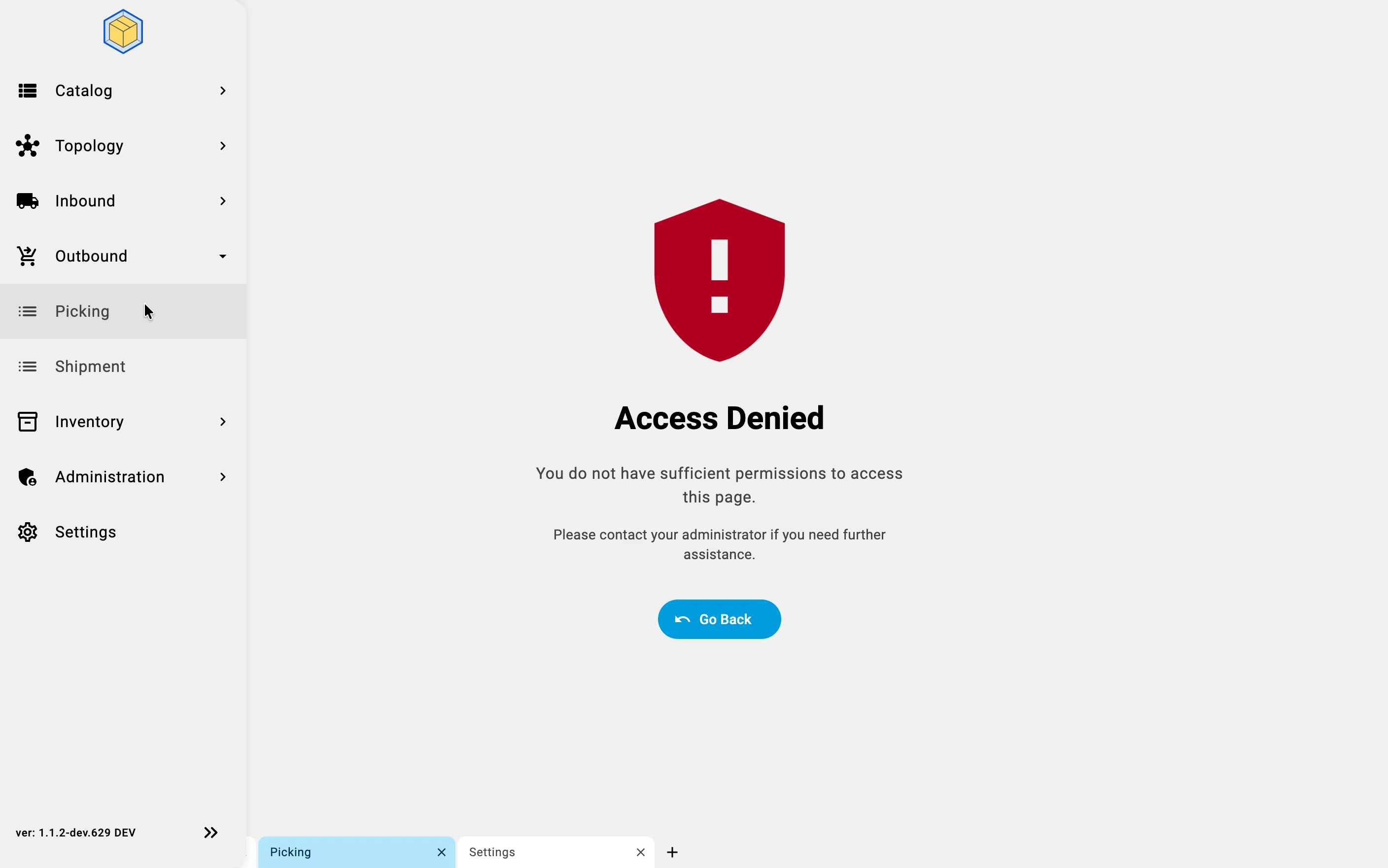
If a user opens an operation for a warehouse they are not assigned to — or one their profile does not allow — the Client shows an Access Denied page instead of the register: