Receipt creation
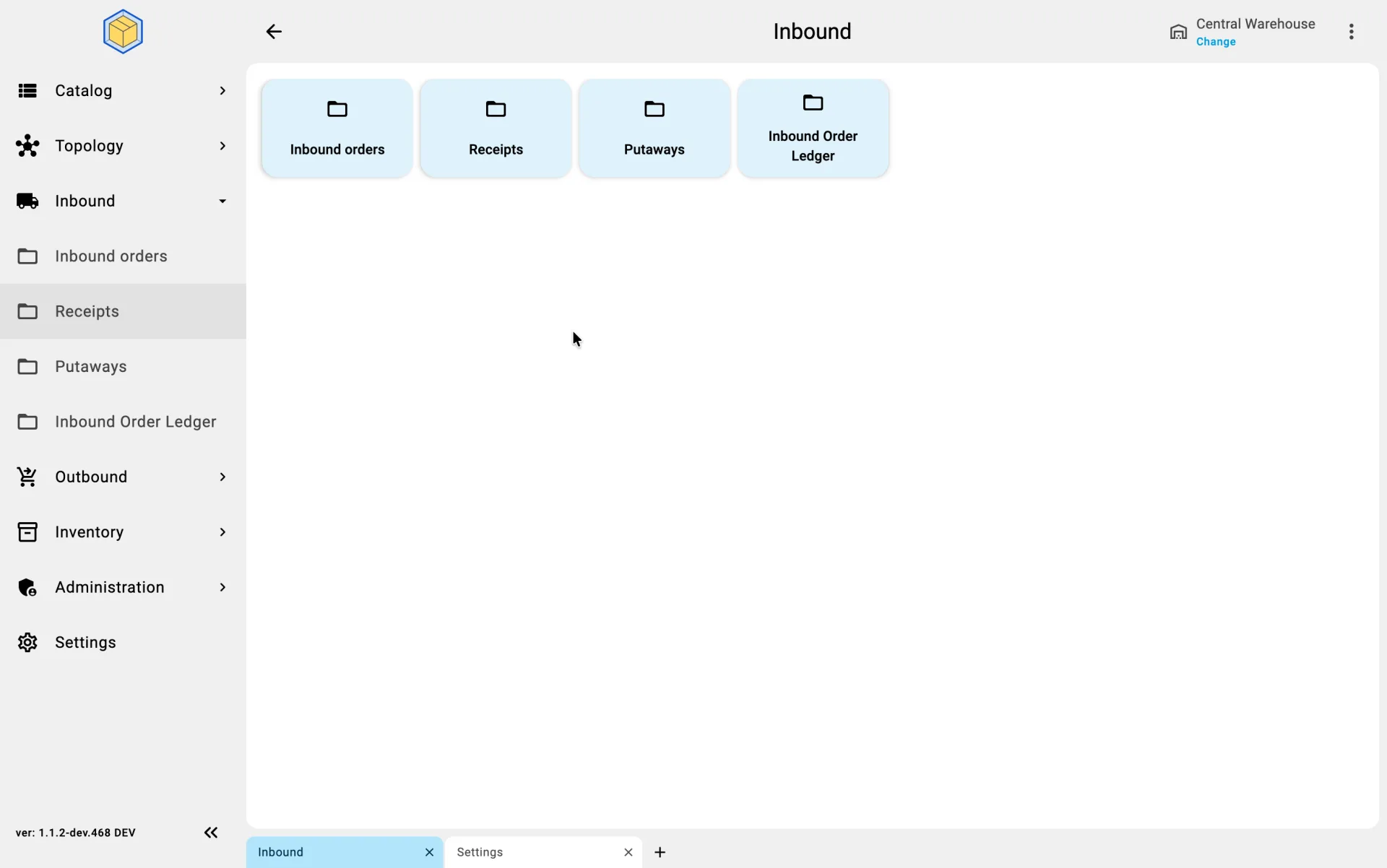
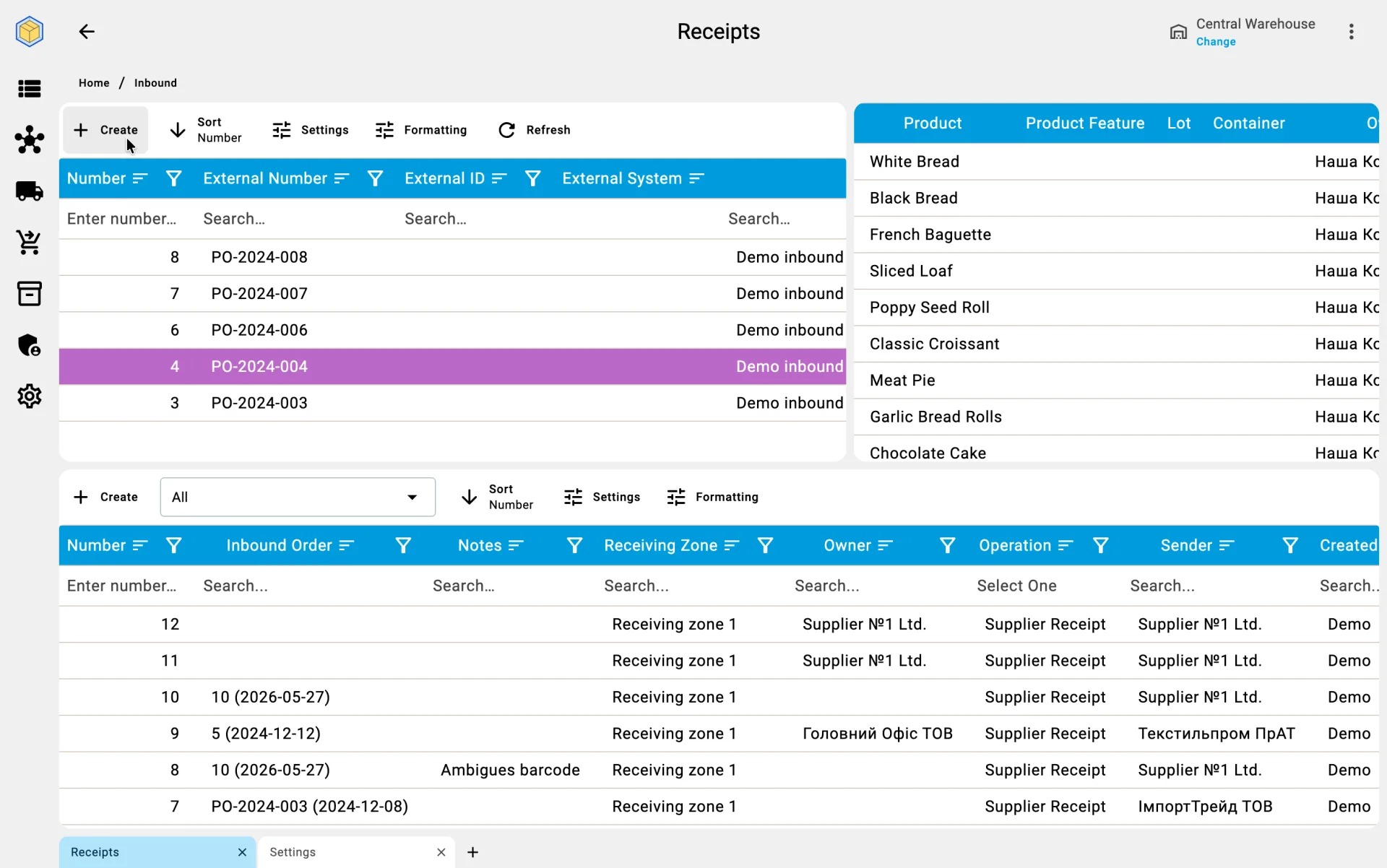
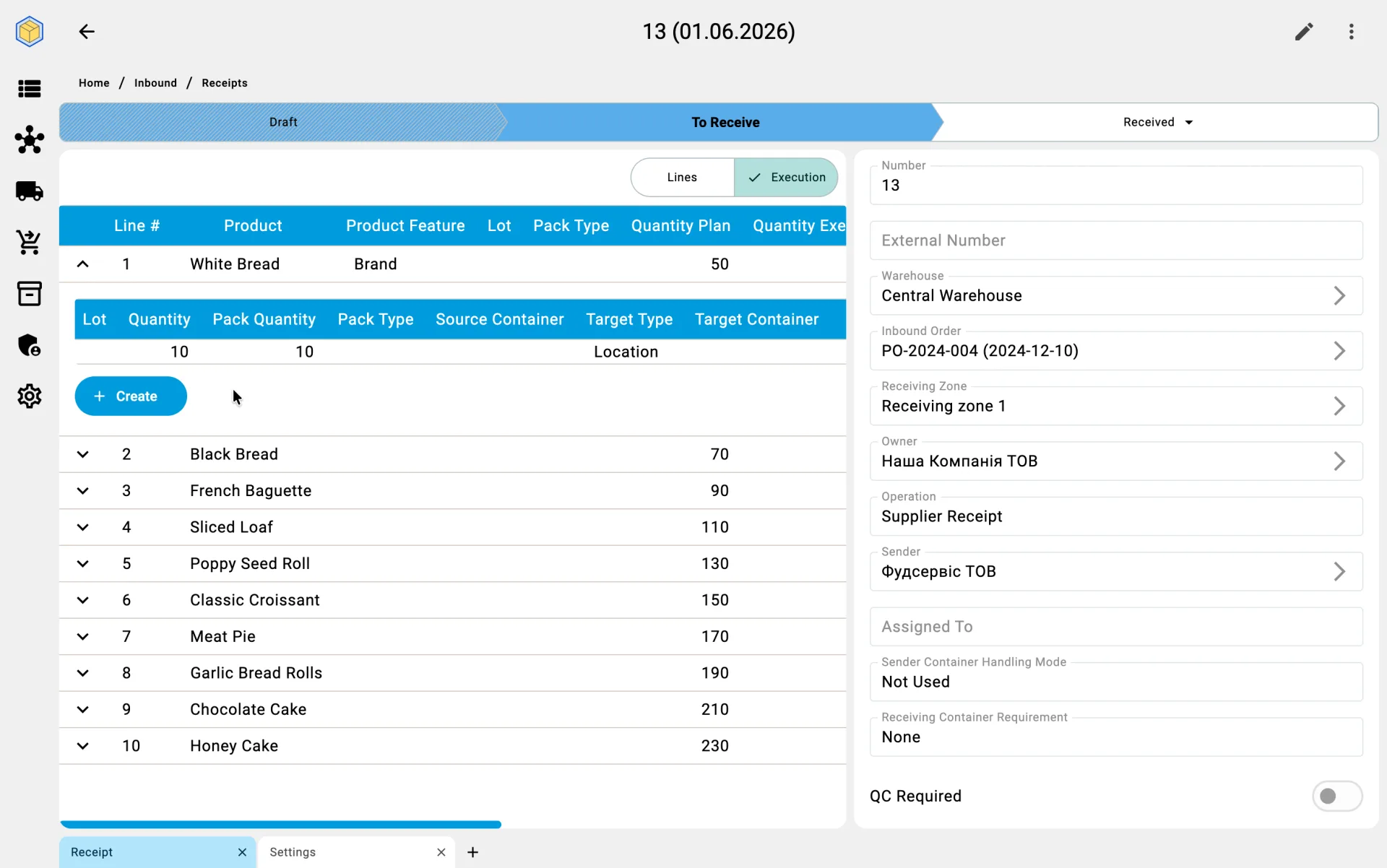
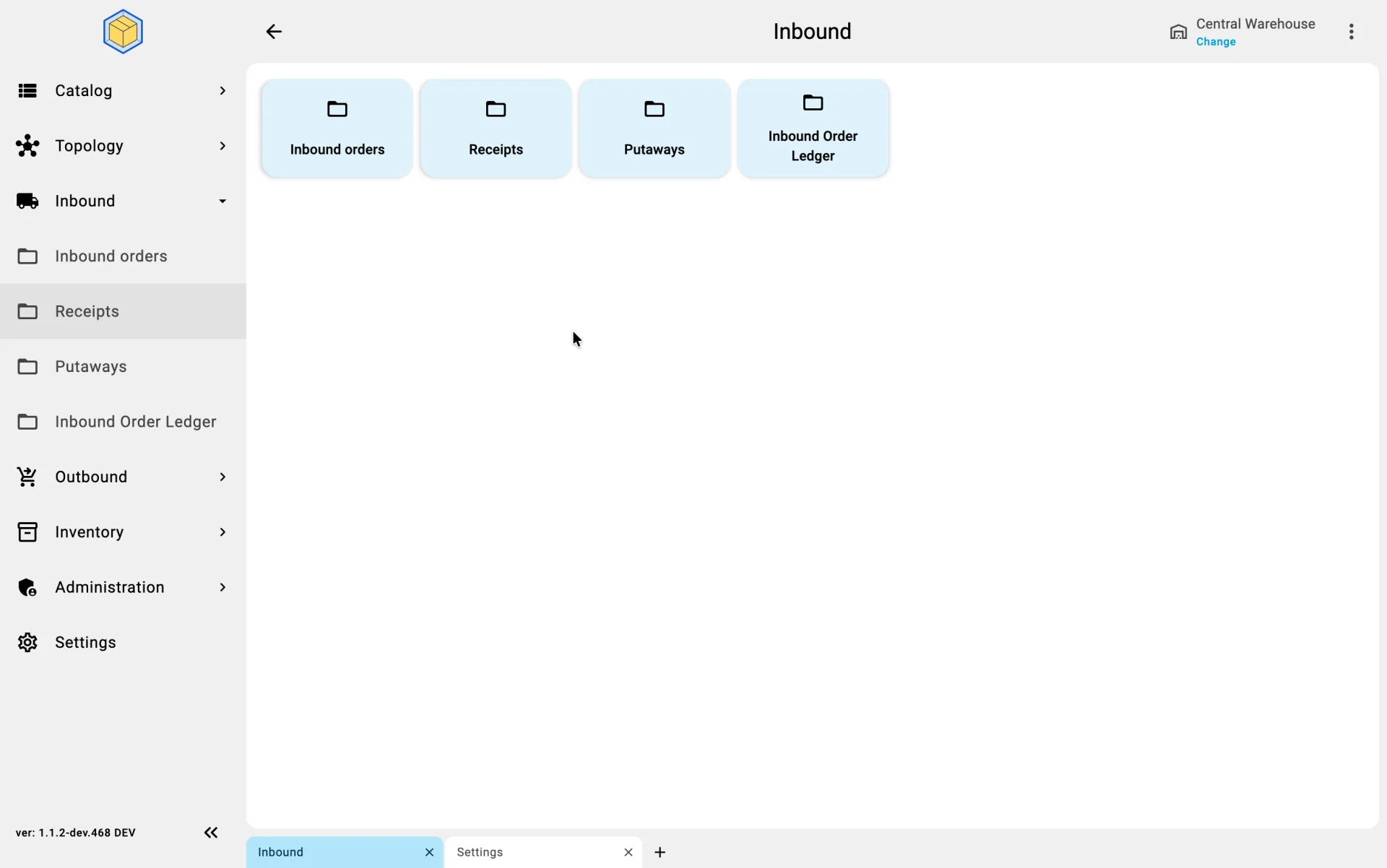
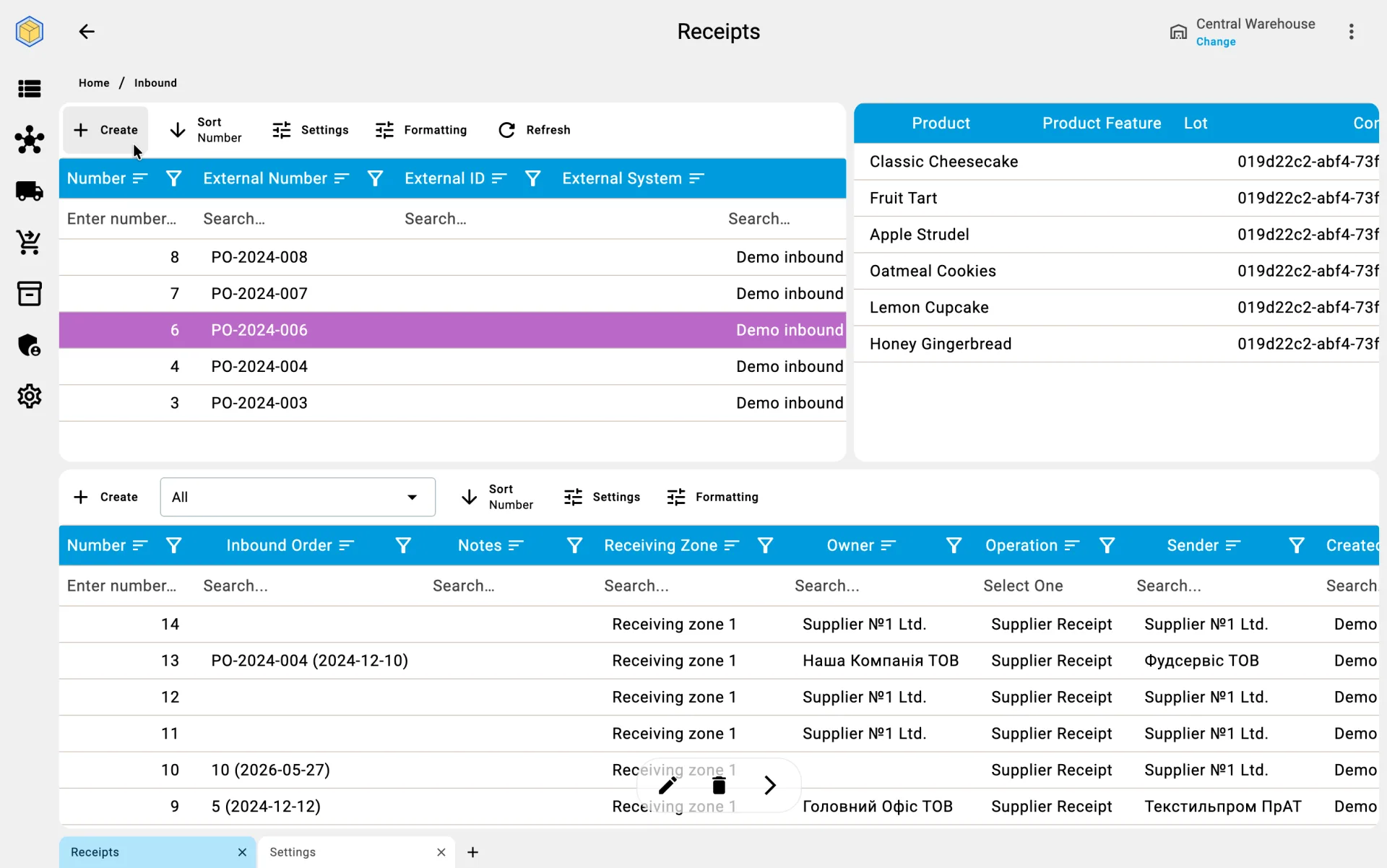
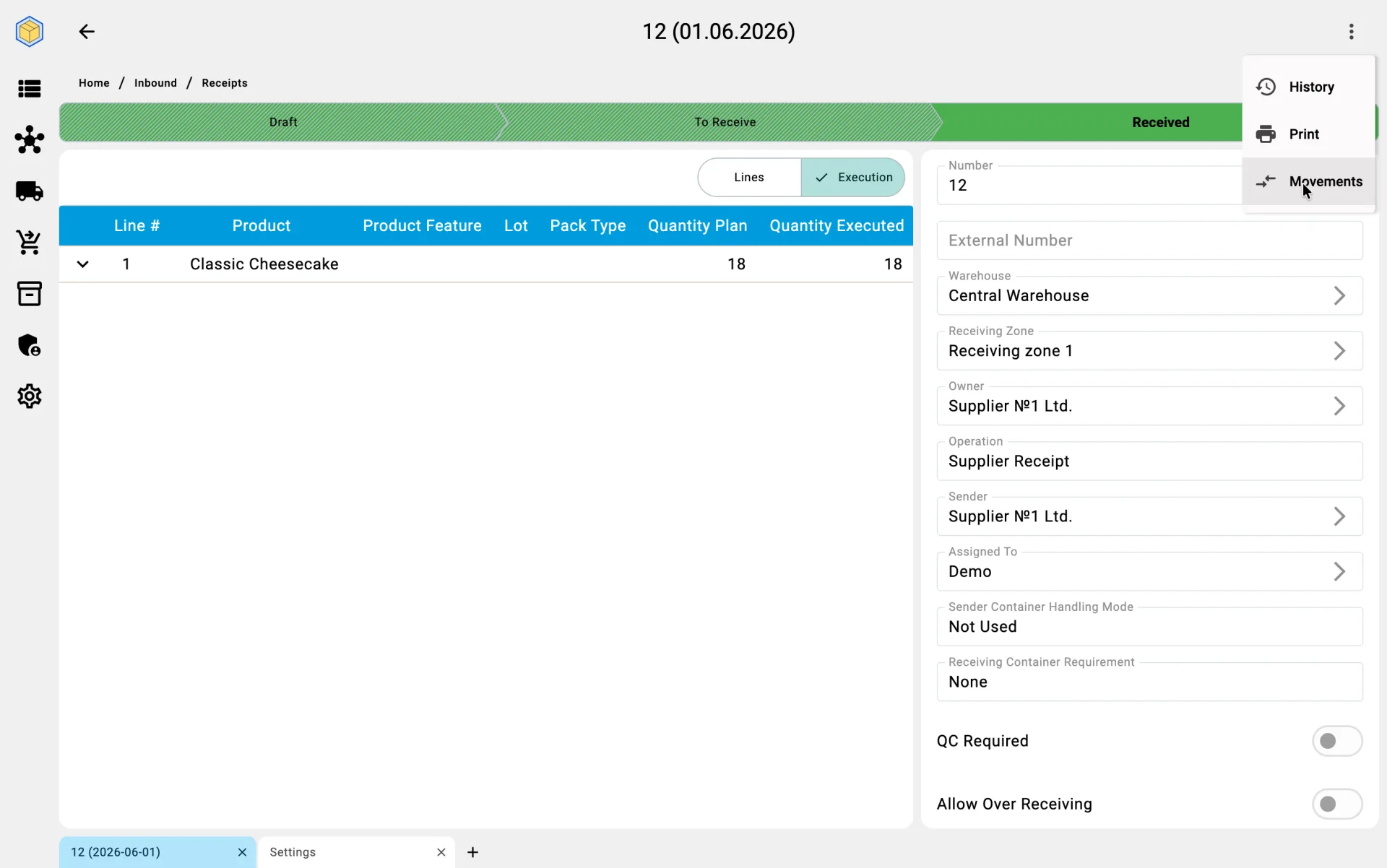
The receipt is the working document that the rest of the process hangs from: facts of received goods, containers, discrepancies, and closure all attach to it. The document moves through a small set of statuses — Draft while it is being prepared, To receive once it is released for receiving, Received when receiving is finished, and Cancelled if it is cancelled. Creating the document is the first step of the process in the client app.
The document is created in one of two ways — based on an existing inbound order or from scratch. Choosing between them is a per-delivery decision, not a warehouse setting: the same warehouse regularly uses both paths.
The Inbound Order is not part of the receiving process itself — it is a separate document that describes what the warehouse expects to receive. It is an input into the process: when it exists and the cargo arrives, it is used as the basis for the receipt. When there is no order (emergency delivery, return, mistake), a standalone receipt is created without one.
Receipt creation source
Creation from an inbound order
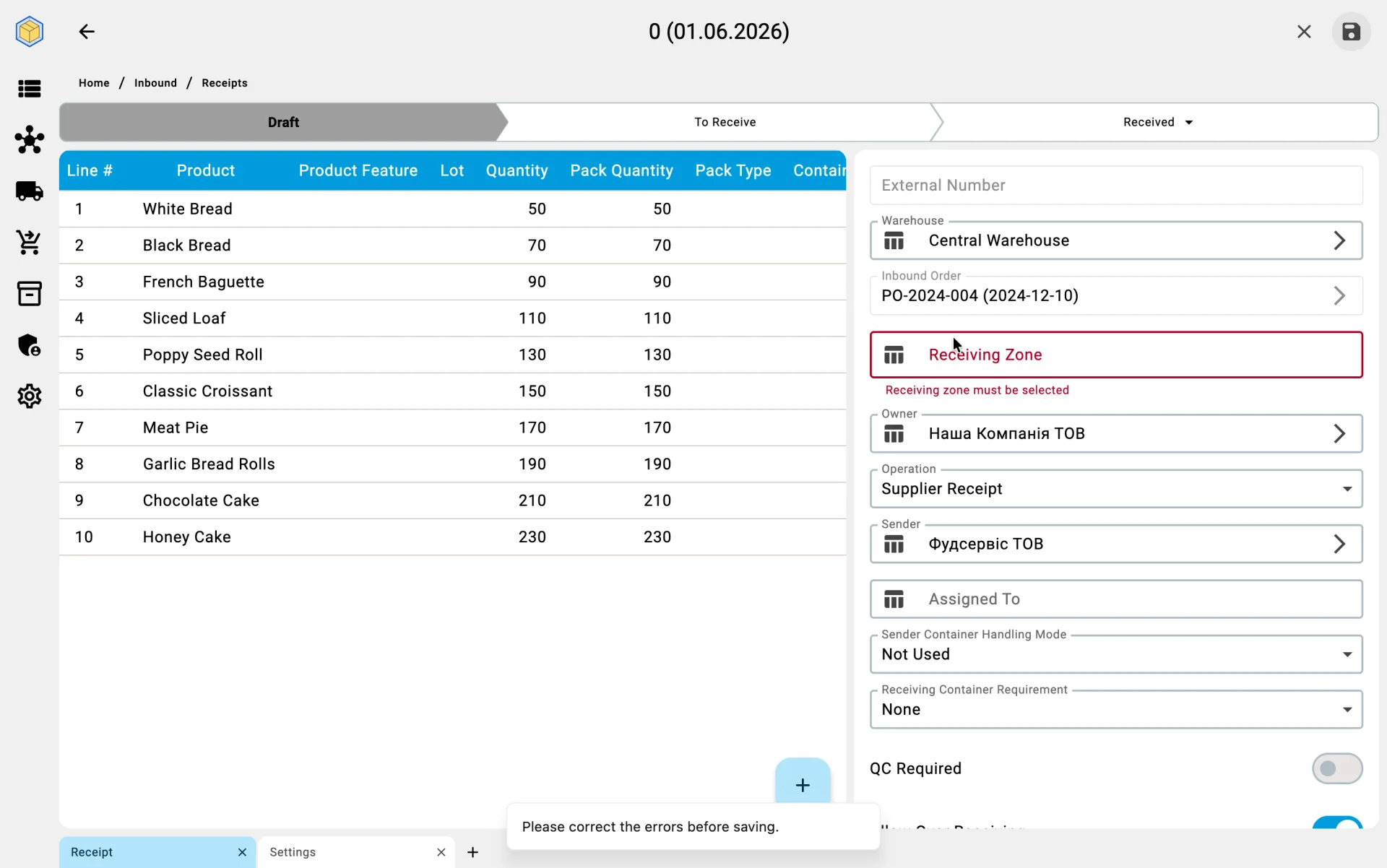
When the shift supervisor opens an existing inbound order, the system offers to build a receipt from it. The user confirms or fine-tunes:
- the system populates the receipt lines from the order lines, taking into account quantities not yet allocated to other receipts;
- if the order specifies containers, they are pulled into the receipt as full branches (nested ones included) — the operator does not need to copy them manually;
- line quantities equal what is still to be received; pack types are carried over from the original unless a partial receipt is already in flight;
- the user can narrow the selection — for example, limit the receipt to specific products, lots, or containers if the truck is bringing only part of the order.
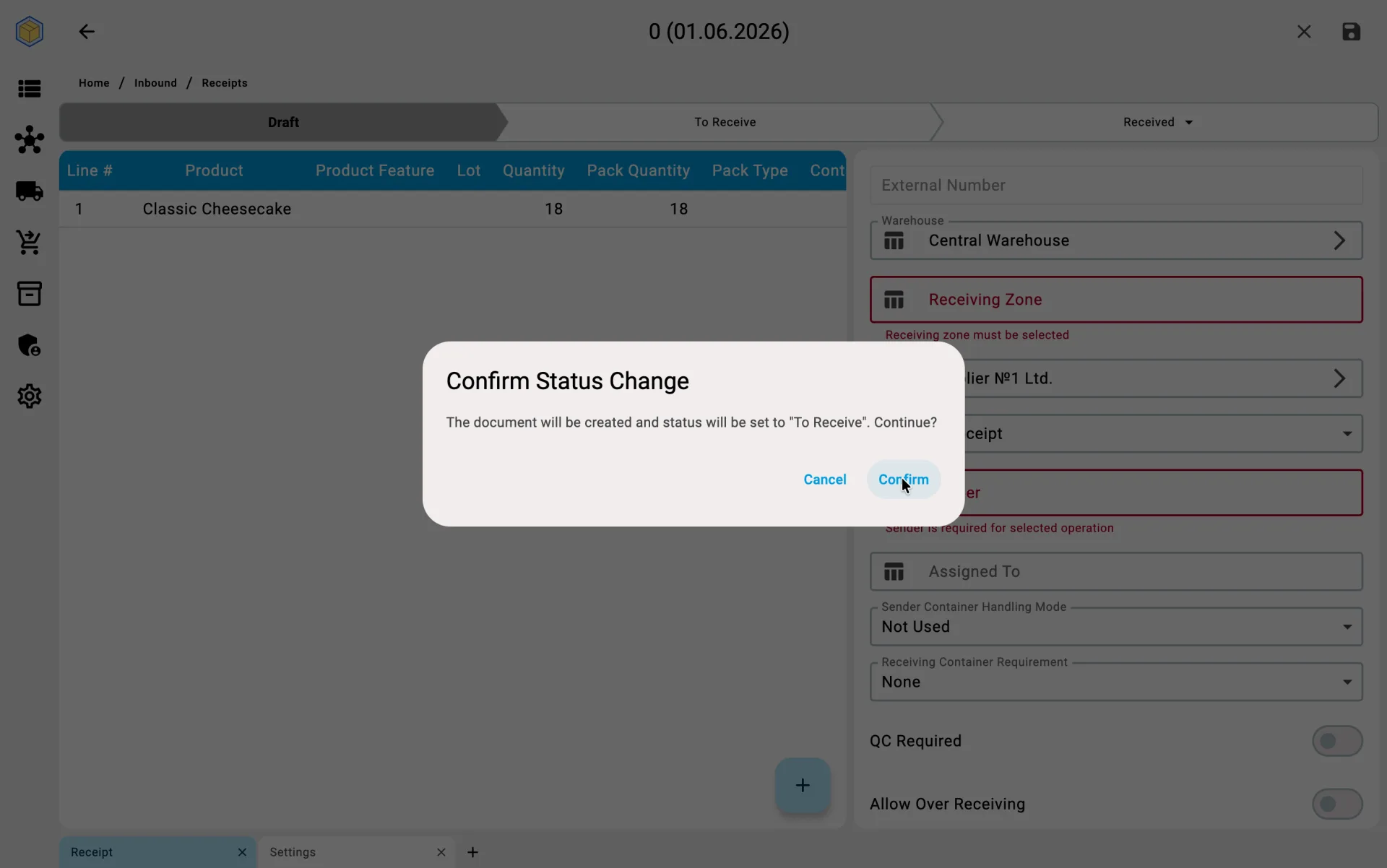
Once confirmed, the document is created in Draft. Lines can still be adjusted while the document is in Draft or To receive; editing closes once it moves to Received or Cancelled.
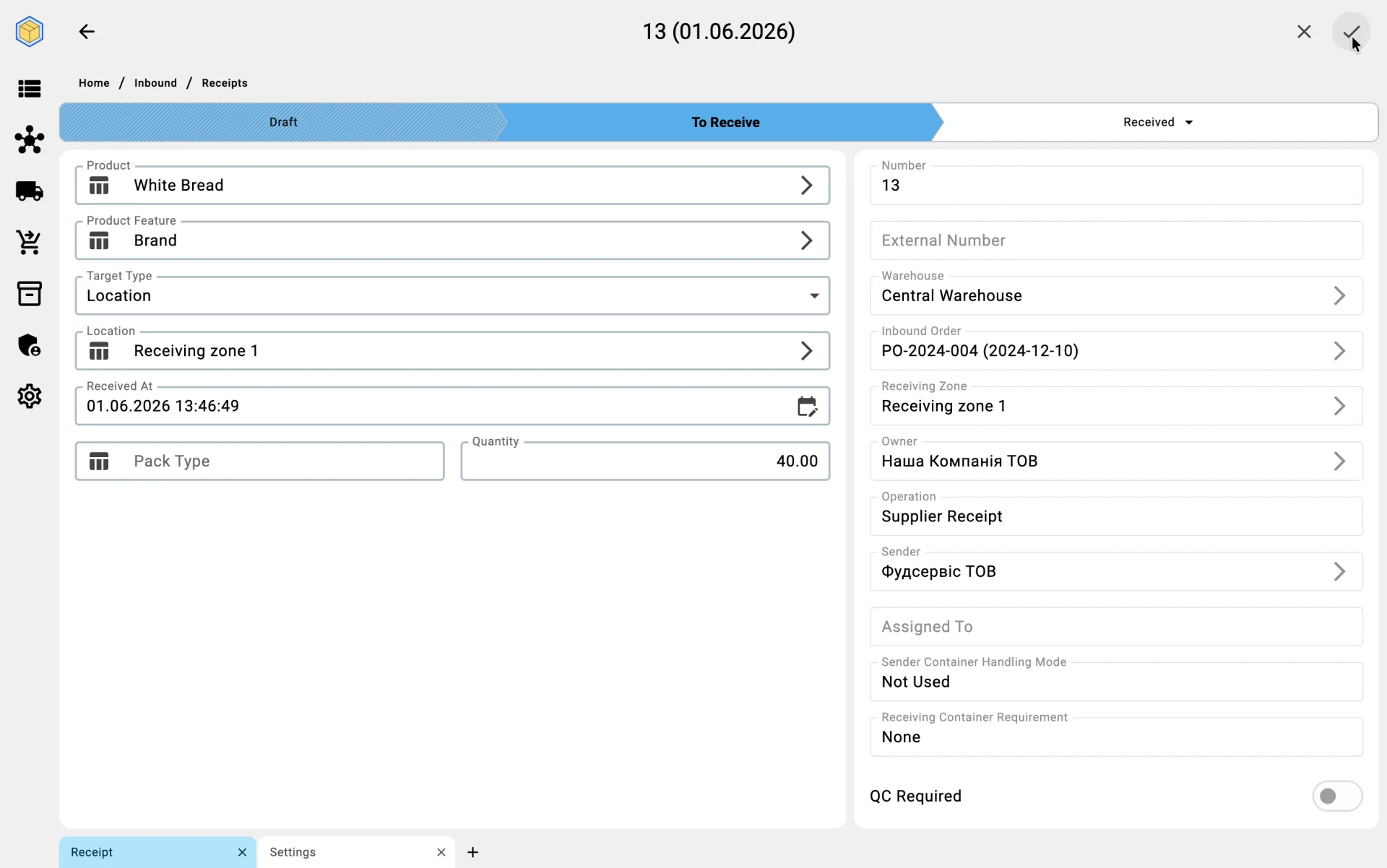
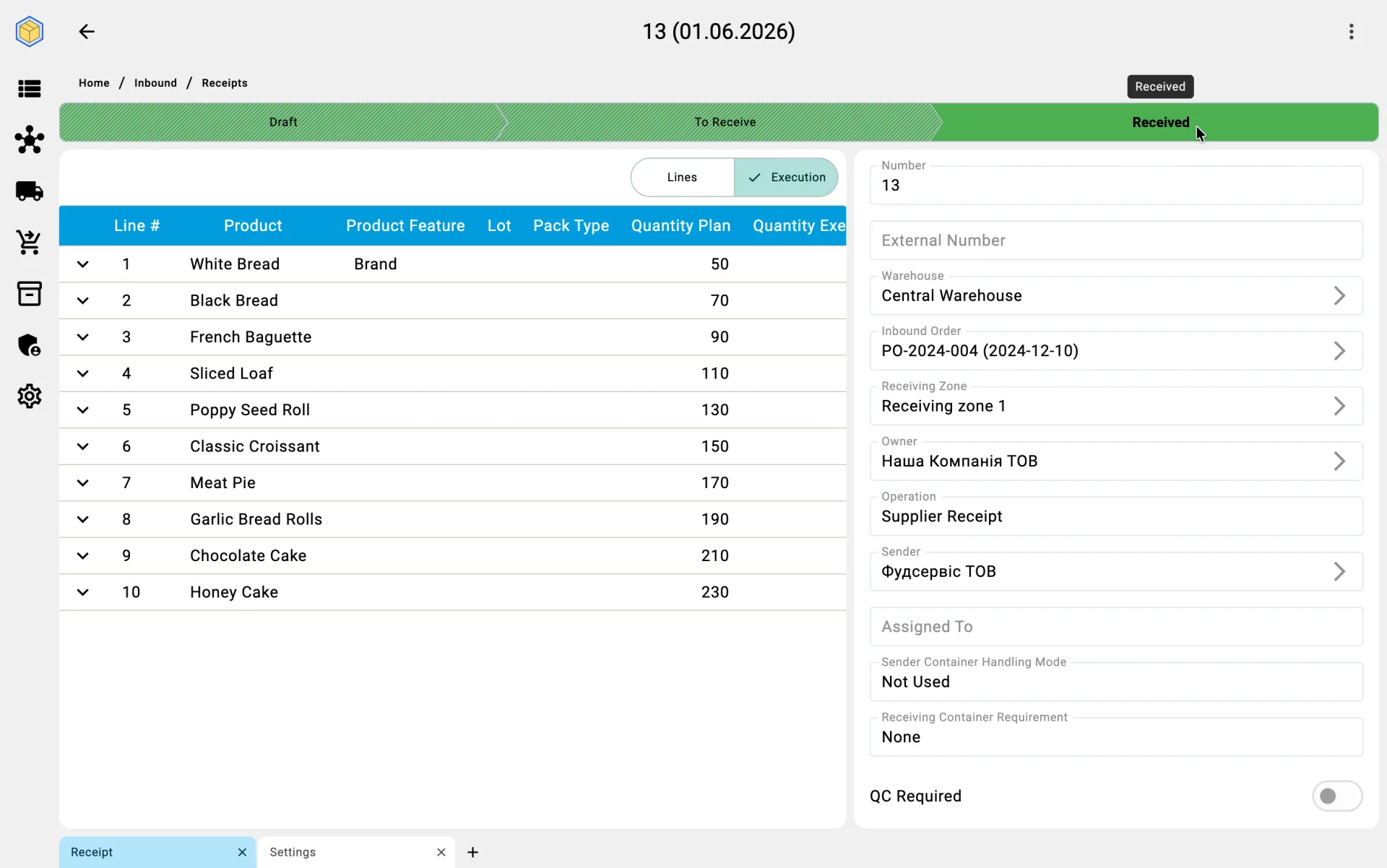
Standalone creation
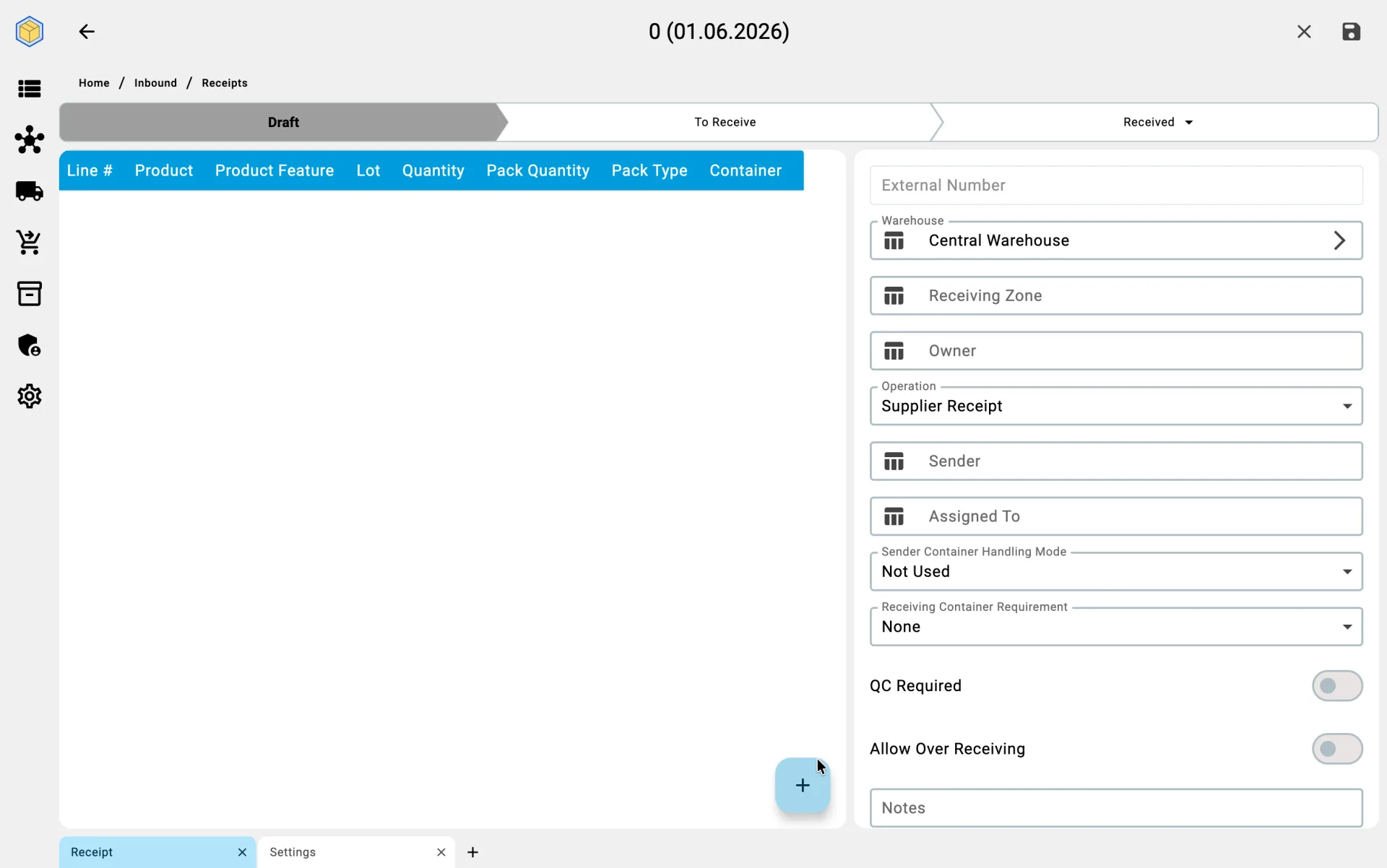
When there is no inbound order, the receipt is created from scratch:
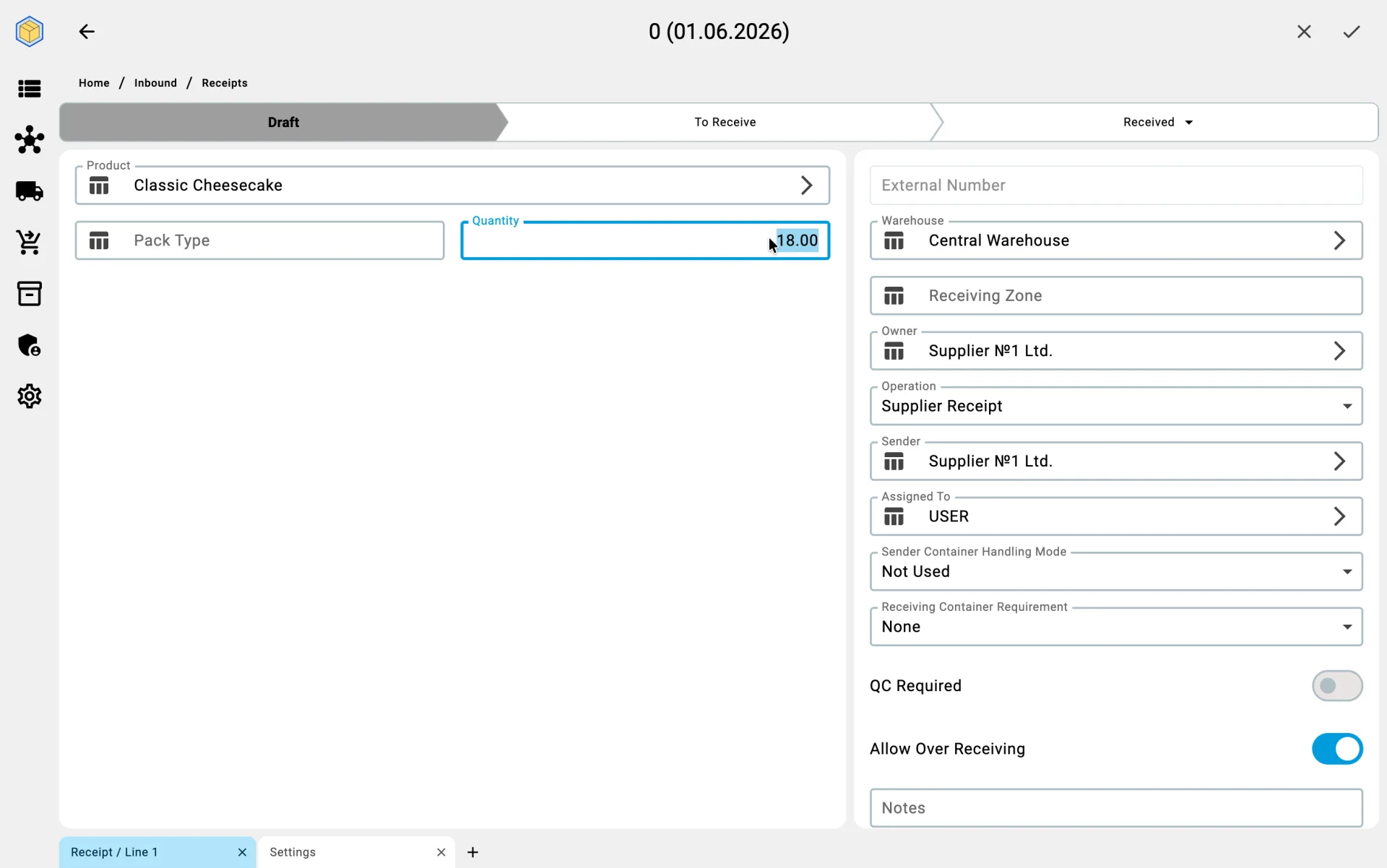
- the user fills in the warehouse, sender (if known) and, where needed, the other document attributes;
- lines are added by hand from the product catalogue;
- quantities and pack types are entered by the operator;
- containers, where used, are added separately by hand.
Typical cases where this path fits: emergency or unplanned deliveries, customer returns, transfers in from other warehouses without a prior order, and corrections to already-closed documents made by creating a new one.
On the PDT
On the PDT the operator does not create the receipt — they pick it up from the work list. See Receiving on PDT.