Approving the results
Counted results do not change stock by themselves — a person stays in control of the final decision.
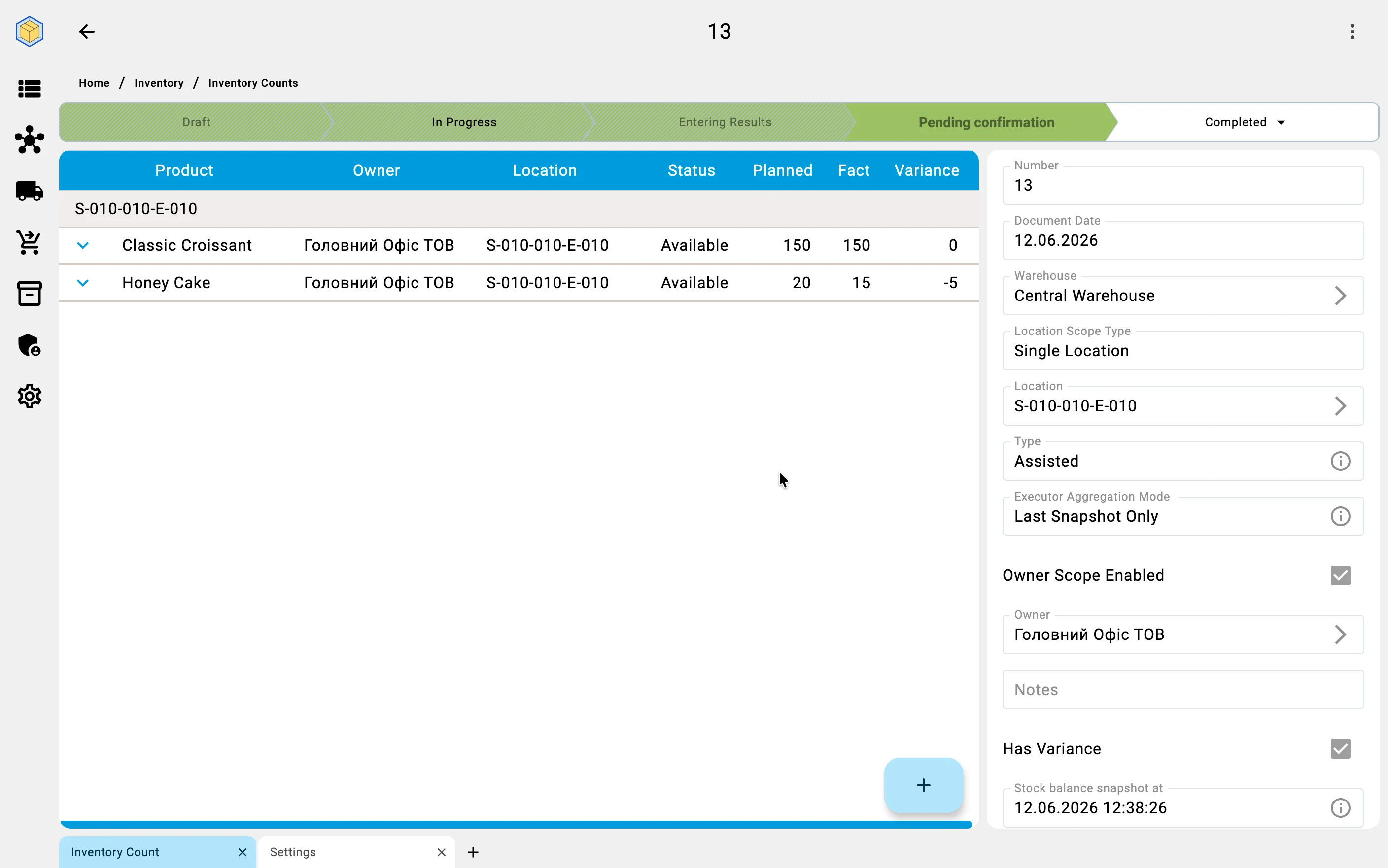
The supervisor reviews the list of discrepancies, weighs the probable causes (using the comments and the recount results from the previous phase), and approves the corrections. Approval works two ways:
- In one batch — approve the whole list at once when the discrepancies are small and unsurprising.
- Position by position — go through the list line by line, approving the routine entries and holding back the doubtful ones for investigation.
Until a discrepancy is approved, the stock records stay untouched.
When completion is refused
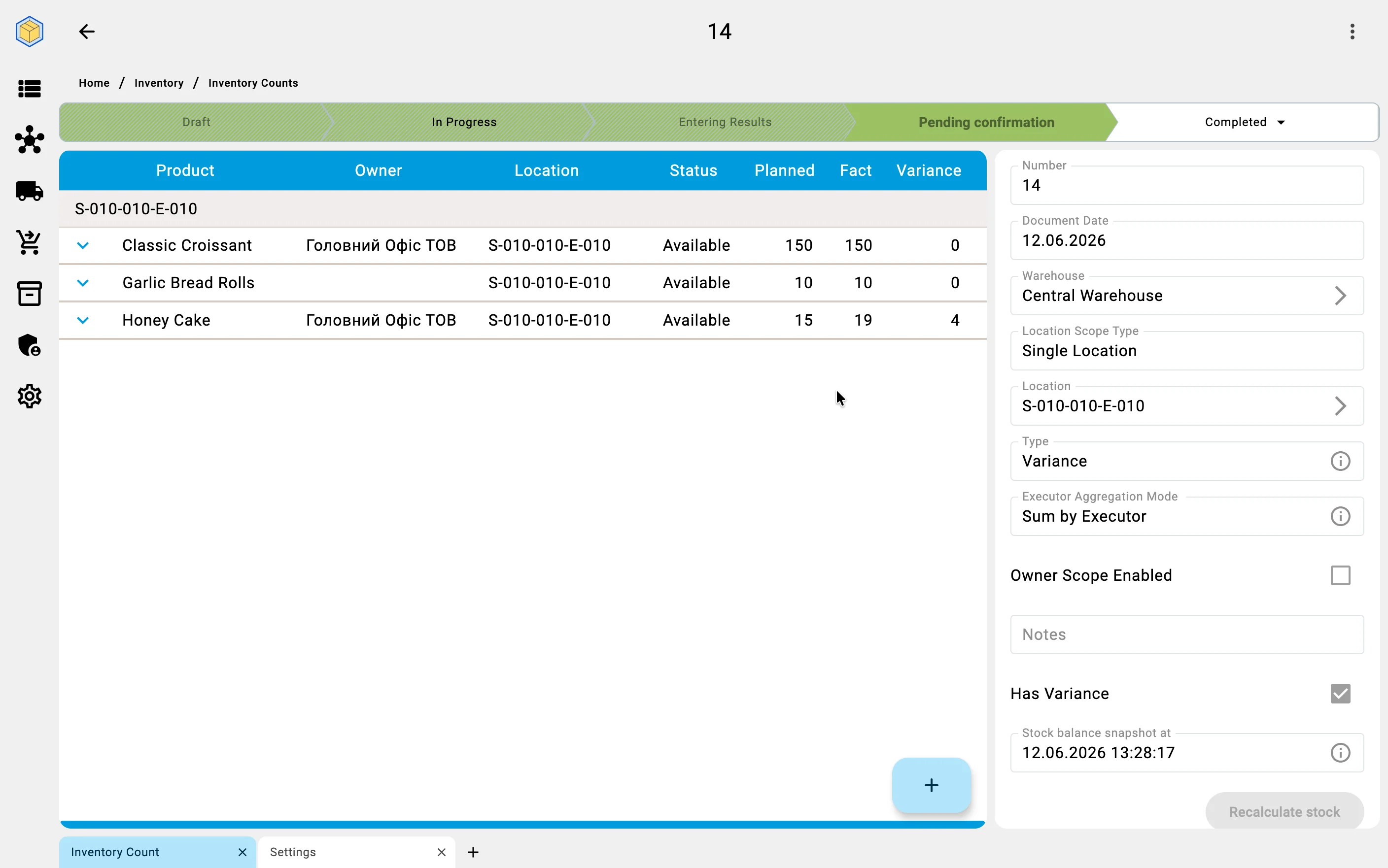
Completing a count that fully covers its cells — one scoped to a single cell or a storage area, with no owner narrowing — is the system's statement that those cells are verified as of the count's stock-snapshot moment. To protect fresher data, the system refuses to complete such a count if any covered cell has meanwhile been counted by a more recent count. The way out: rebuild the stock snapshot to the present moment (see Planning the count), re-check the positions the rebuilt comparison flags, and finish again — or cancel the count.