Preparing counting tasks
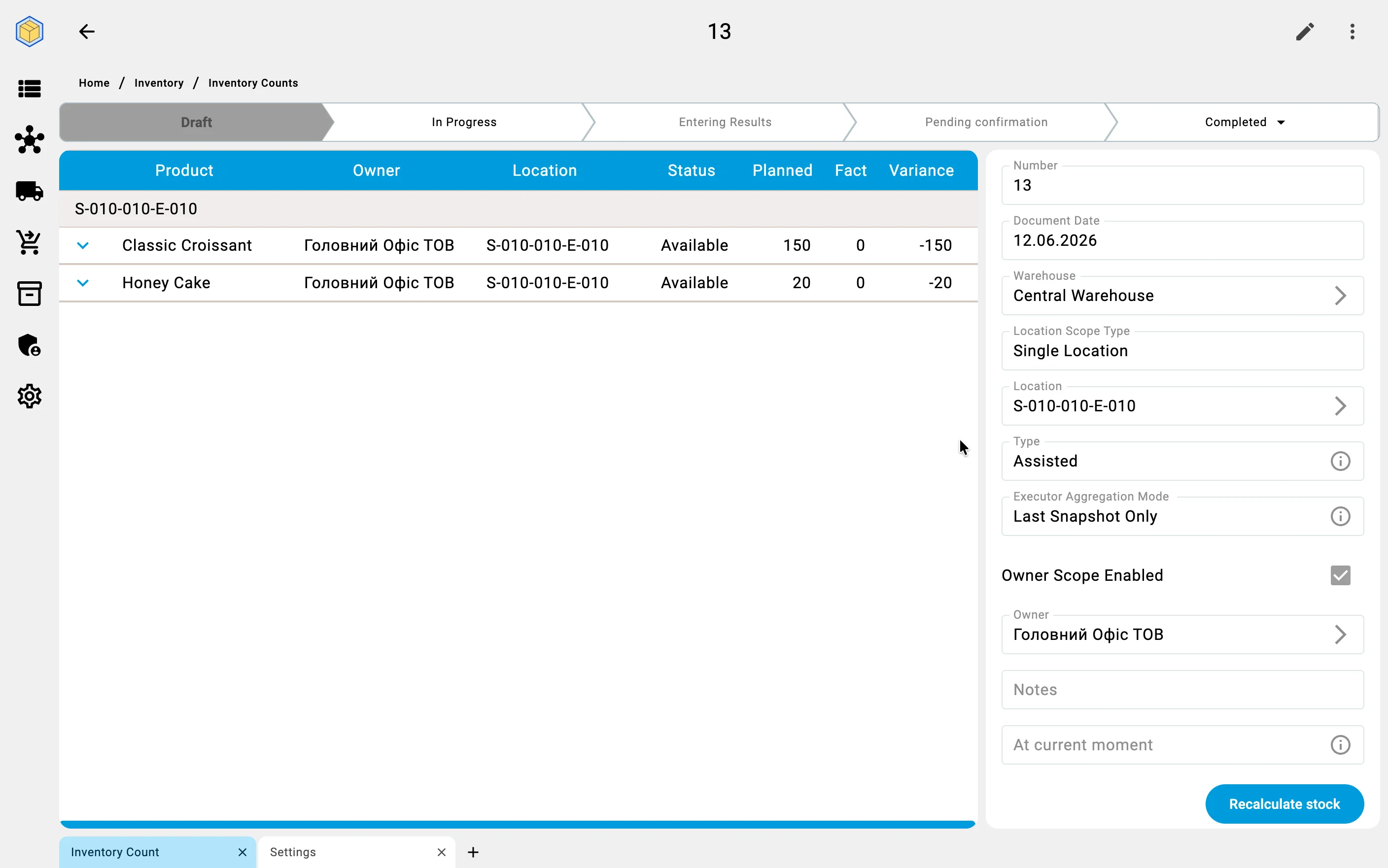
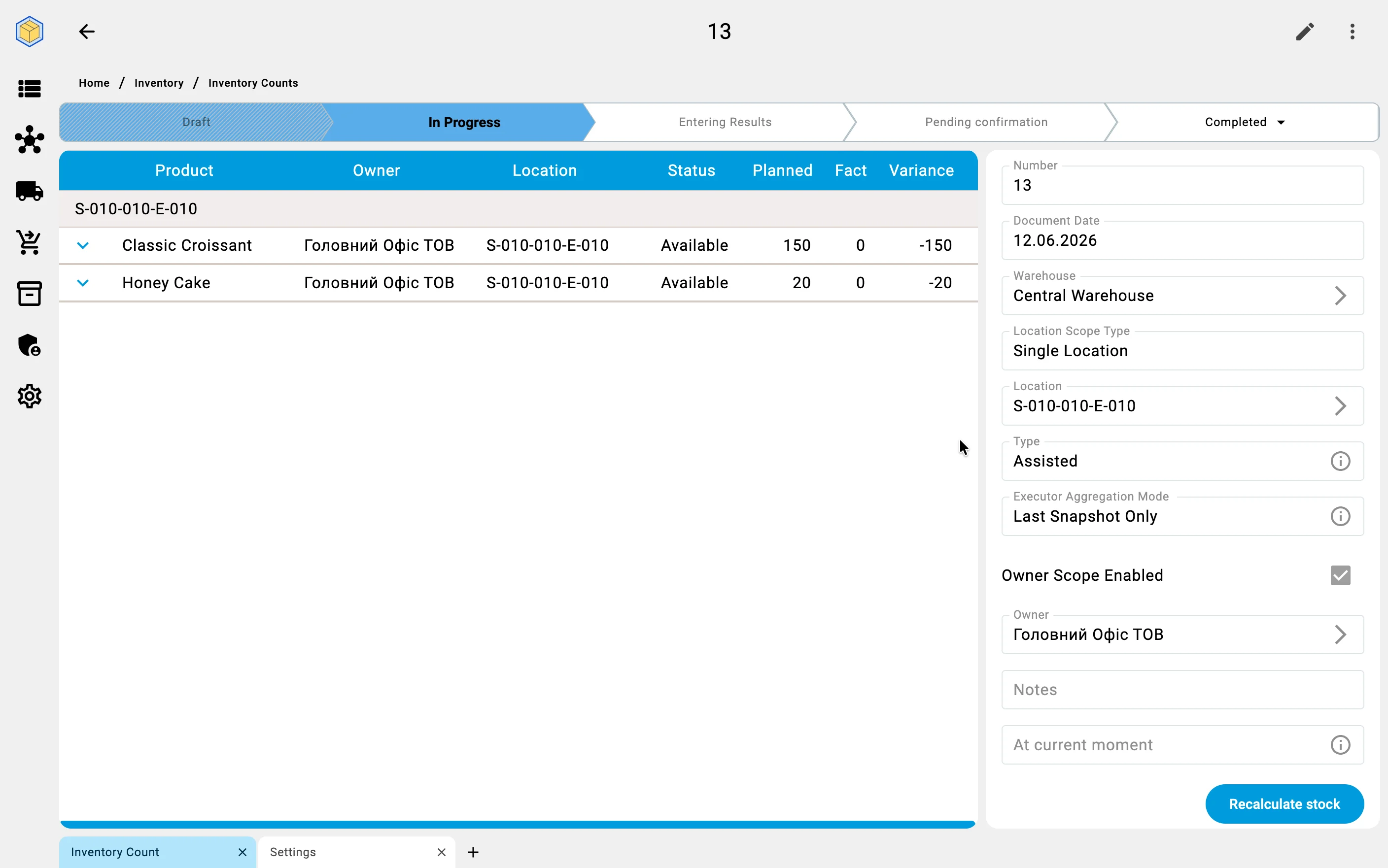
Once the scope is set and the executors are assigned, the system prepares the actual work.
Counting tasks
For every executor the system builds a counting task — the list of cells that executor has to recount. Along with the list, the system suggests a recommended route through the warehouse, so the operator walks the cells in an efficient order instead of criss-crossing the aisles. Each group works its own zone, which is what makes parallel counting possible.
The tasks appear on the executors' terminals — from this point the work continues on the PDT (see Counting on the PDT).
What gets blocked while counting
The warehouse keeps working during a count — receiving and shipping continue in the zones the count does not cover. To keep the numbers trustworthy, the system:
- blocks operations only in the zones that are being counted;
- does not allow moving goods in the covered cells while counting is underway — otherwise the same goods could be counted twice or missed entirely;
- lifts the blocks automatically as soon as the count completes, and normal work resumes without any manual step.
The tasks prepared here appear in the operator's task list on the terminal — see the PDT flow for how a task is executed.