Reviewing discrepancies
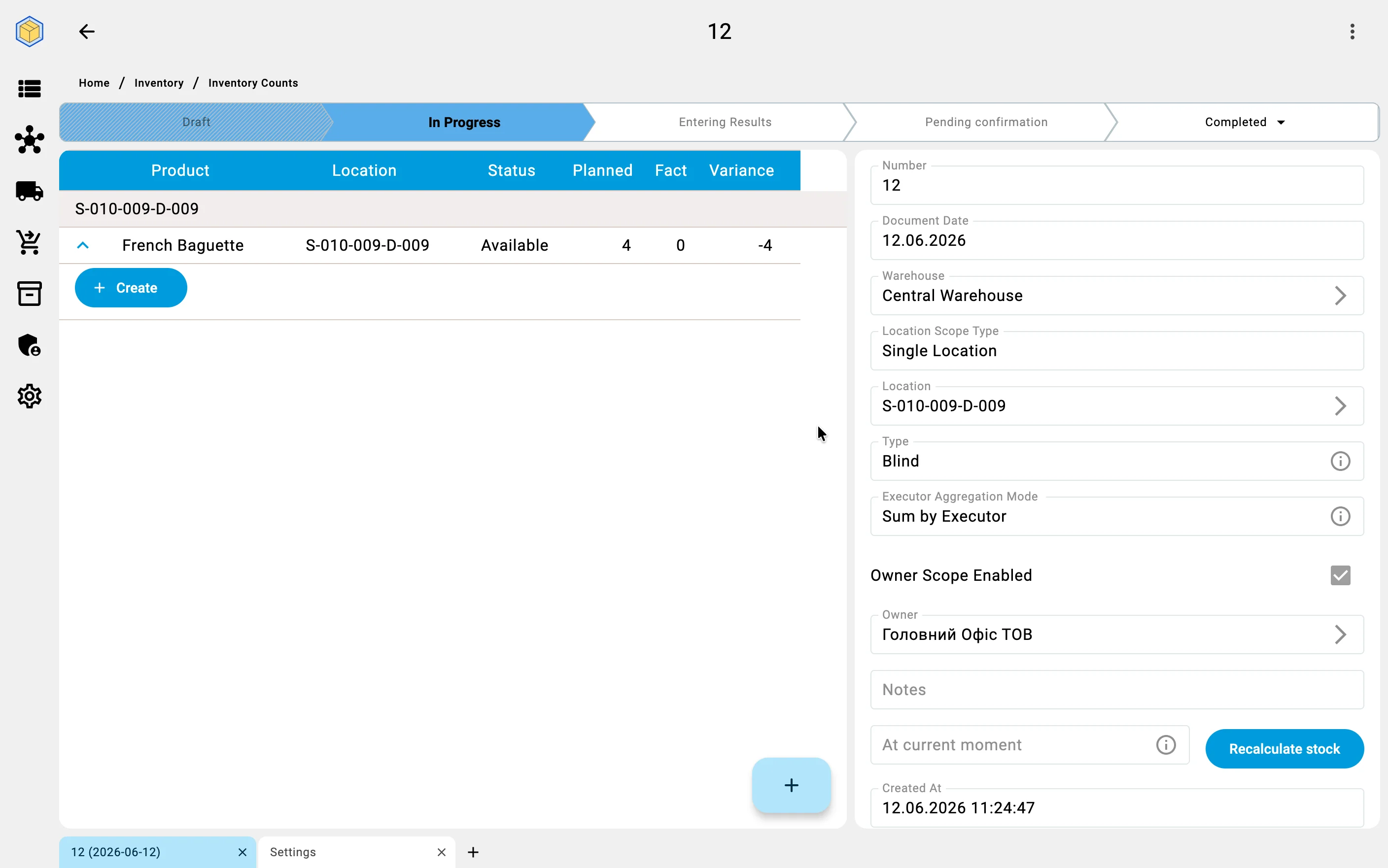
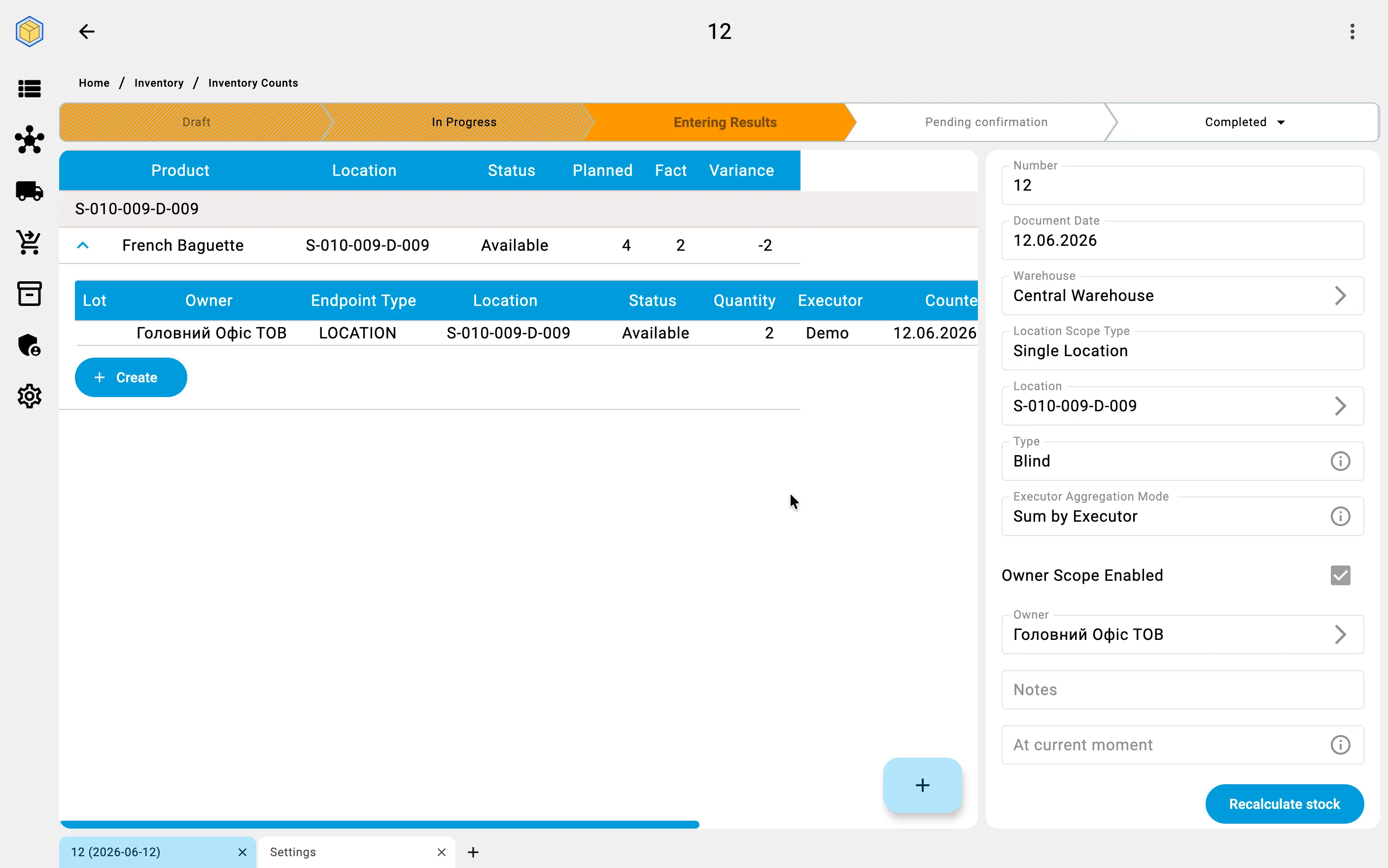
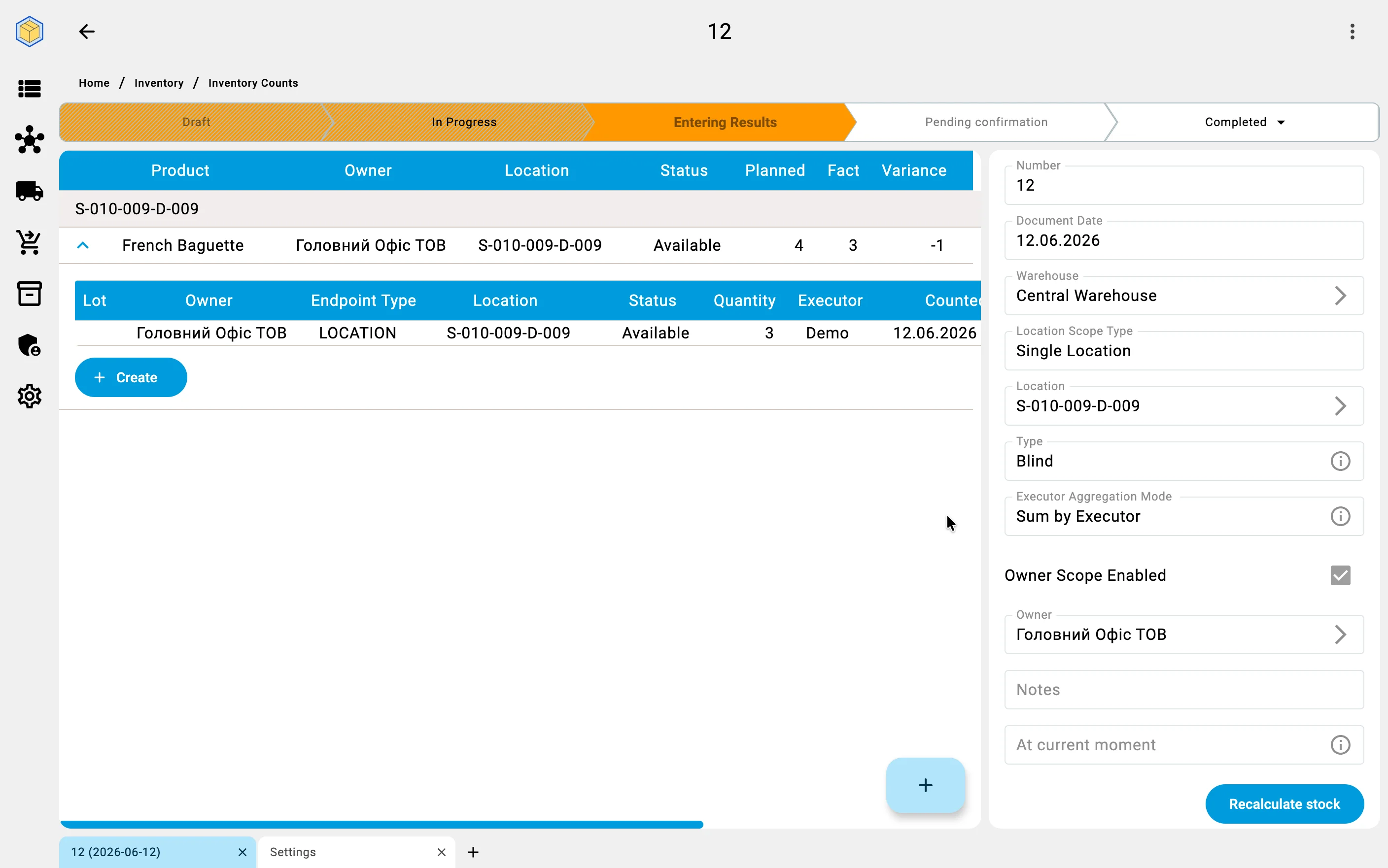
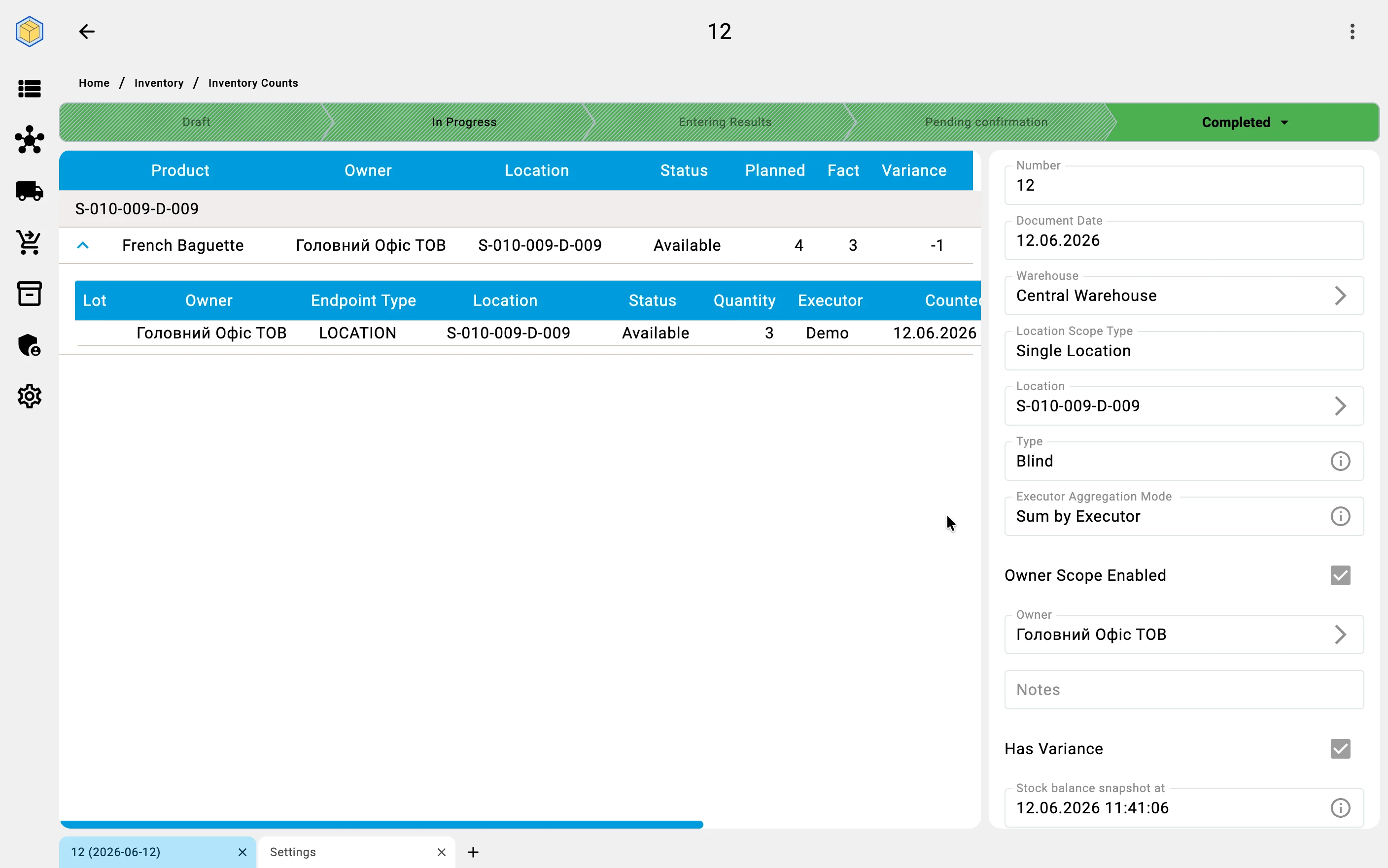
As counting tasks complete, the system compares every entered quantity with the records. Where the numbers match, there is nothing to do. Where they differ, the system records a discrepancy — the cell, the product, the recorded quantity, and the counted quantity.
In the count document the differences show in two places: every item line carries the Planned («Заплановано»), Fact («Факт»), and Variance («Розбіжність») columns, and a count that completes with differences gets the Has Variance («Має розбіжності») mark — see Count statuses.
Automatic recount
A discrepancy is not corrected blindly. For critical discrepancies the system can automatically assign a recount — a second counting task for the same cells, which lands in the task list on the PDT like any other and may be given to a different operator. Only a discrepancy confirmed by the recount moves on to approval.
Finding the cause
A discrepancy is more than a number — it is a potential signal of a problem: theft, an operator mistake, regrading, or a wrong entry made back at receiving. To help find the cause, the system:
- keeps the history of all discrepancies over a period, so problem zones, products, or shifts stand out;
- lets you comment every discrepancy with its probable cause;
- builds discrepancy reports that can be handed to management and to security;
- integrates with the quality module — if the cause is damaged goods, a quality incident can be raised at the same time as the discrepancy is processed.