Wave picking in the client app
This document covers the end-to-end wave-picking process as it runs in the client app — on a workstation, used by a shift supervisor. In the client you plan and monitor: you build a wave from customer orders, plan it into pick work, release it to the floor, and watch every step to completion. The hands-on picking happens on the handheld terminal; the client shows its live state.
Replenishment, sorting, and packing are optional steps — they run only when the wave's picking policy turns them on.
Phase 1. Preparing the wave
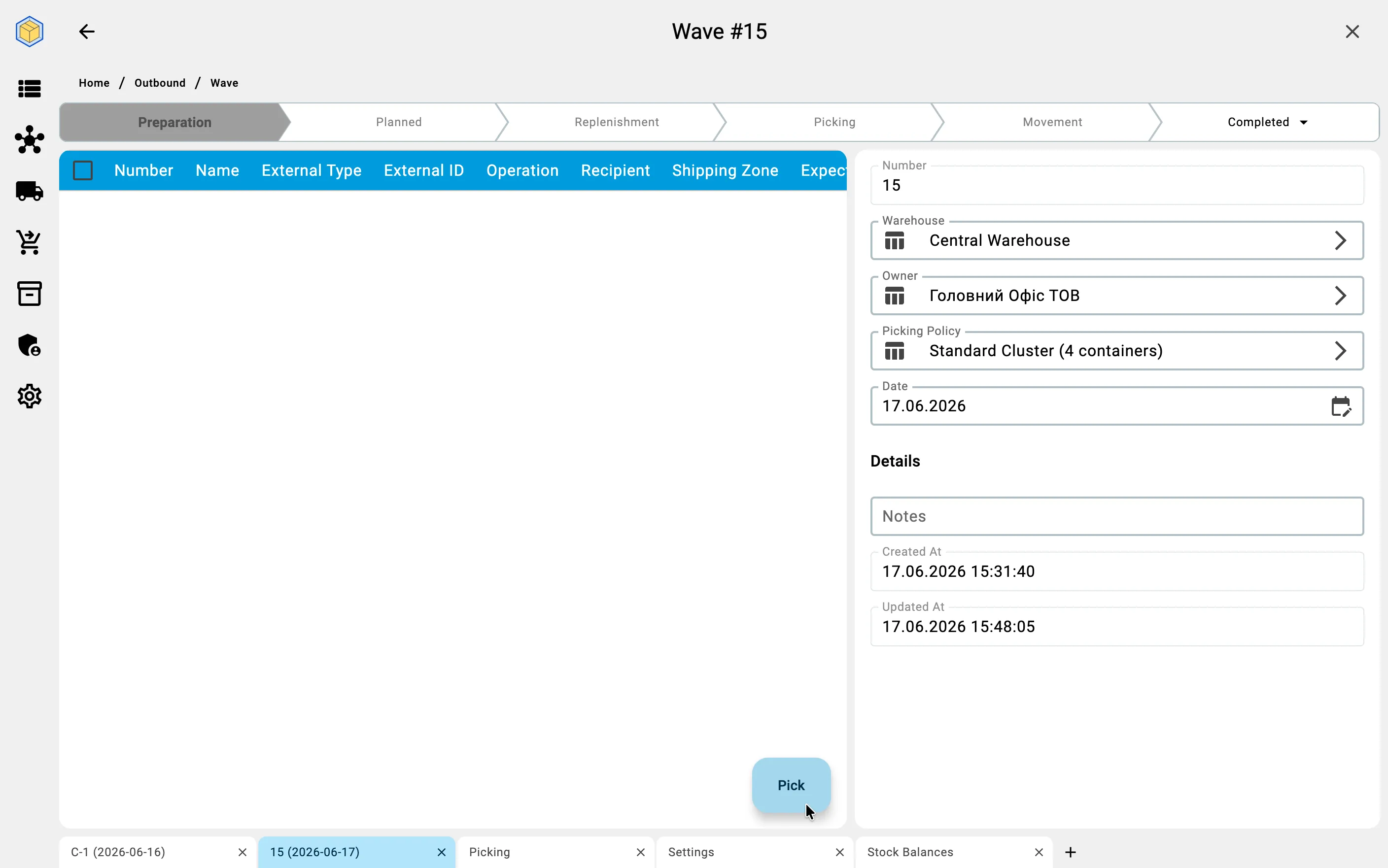
A wave starts on the wave list, where the Create action opens a blank wave in Preparation. This is the only status in which the wave can be edited freely.
On the wave's main tab the supervisor sets:
- Warehouse — required; the warehouse the wave will pick from.
- Owner — the goods owner, when the warehouse holds stock for several.
- Picking policy — the wave picking policy that decides the methodology and which optional steps (replenishment, sorting, packing) the wave will run. If the chosen policy uses sorting or packing, extra Sorting location and Packing location fields appear to receive them.
- Date — the working date of the wave.
- Notes — free text.
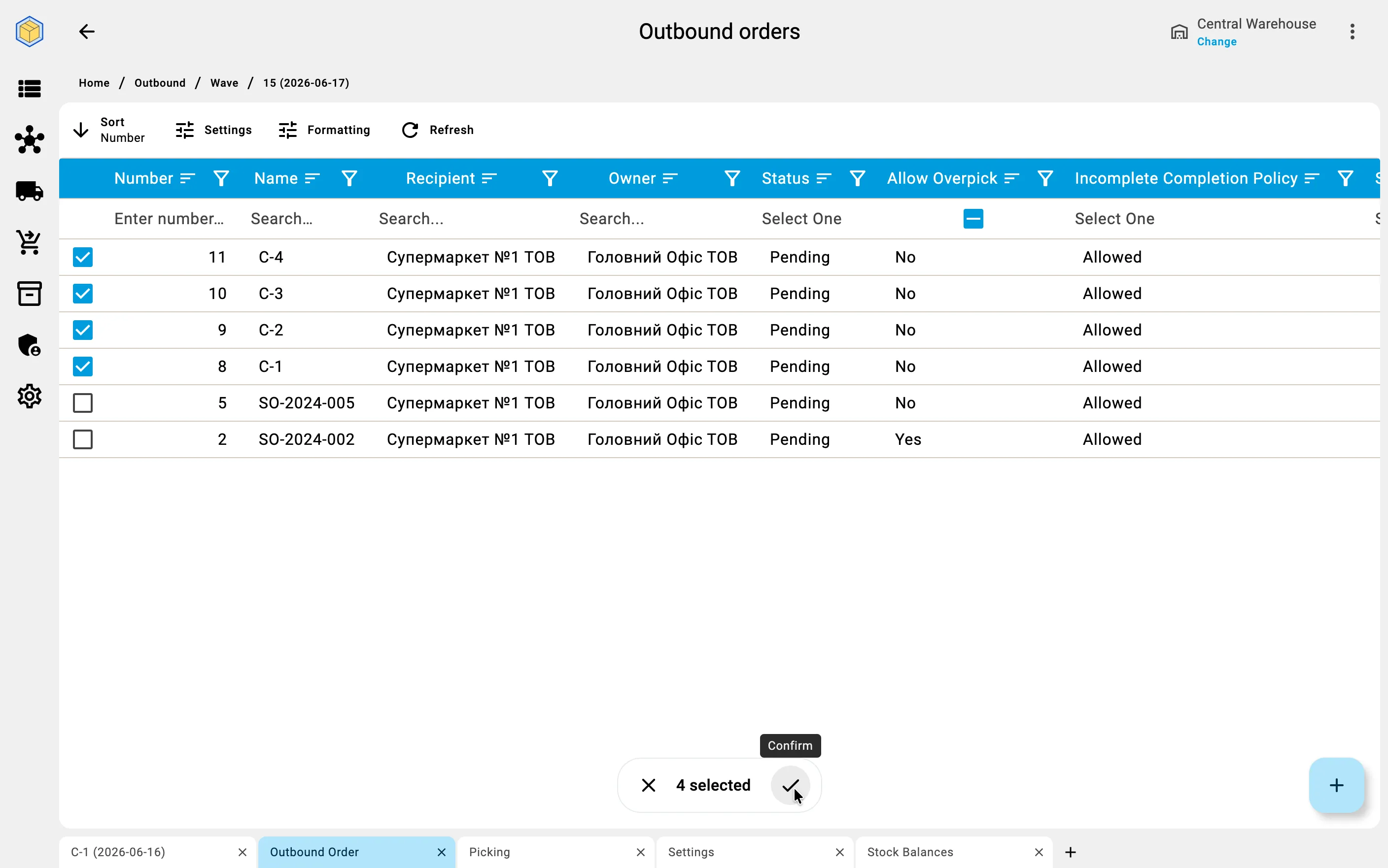
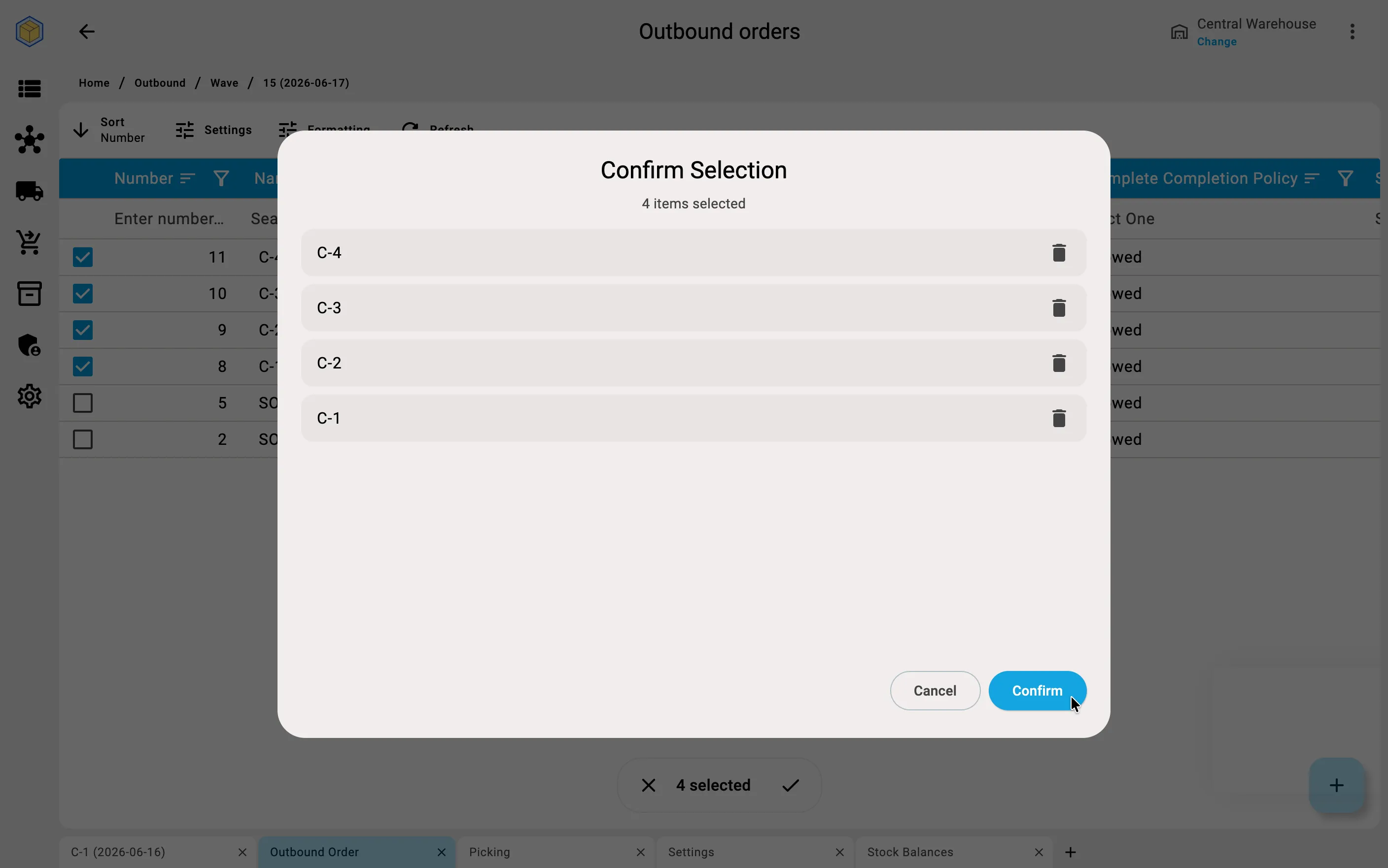
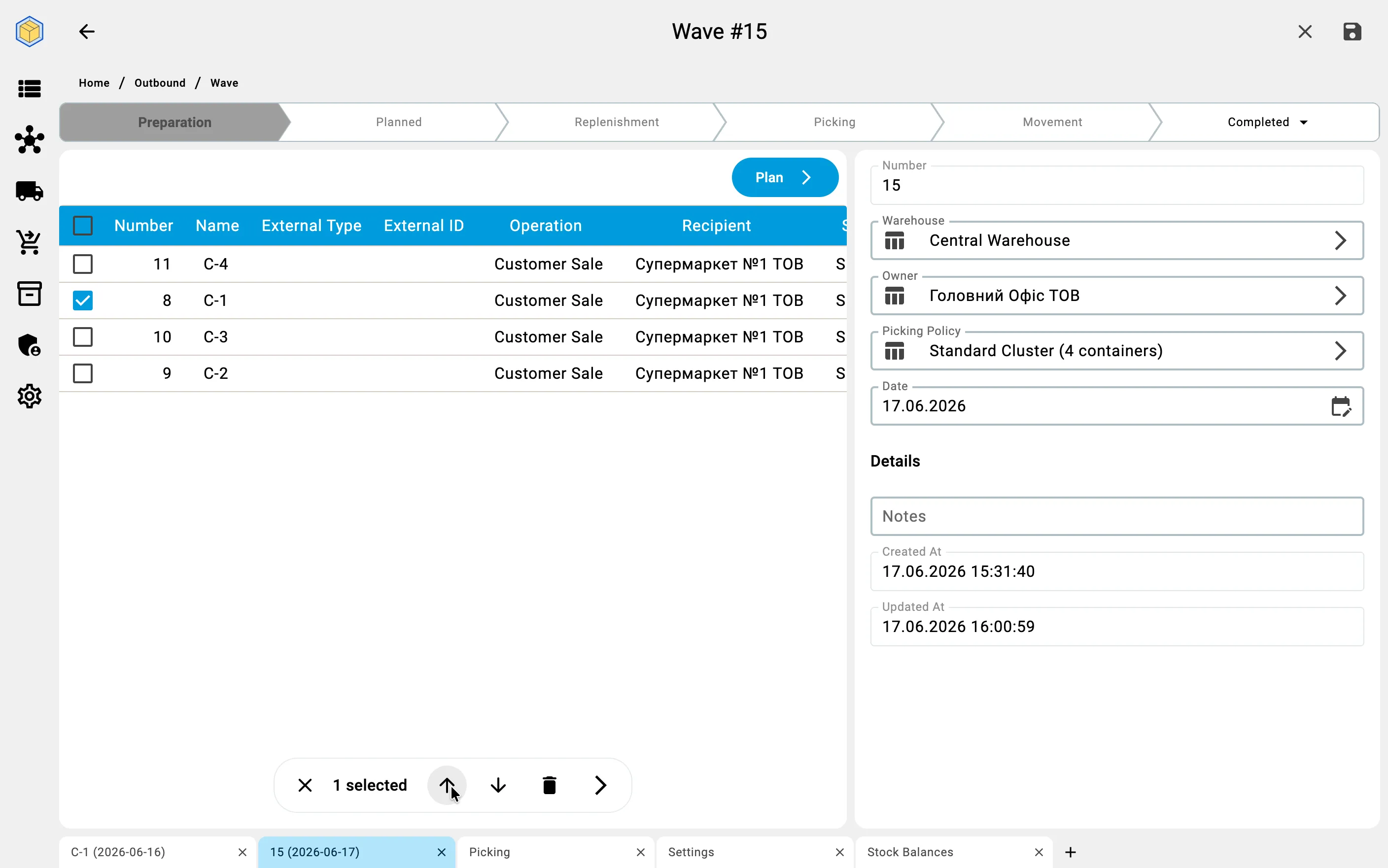
On the Orders tab the supervisor adds the customer orders to pick. Only orders that are ready — in Pending — can be added. Orders can be reordered (move up / move down) or removed while the wave is still in preparation; their order sets the sequence in which the wave plans them.
Nothing is reserved and no pick work exists yet — that happens at planning, unless the warehouse uses free picking, where nothing is ever reserved.
Phase 2. Planning the wave
When the order set is ready, the Plan action turns the wave's orders into pick work. The wave moves to Planned and each order moves from In Wave into a planned state that reflects how much of it could be covered from stock:
- Fully Planned — every line got pick work.
- Partially Planned — only part of the quantity could be planned (for example, stock was short).
- Not Planned — nothing could be planned yet.
If none of an order's lines could be planned — for example because the stock is still in the receiving zone, which planning does not draw from — no pick documents are generated for it, and a wave with no picks at all cannot be launched (the client reports that the wave has no picking documents). Put the stock away into a storage or pick cell first, then plan again.
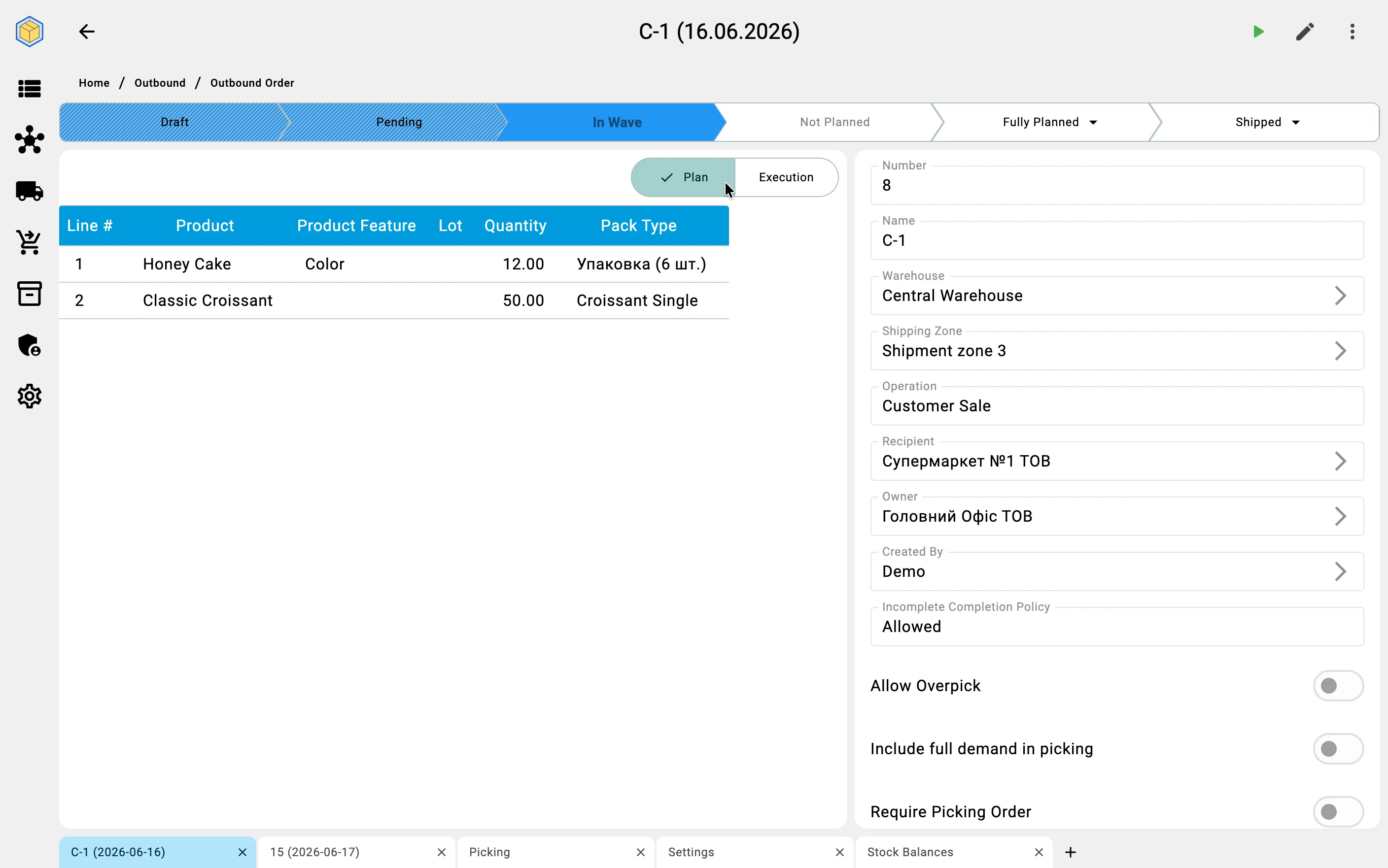
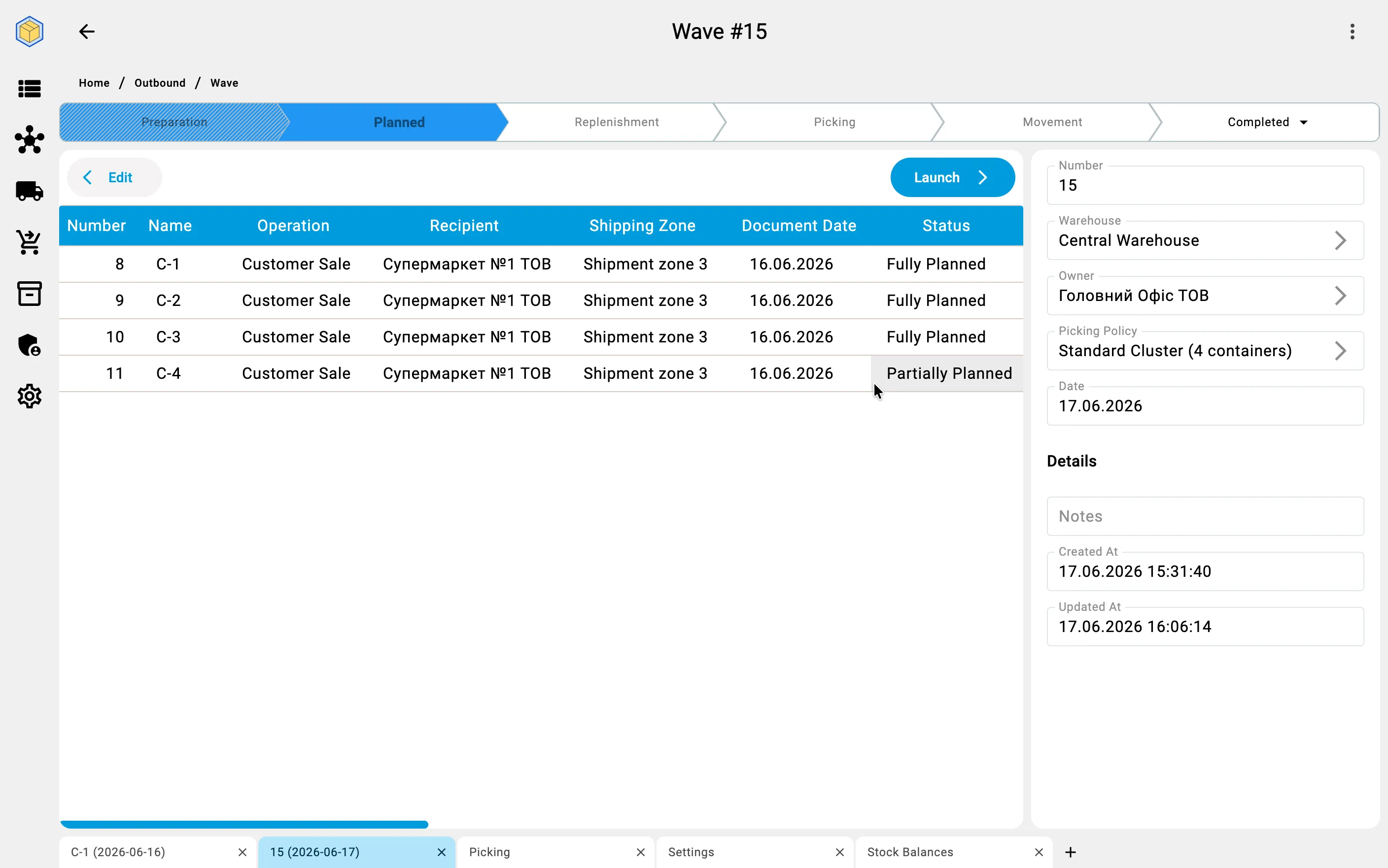
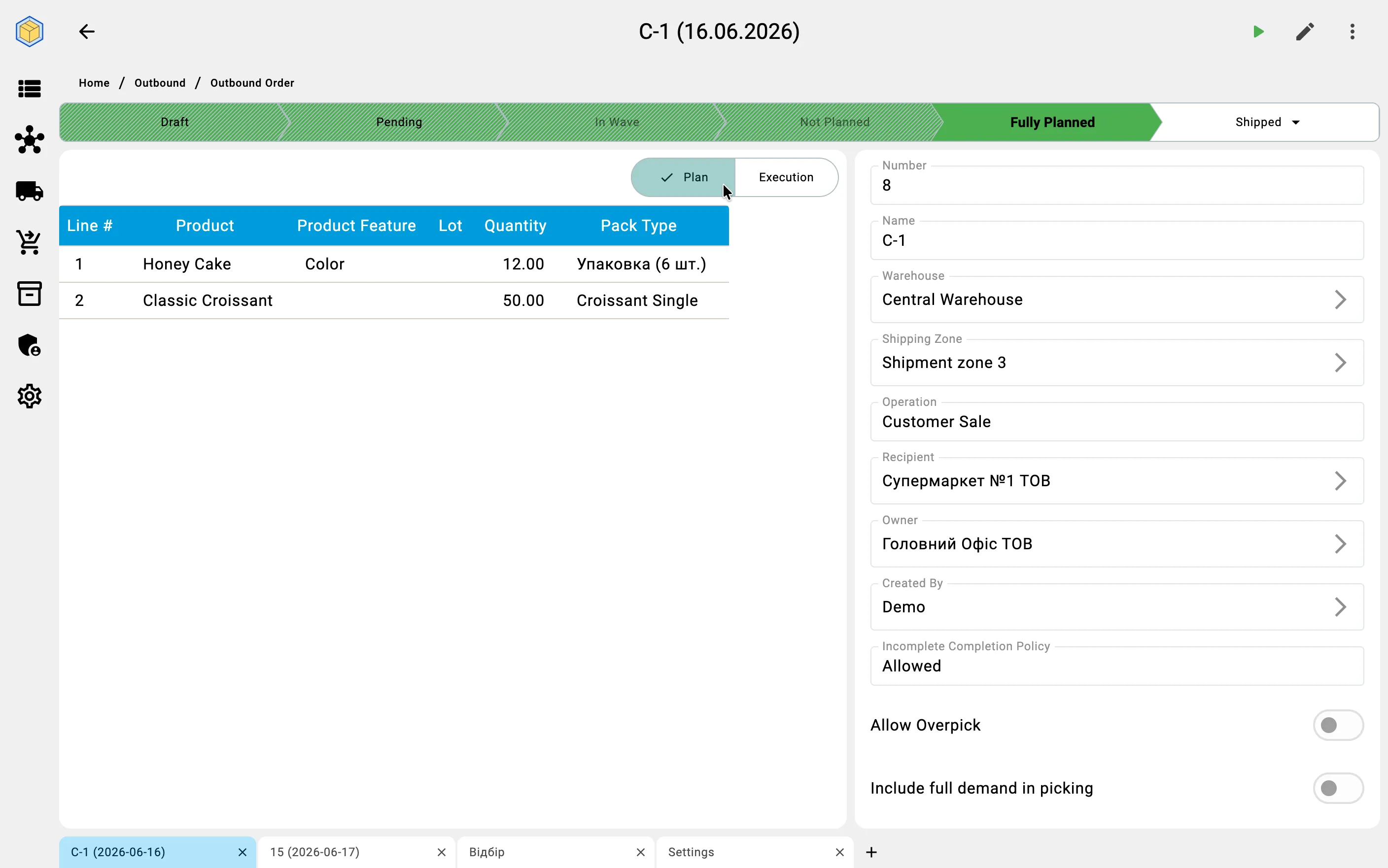
How the orders are grouped into pick documents is decided by the policy's picking methodology:
Picking methodology
Discrete
One pick document per order — the picker works a single order at a time, with no later sorting step. See Discrete methodology.
Batch
Several orders are picked together in one pass, then split out per order at a sorting step. See Batch methodology.
Cluster
The picker drops each pick straight into a per-order container on a cart — no separate sorting step. See Cluster methodology.
If the order set was wrong, the To Draft action returns the wave to Preparation, discarding the generated pick work so the supervisor can adjust the orders and plan again. When the plan looks right, the wave is released at the next phase.
Phase 3. Replenishment (optional)
Replenishment runs only when the wave's picking policy has Require replenishment before picking turned on. Its job is to top up the pick faces with stock so that picking can run without running out.
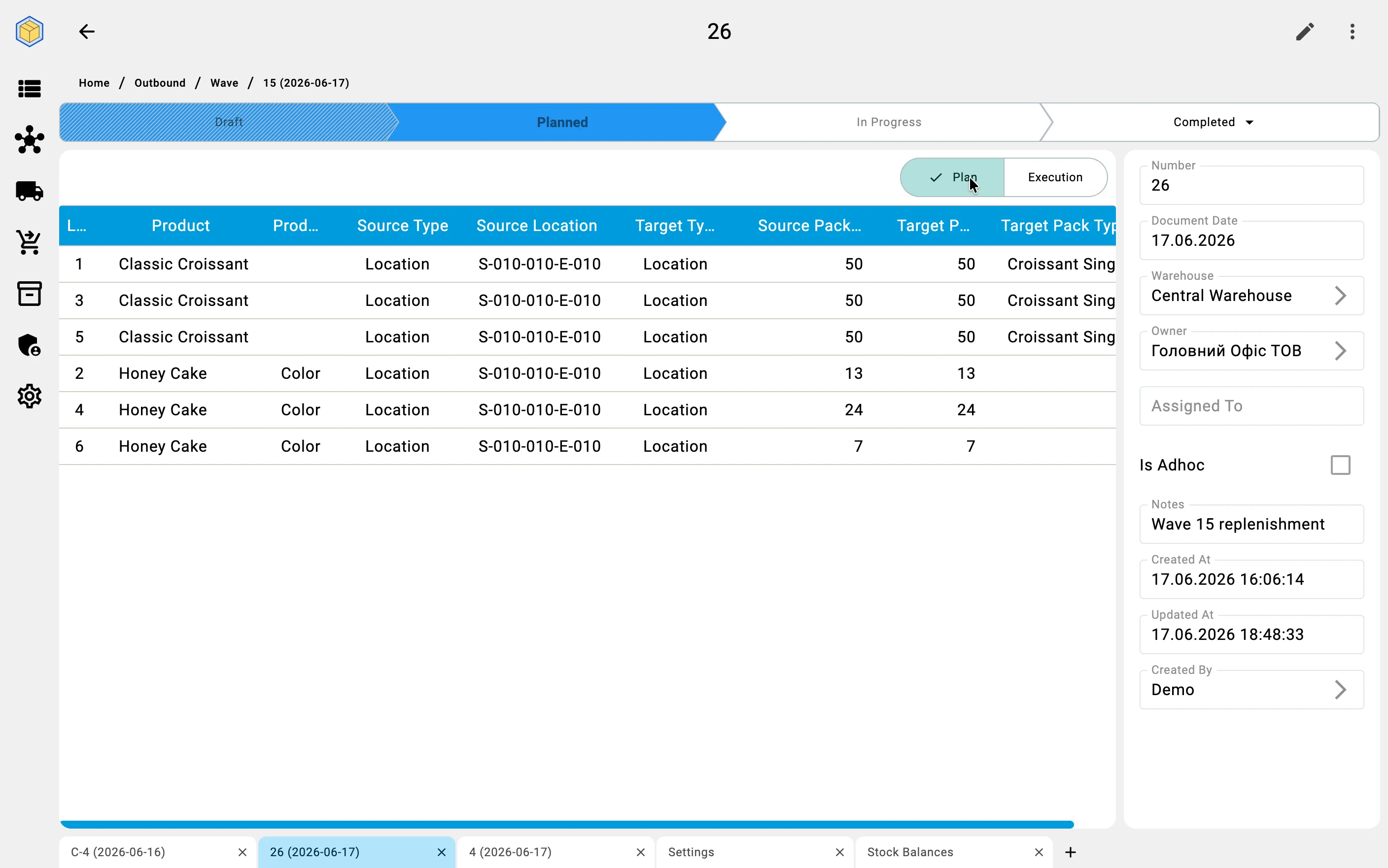
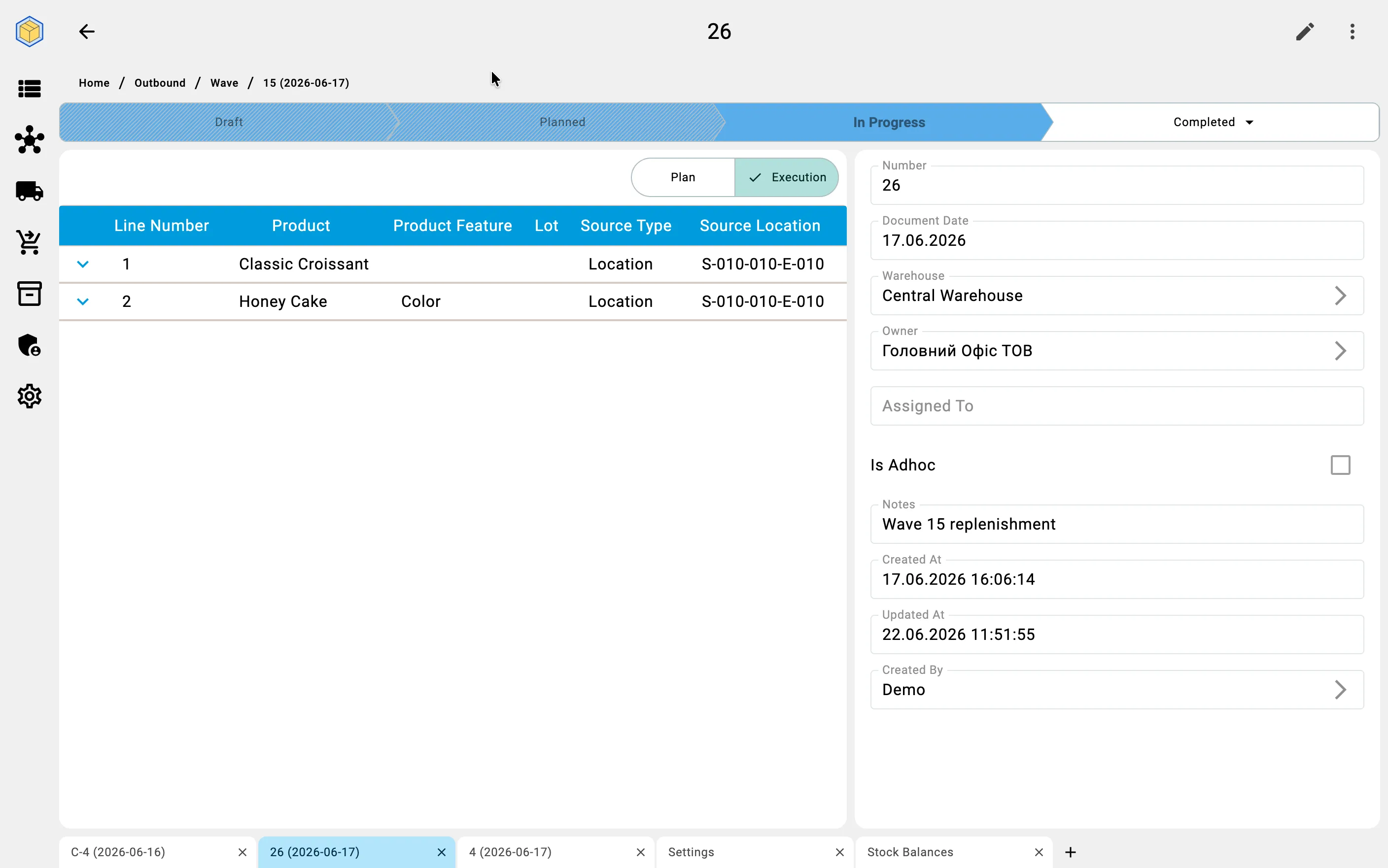
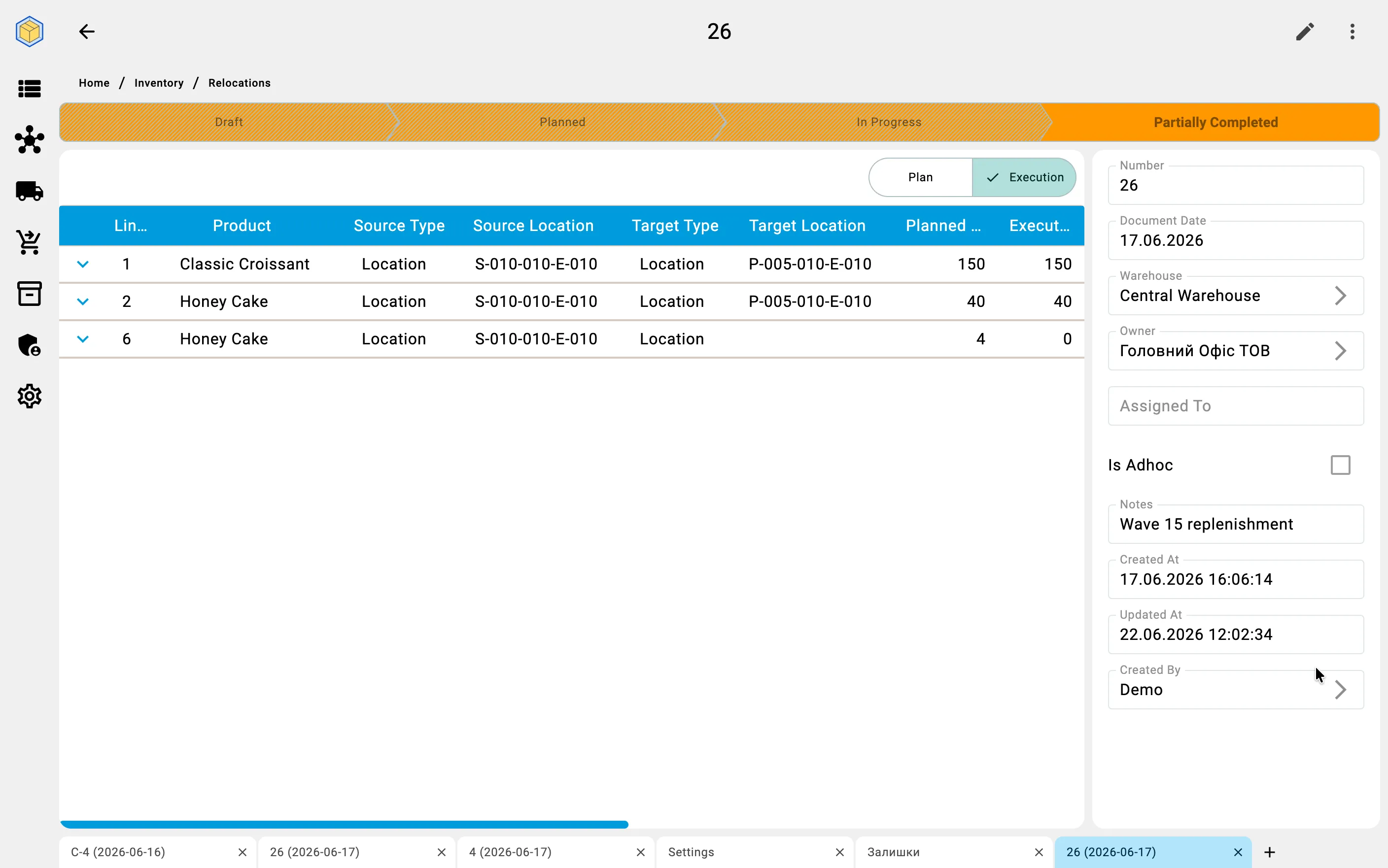
When the wave reaches Replenishment, the client shows the replenishment moves the system has generated as a list to watch. The moves themselves are carried out in the relocation area, not from the wave. Once they are done, the wave advances to picking on its own — there is no manual action here.
Whether the wave waits for replenishment is set by that toggle. With it off, picking starts without waiting, and any stock not yet in the pick face shows up as a debt position on the picks — clearing once its replenishment move is done.
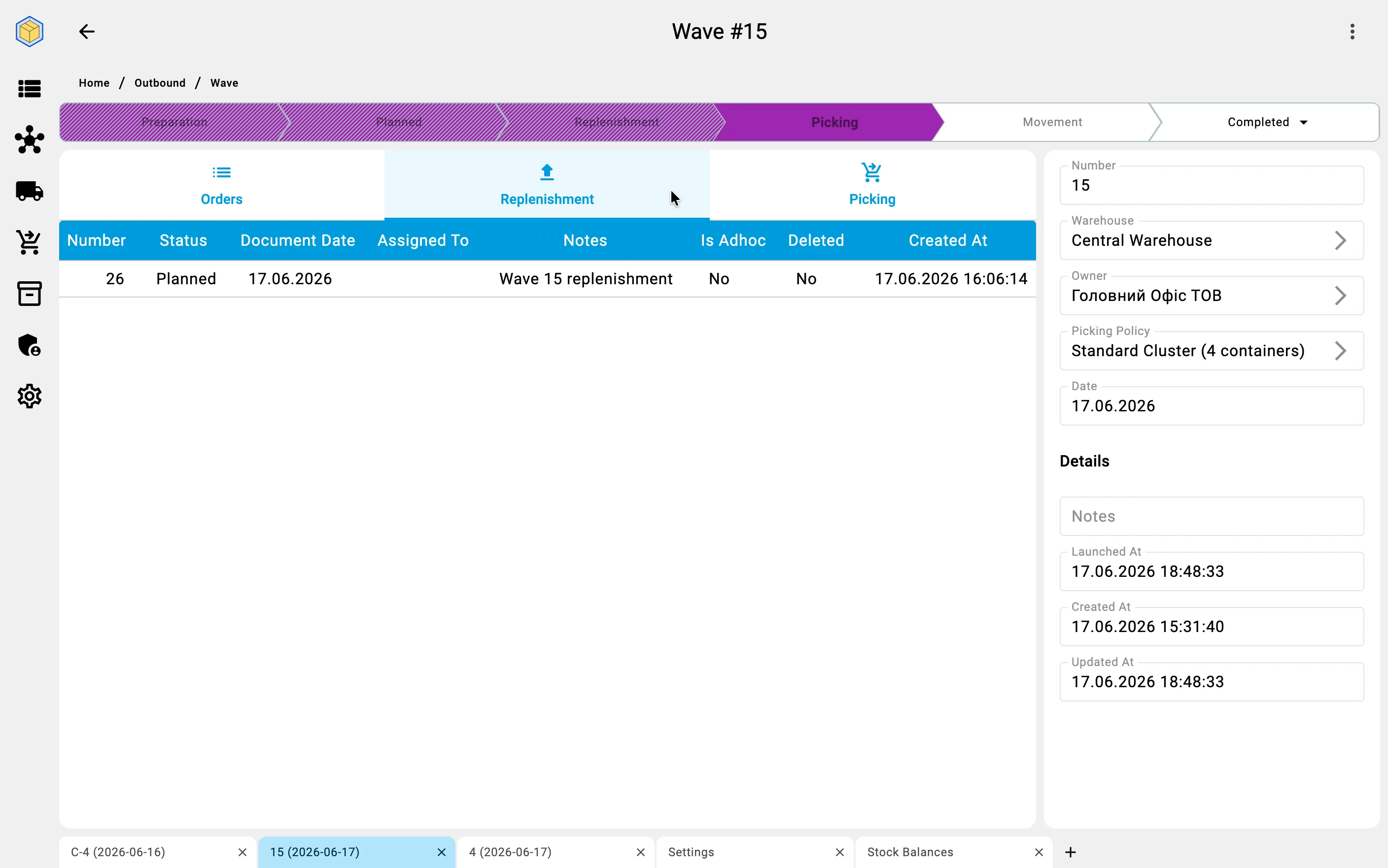
Phase 4. Picking
The Launch action releases the wave to the floor; it moves to Picking (or first through replenishment, if the policy requires it).
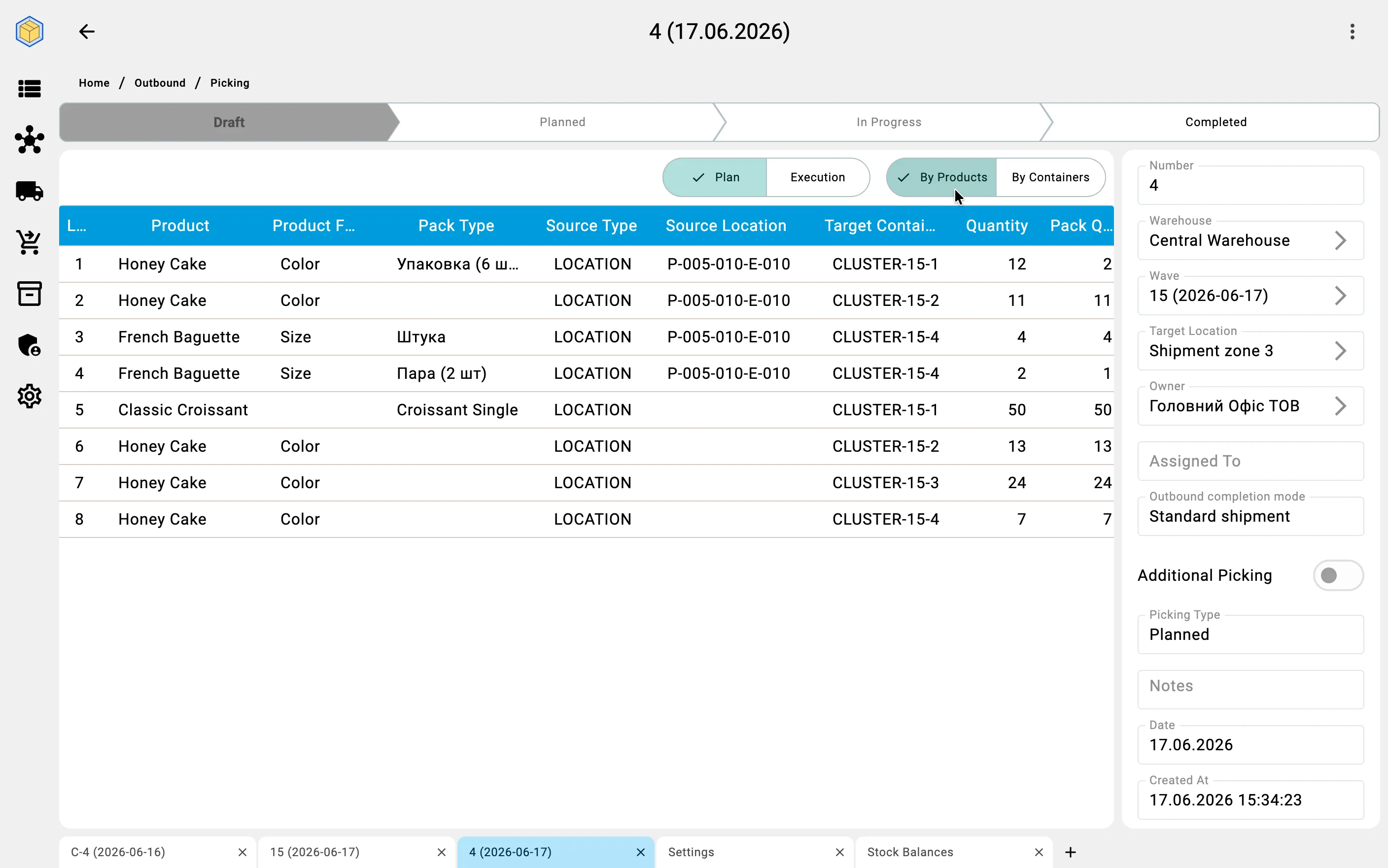
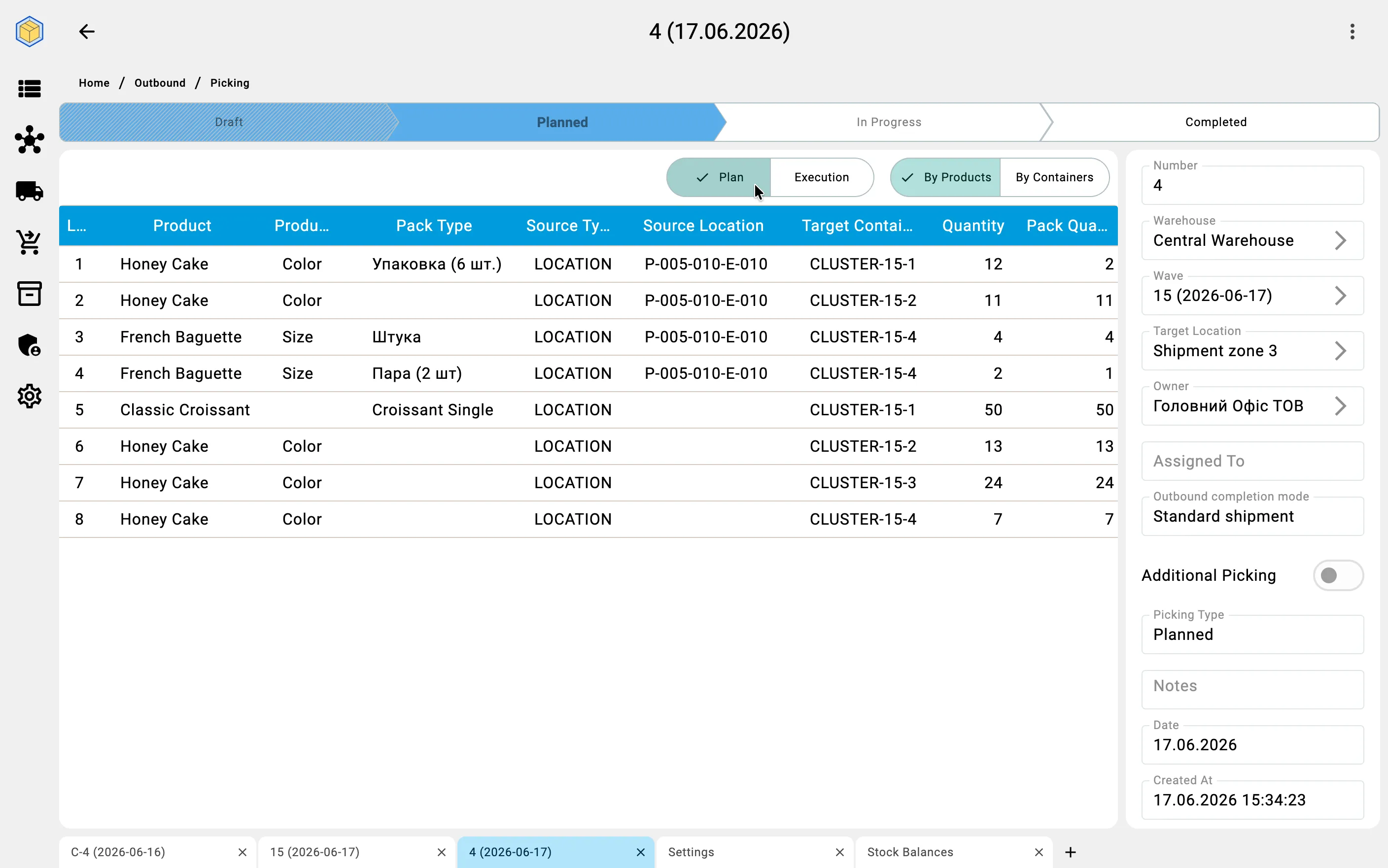
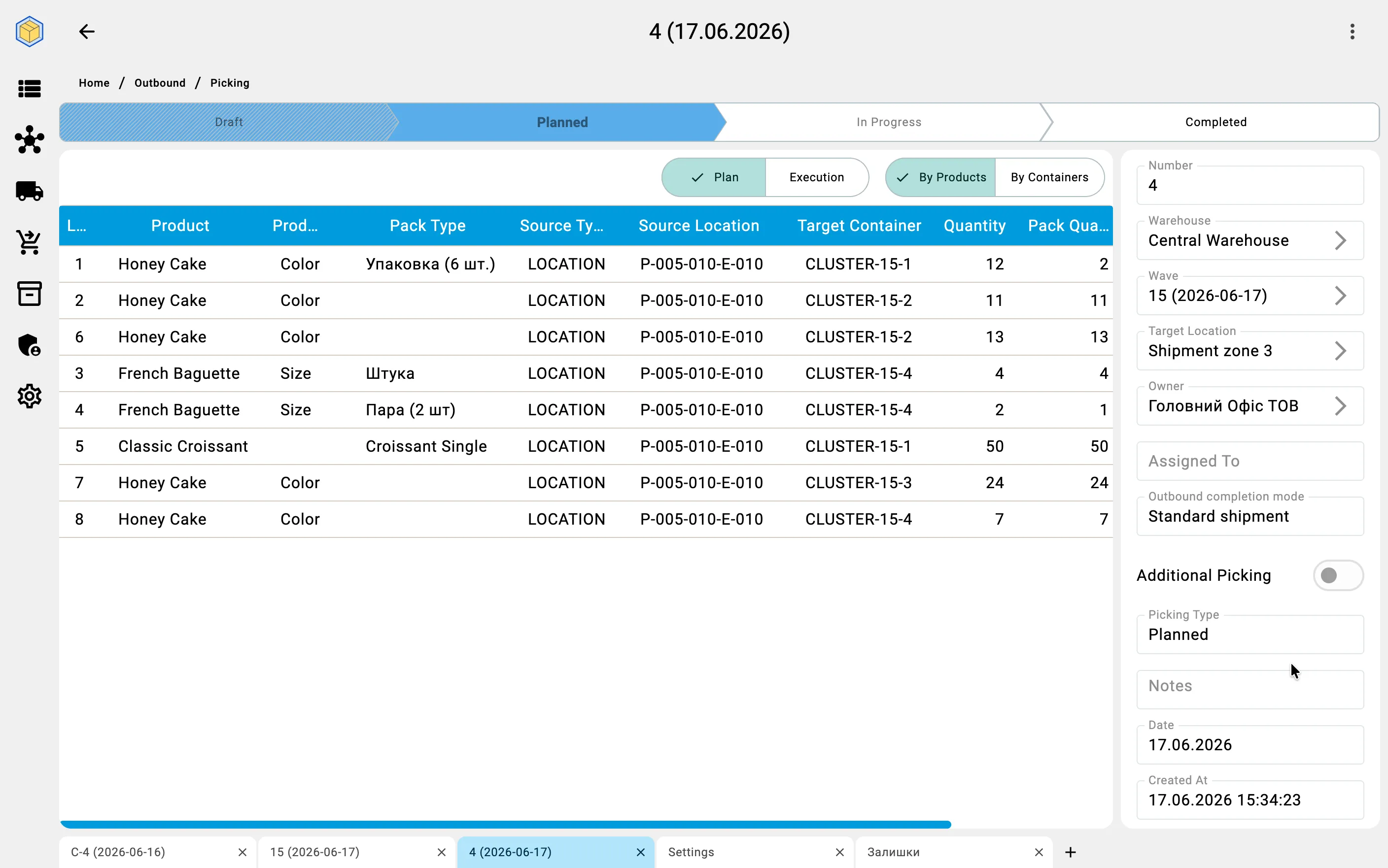
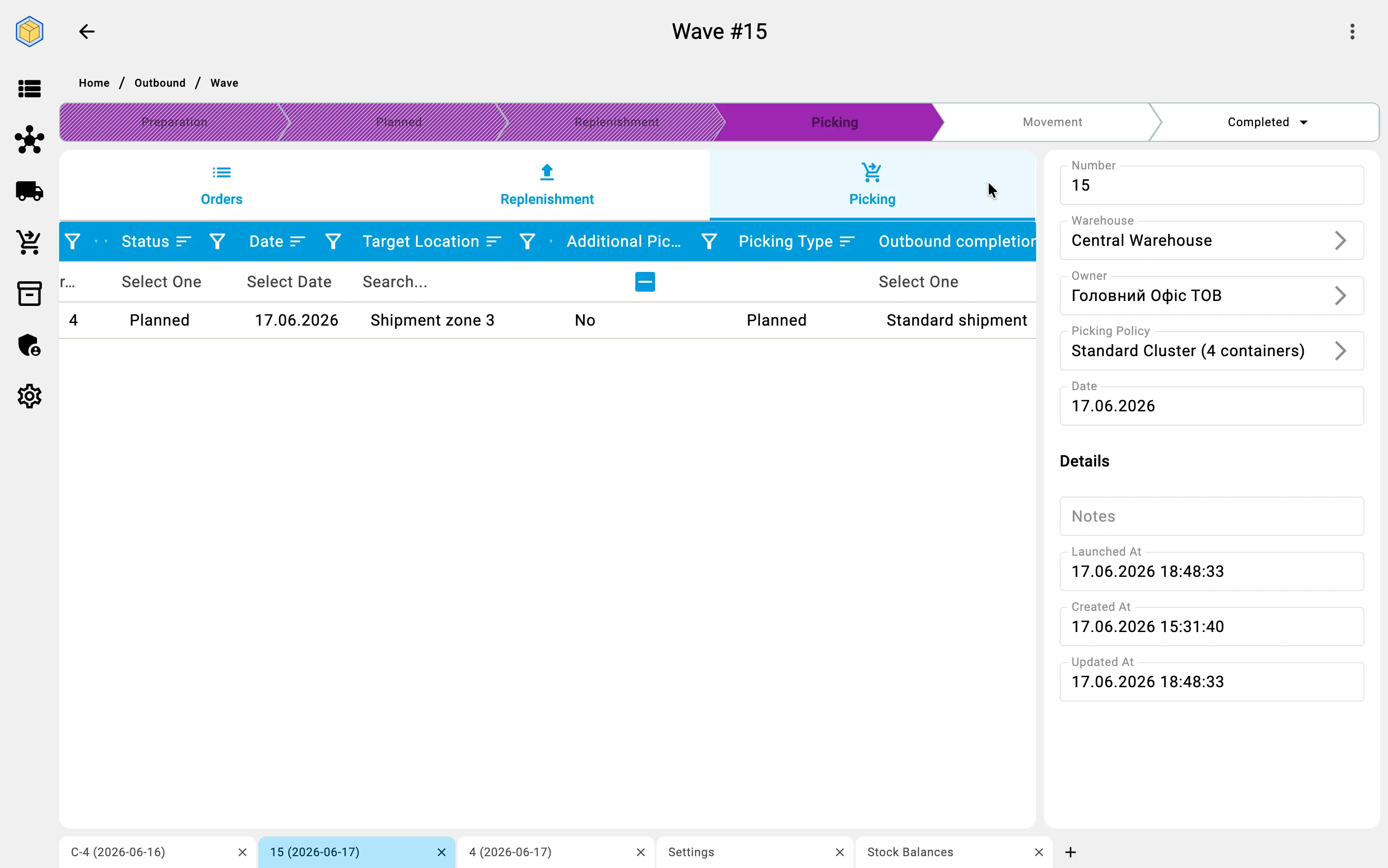
From here the client is primarily a monitor. It lists every pick document in the wave with its status — Planned, In Progress, Completed — and lets the supervisor open one to watch its lines. Each pick can be viewed two ways: a Plan view (what should be picked) and an Execution view (what has been picked so far), and the lines can be grouped by products or by containers.
The floor work is usually done on the handheld terminal, but pick facts can be recorded from the client as well — planned picks included. What the client does not allow for a planned pick is changing its status or adding new lines; both actions are available only for an unplanned pick (an extra, off-plan pick).
When all the pick work is done, the wave moves on to whatever the policy enables next — sorting, packing, movement, or straight to completion.
Phase 5. Sorting (optional)
Sorting runs only when the wave's picking policy has Use sorting turned on. It is used with the batch methodology: goods picked for several orders in one pass are split back out, order by order, at a sorting station.
The wave passes through Sorting while this happens. The hands-on sorting workstation is not part of the desktop client — from the client the wave simply shows that it is in the sorting step; the work is done elsewhere.
Phase 6. Packing (optional)
Packing runs only when the wave's picking policy has Use packing turned on. Picked goods are packed into the containers they will ship in.
The wave passes through Packing while this happens. The hands-on packing workstation is not part of the desktop client — from the client the wave simply shows that it is in the packing step; the work is done elsewhere.
Phase 7. Movement
Movement covers the final internal moves that bring the finished containers to the dispatch area, ready to leave the warehouse.
When the wave reaches Movement, the client shows these container movements as a list to watch. As with the earlier execution steps, the moves are carried out on the floor; the client shows their progress.
Phase 8. Closing the wave
Once every step the policy required is done, the wave reaches Completed. Its orders are picked, packed where needed, and ready to ship; the wave becomes read-only.
A wave can also be ended early with Cancel, which moves it to Cancelled. The cancelled wave is kept for audit. Cancellation is offered from the wave's status control rather than as a step in the normal flow.
Business value
One release, many orders. Grouping orders into a wave lets the warehouse pick many of them in a planned, efficient sweep instead of one trip per order.
The right strategy per situation. The picking methodology — discrete, batch, or cluster — lets the warehouse match the picking style to the order mix without changing the process.
Visibility without micromanagement. The supervisor sees, from one screen, exactly where every wave and every pick stands, while the floor does the work on handhelds.