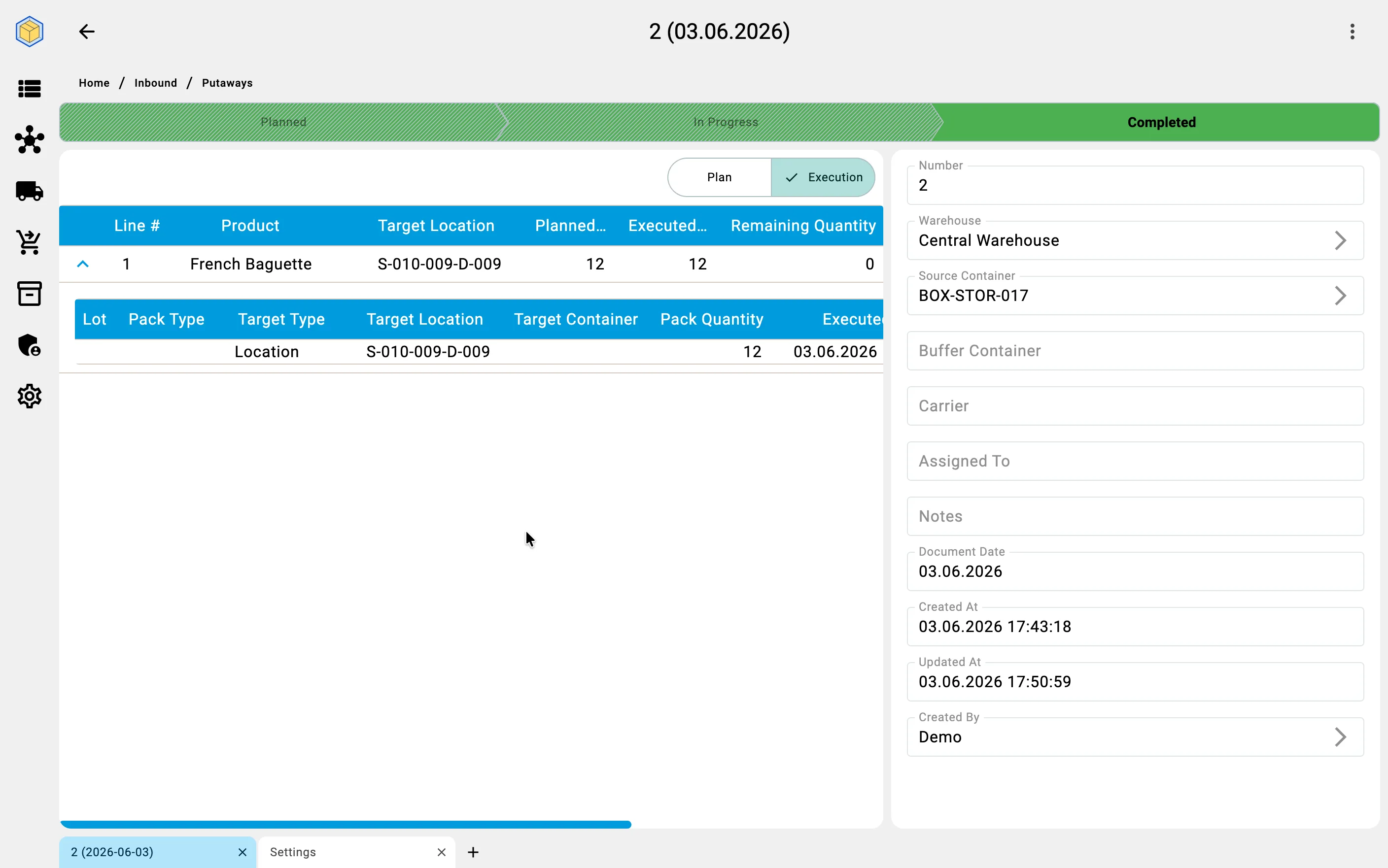
Recording placement facts (client app)
On the Client side, fact recording is typically done by a supervisor working from the workstation — for cases where stock has been physically moved without the PDT, or to correct a fact recorded on the PDT. Operators recording placement on the move use the PDT (see Putaway on PDT for that path).
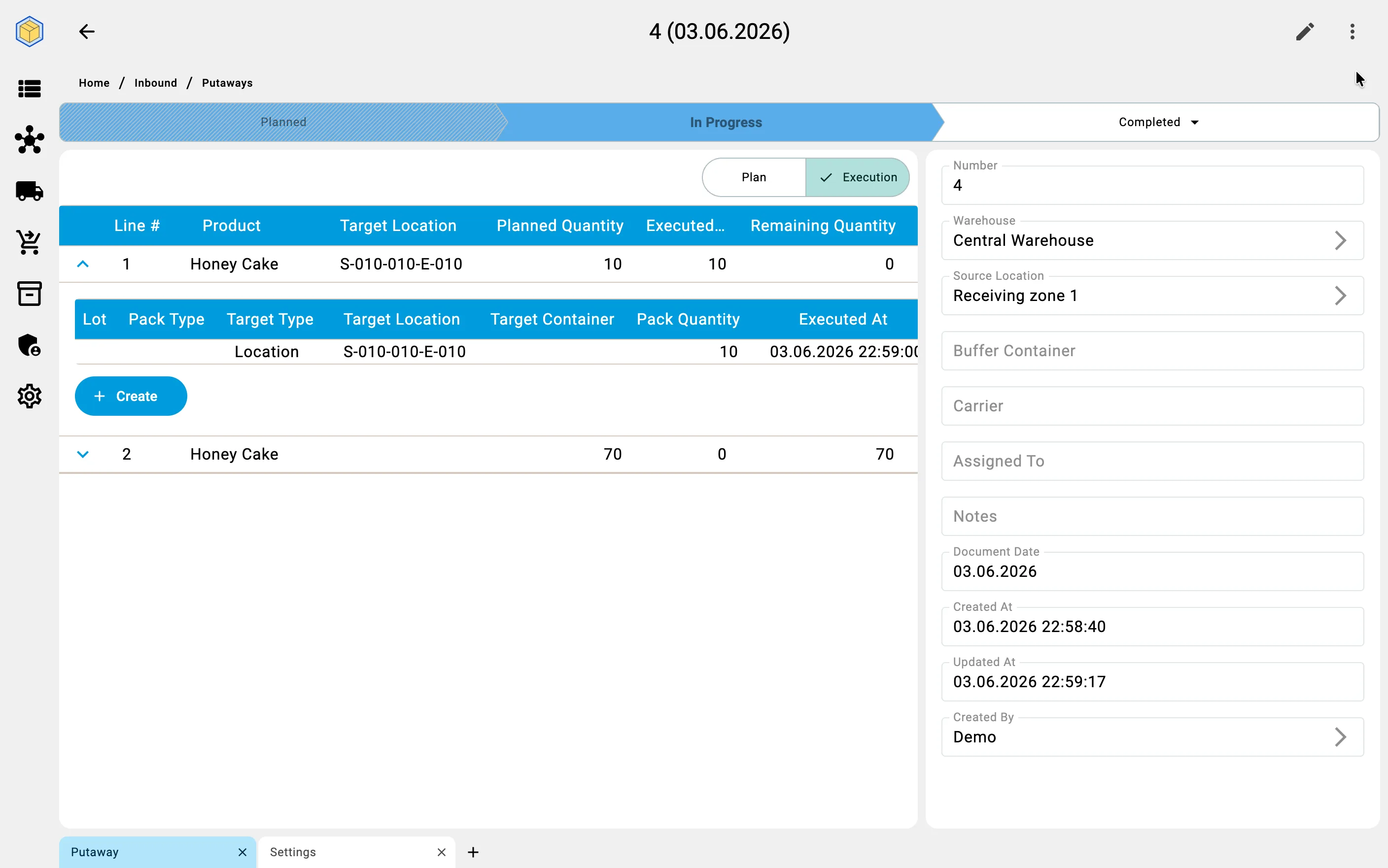
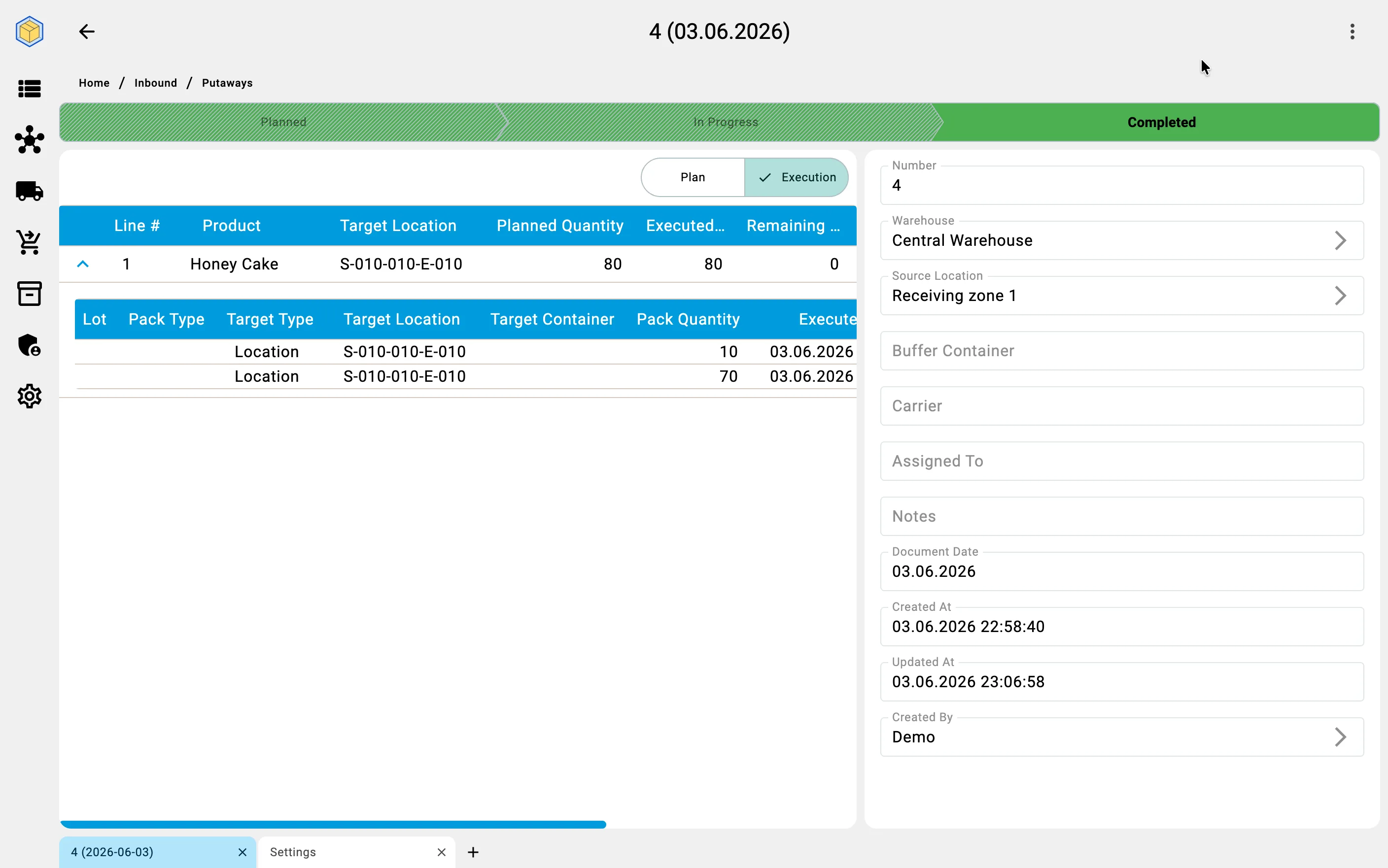
The fact-recording dialog accepts a target type (Cell or Container), the specific target, and the quantity. Saving the fact transitions the document from Planned to In progress on the first fact. Running totals on the "Putaway" tab update immediately: the executed column grows, the remaining quantity per line shrinks.
From a receiving cell
For location-source plans the operator picks any planned product row, fills the target cell or container, sets the quantity, and saves. Multiple facts per planned line are allowed — the operator can split a planned quantity across several target cells (for instance, when one cell only fits part of the batch).
From a sender container
For container-source plans the operator drains the source container line by line. Each fact identifies one product line from the container, a target cell or container, and a quantity. The source container itself is implicit — the document is bound to it. The operator does not re-select the source on every fact.