Creating a putaway plan
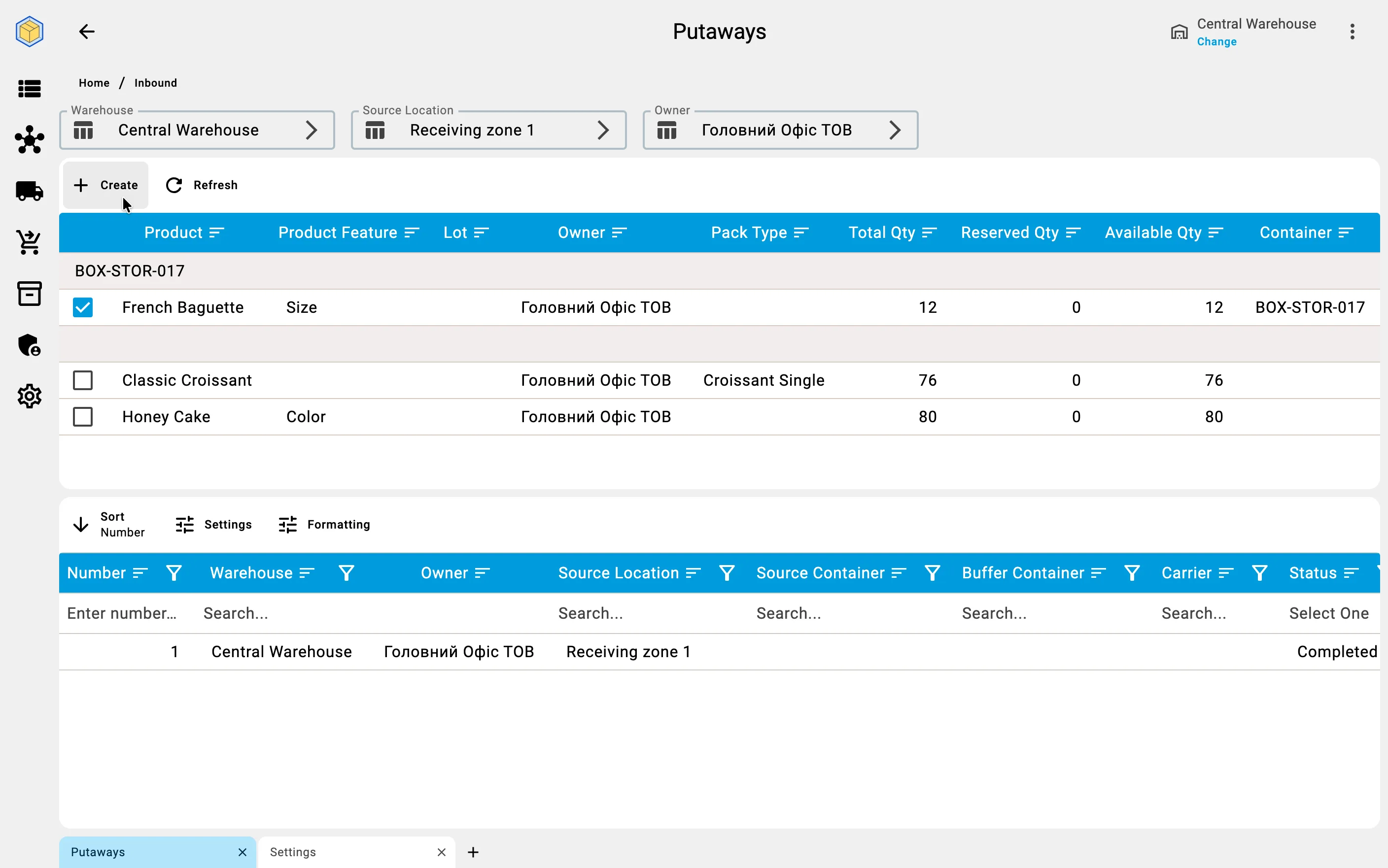
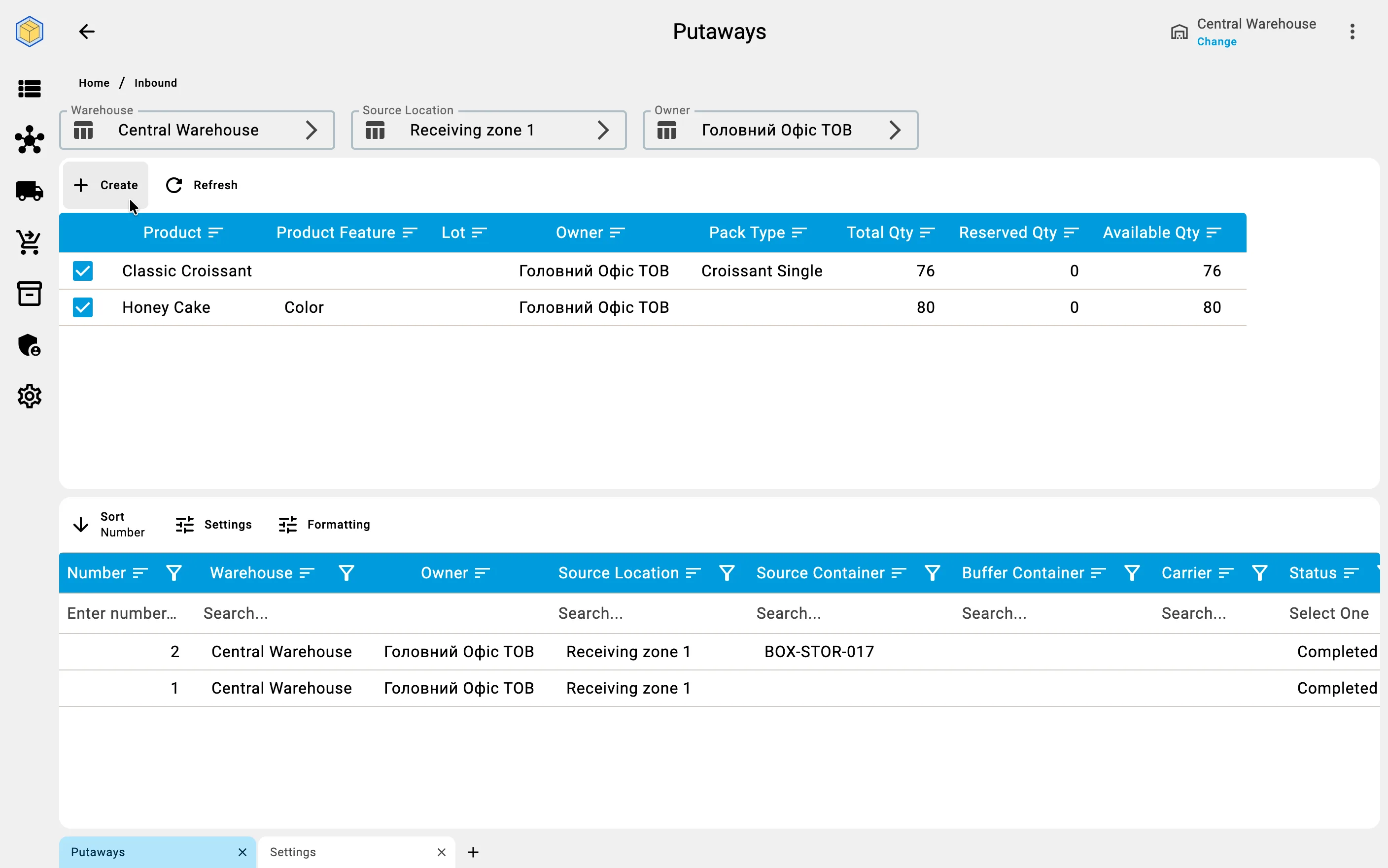
Putaway planning starts from the pending-putaway list. The "Create" action opens a planning form that shows everything currently sitting in receiving cells, ready to be moved into storage. The list is split into two groups: loose goods (a position-by-position list) and closed containers eligible for unpacking. For each row the system shows the total available quantity, how much of it has already been planned for other putaway documents, and how much remains for new planning.
Goods that are not in an AVAILABLE state — for example, items on quality hold or in quarantine — do not appear in this list at all. They cannot be planned for storage until quality control releases them.
From a receiving cell
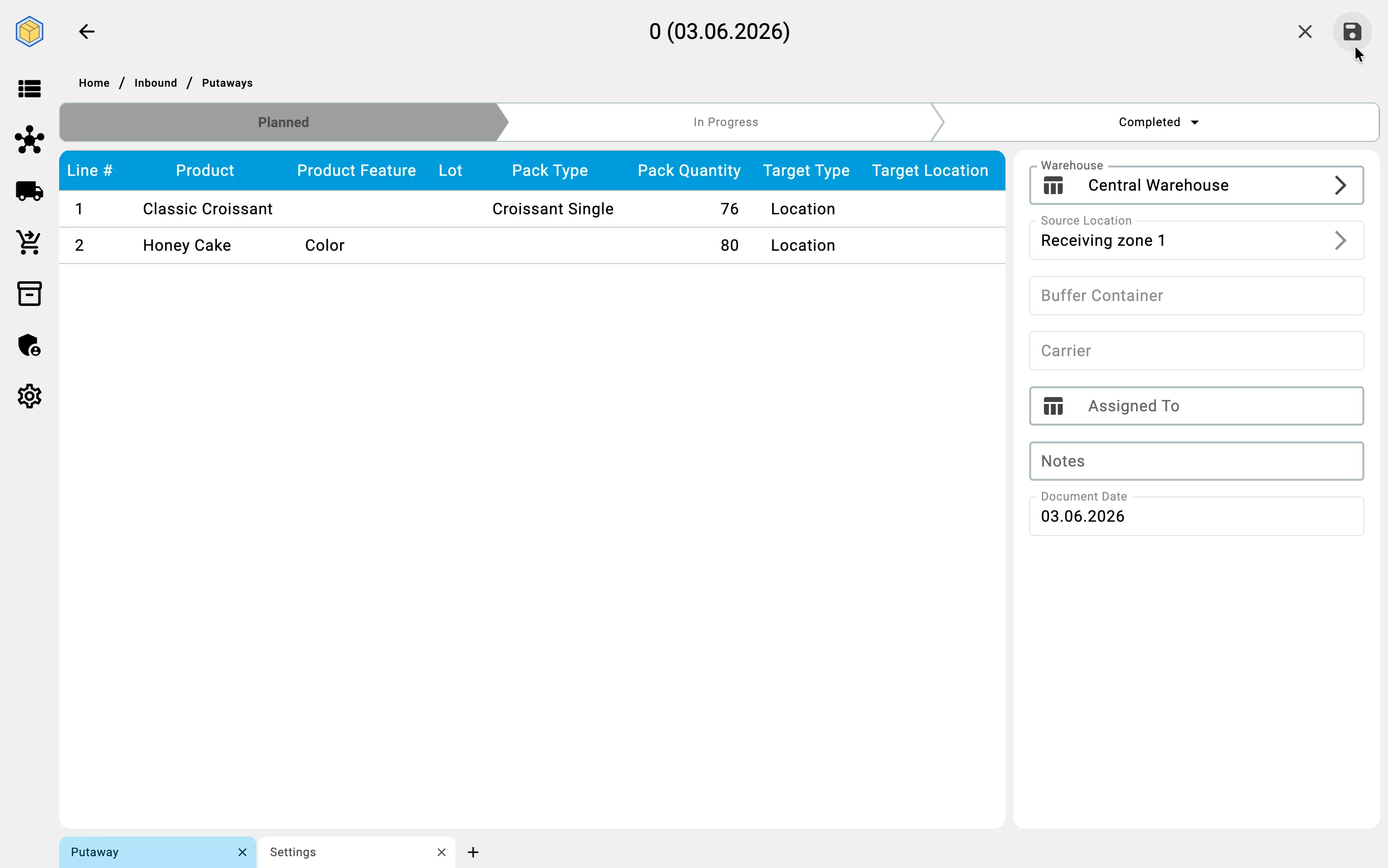
The planner picks individual product rows from the loose-goods group and enters either a specific quantity or accepts the full available remainder. The system then shows a preview of the new putaway plan: which products, in what quantities, from which receiving cell. The planner confirms, and the system creates the document with status Planned. Target cells (where each item should land) may be pre-filled by the warehouse's placement rules; if no rules are configured, the target column is empty and the operator will choose at execution time.
From a sender container
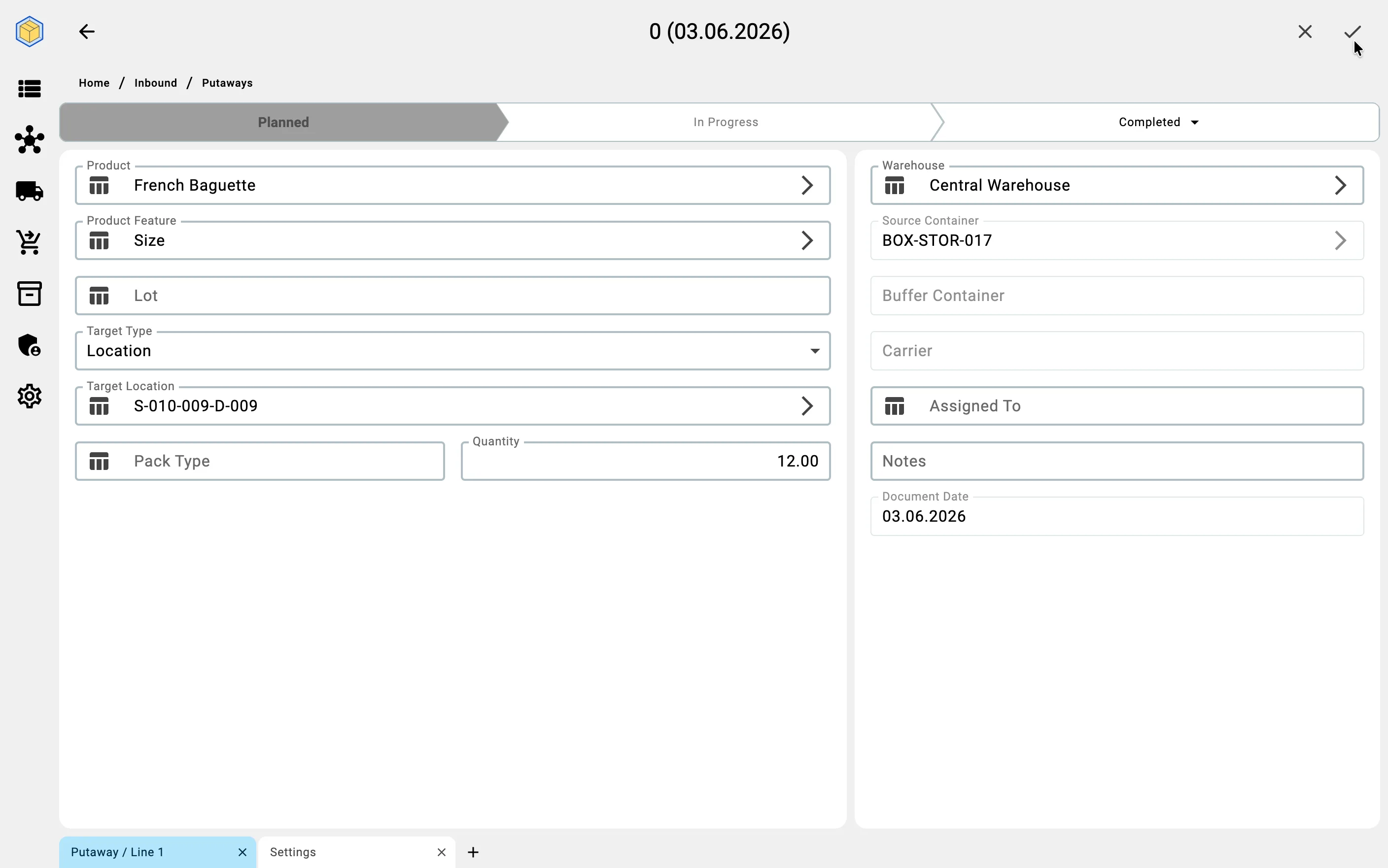
The planner picks one closed supplier container. The entire container becomes the source of one putaway operation — its contents are scheduled to be unpacked and distributed.
A restriction applies: a container can be picked only if every stock position inside it has the AVAILABLE state. If even one position is on hold or in quarantine, the system blocks plan creation and shows the reason. The planner has to wait for quality control to release the position, or pick a different container.
Container-source planning does not allow partial quantity selection — the whole container is scheduled to be drained. Target cells may again be pre-filled by placement rules or left empty.