Reviewing the putaway plan
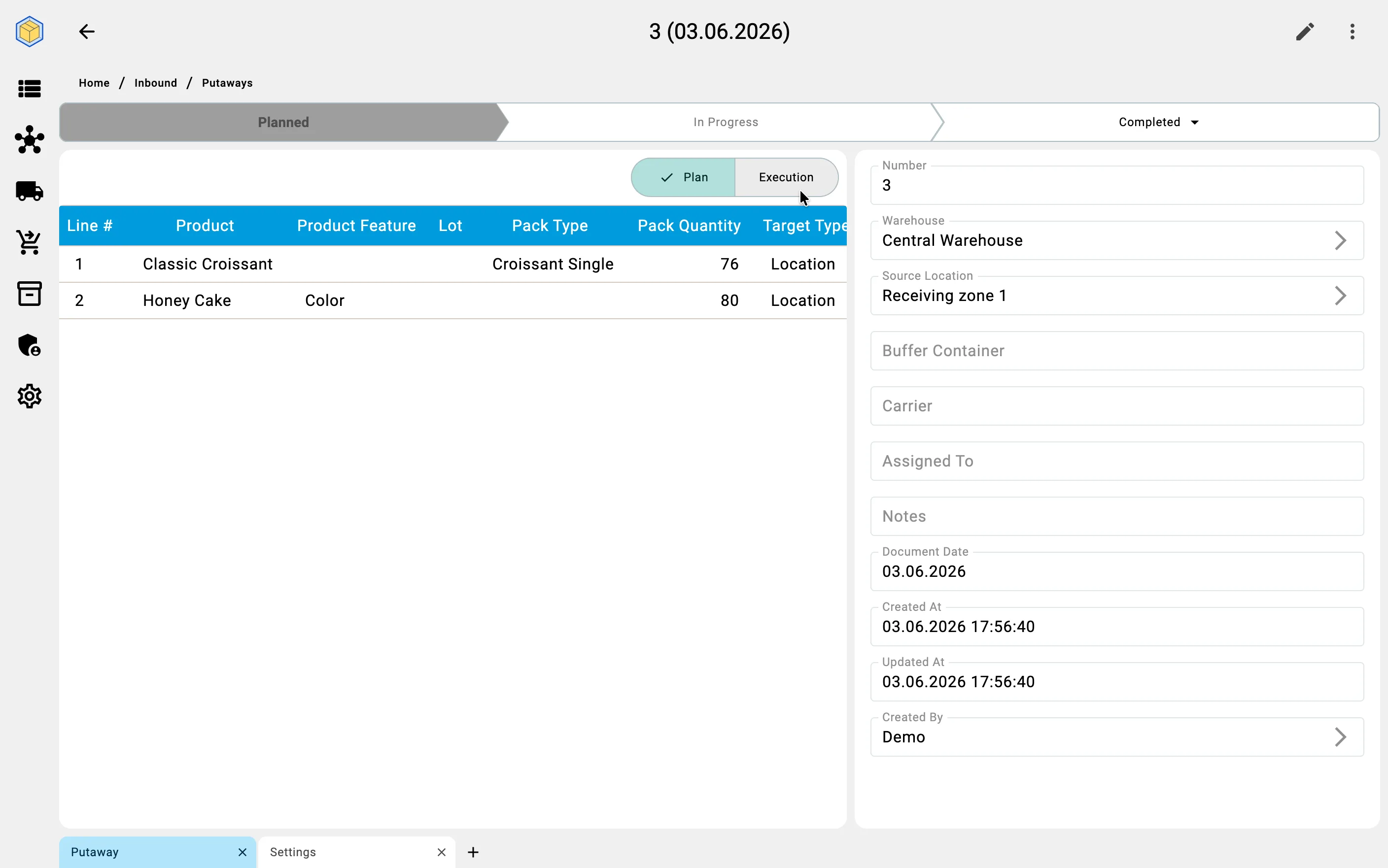
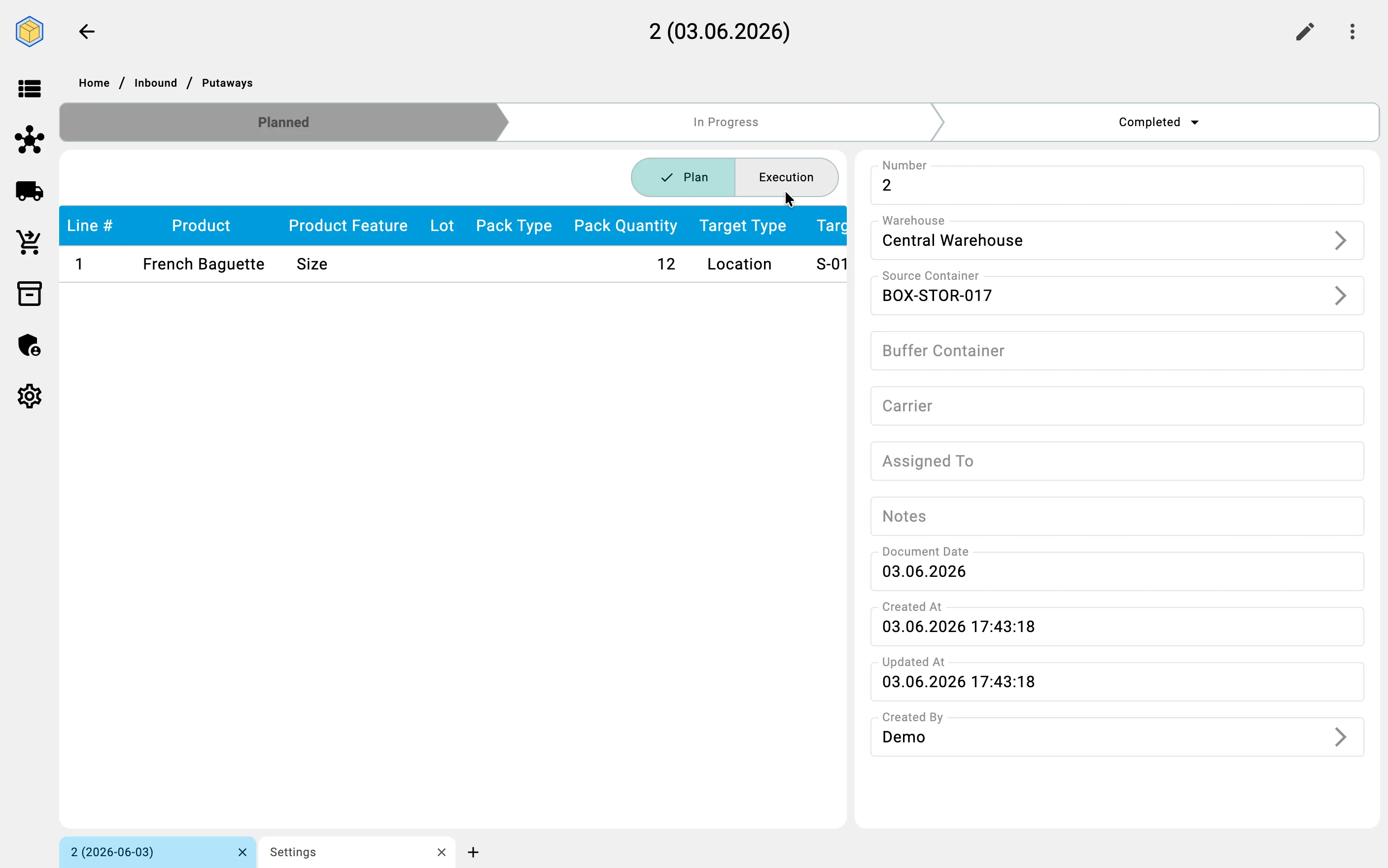
Once the document is created, the operator can review and adjust the plan on the "Putaway" tab. The tab shows a single unified list: one row per plan line, with separate columns for the planned quantity, the executed (fact) quantity, the executor, and the timestamp of the last fact. The status of each line — fully placed, partially placed, not placed — is visible at a glance.
Target cells appear in the planned column either pre-filled (when the warehouse has placement rules configured for the products in question) or empty (when no rules apply or none are configured). The operator can always override the suggested target — placement is never forced. The target can be either a storage cell or a container designated for storage.
While the document is in status Planned, the operator can edit plan-line quantities inline. Source rows (which receiving cell or supplier container the plan draws from) are shown on the "Sources" tab as read-only. Document metadata — who created it and when, the current status, the assigned carrier, and any system-managed buffer container — is shown on the "General" tab.
If the operation is carried out with a carrier (a trolley), the system shows a "Buffer container" field on the "General" tab. The operator does not manage this field — the buffer container is a system-managed accounting entity that holds the unplaced remainder while goods are in motion. The carrier field is also read-only on this tab; carrier assignment happens on the PDT during execution.