Closing the document
The operator closes the document from the detail screen. Three actions are available, depending on the state of the work:
- Complete — when every plan row has been fulfilled. The document moves to Completed.
- Close partially — when some quantity remains unplaced. The document moves to Partially completed; the unplaced quantity stays physically where it is; reservations for the unplaced portion are released.
- Cancel — available while the document is in Draft, Planned, or In progress. Cancellation releases the remaining reservations and incoming-stock records; facts recorded before the cancellation stay posted — the goods remain where they were actually moved.
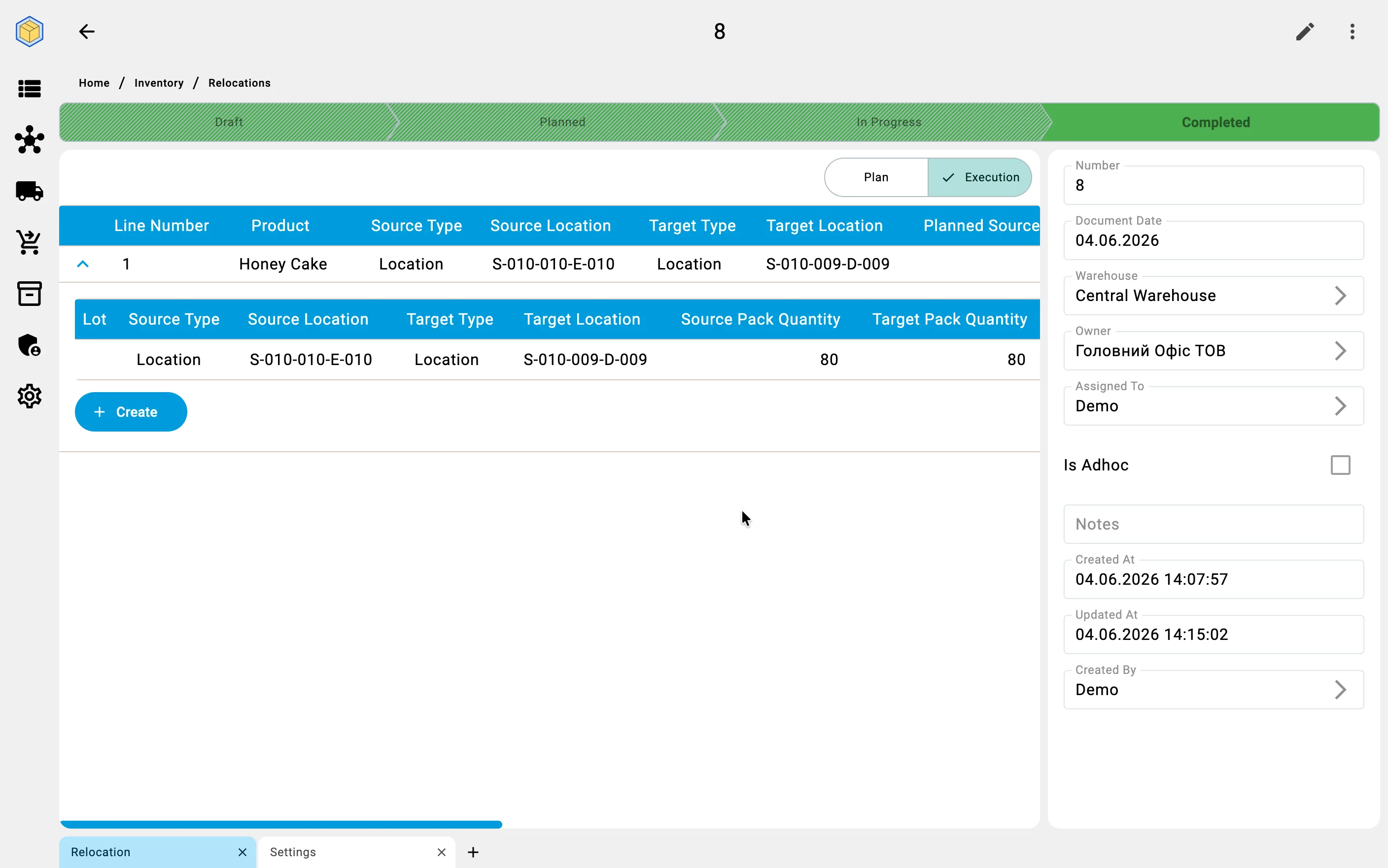
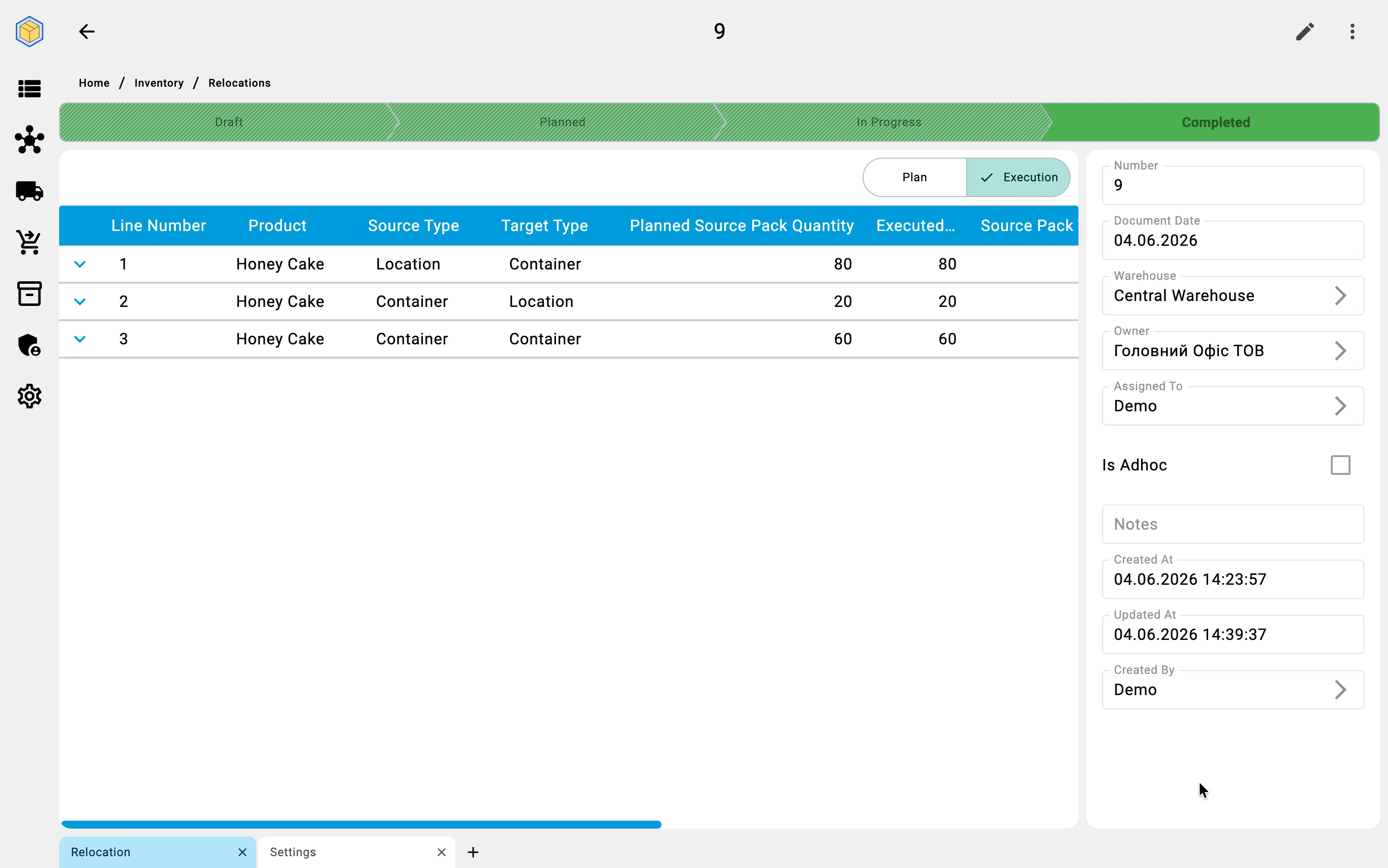
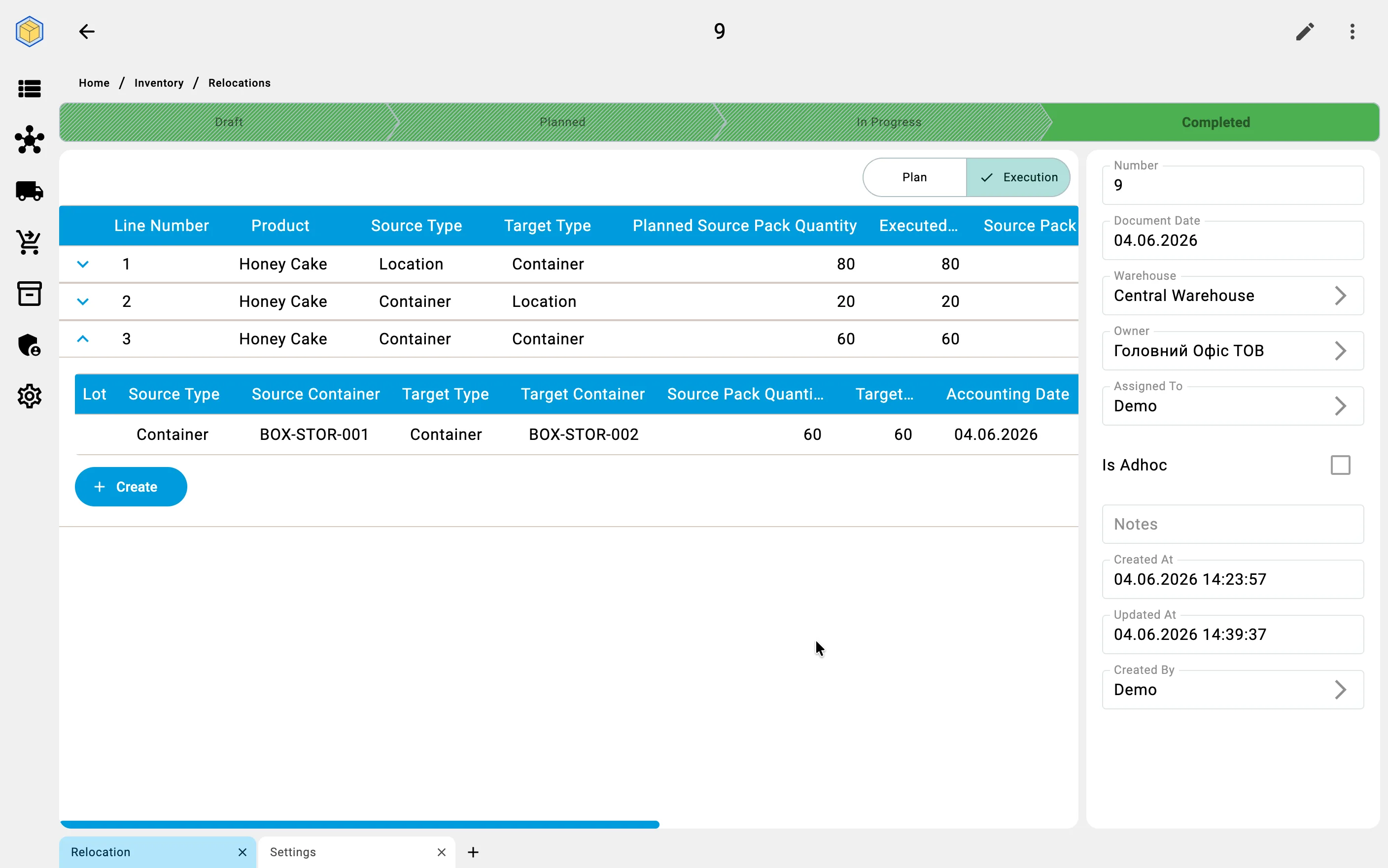
Effect on cell state
A Close partially action has a side effect on the source cells whose work was not fulfilled: each such cell is given the Count required status in the Inventory state section of the cell. Warehouse staff are then expected to verify the actual quantity in those cells — the system no longer assumes the booked quantity matches reality.
Reservations and stock
On any closure path, reservations covering not-yet-completed quantity are released automatically; the executed quantity is debited from the source and credited to the target. Operators do not manage these records directly.
For the full list of statuses and what each one allows, see Relocation statuses.
On PDTClosing on the PDTThe PDT closure supports Complete and Close partially — Cancel stays here in the client app.