Open the receipt
When the operator picks up the PDT, they do not create the receipt — it already exists in the system (the shift supervisor created it on the workstation, either from an inbound order or as a standalone document).
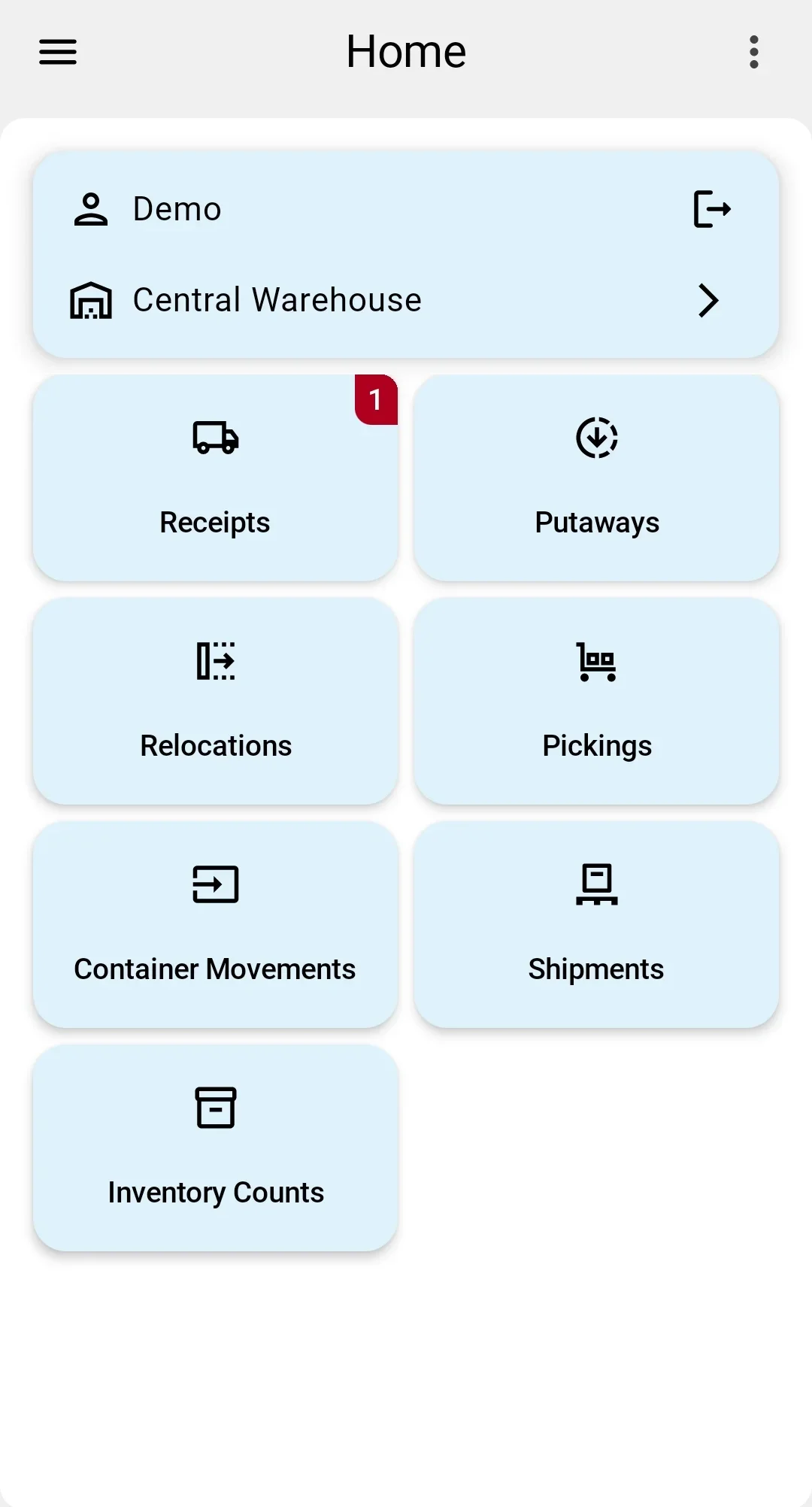
The PDT home screen shows the list of receipts available to the operator's shift. Only documents in To receive reach that list; a receipt still in Draft is moved on by the shift supervisor in the client app. Each row shows the sender, the external number, the document number, the date, who the work is assigned to, and progress as received lines out of the total. The operator taps a row and the receipt opens as a list of lines to receive.
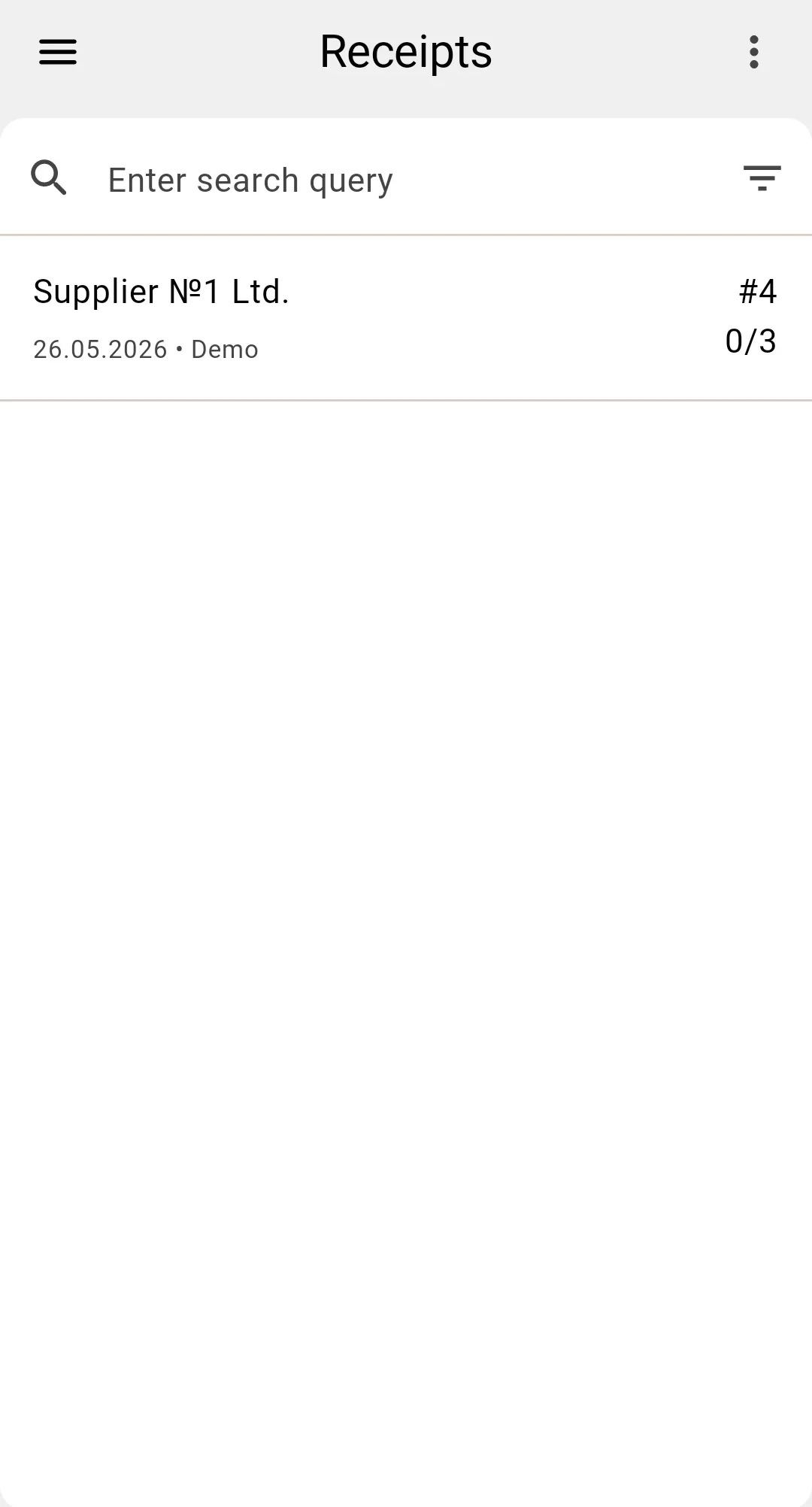
If the receipt the operator is looking for is not in the list, they contact the shift supervisor — creating a receipt on the PDT is not supported.