Pick the receiving target
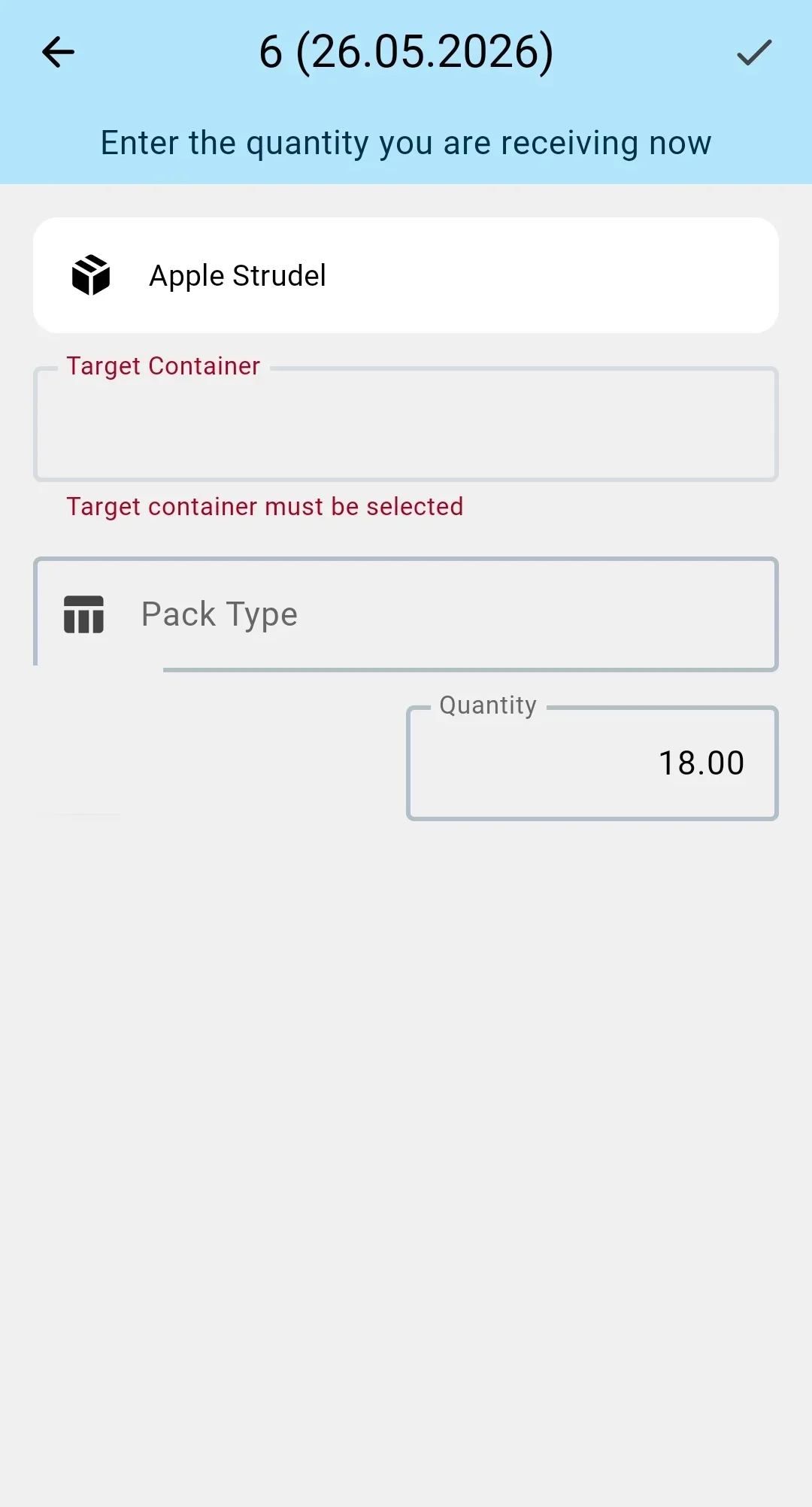
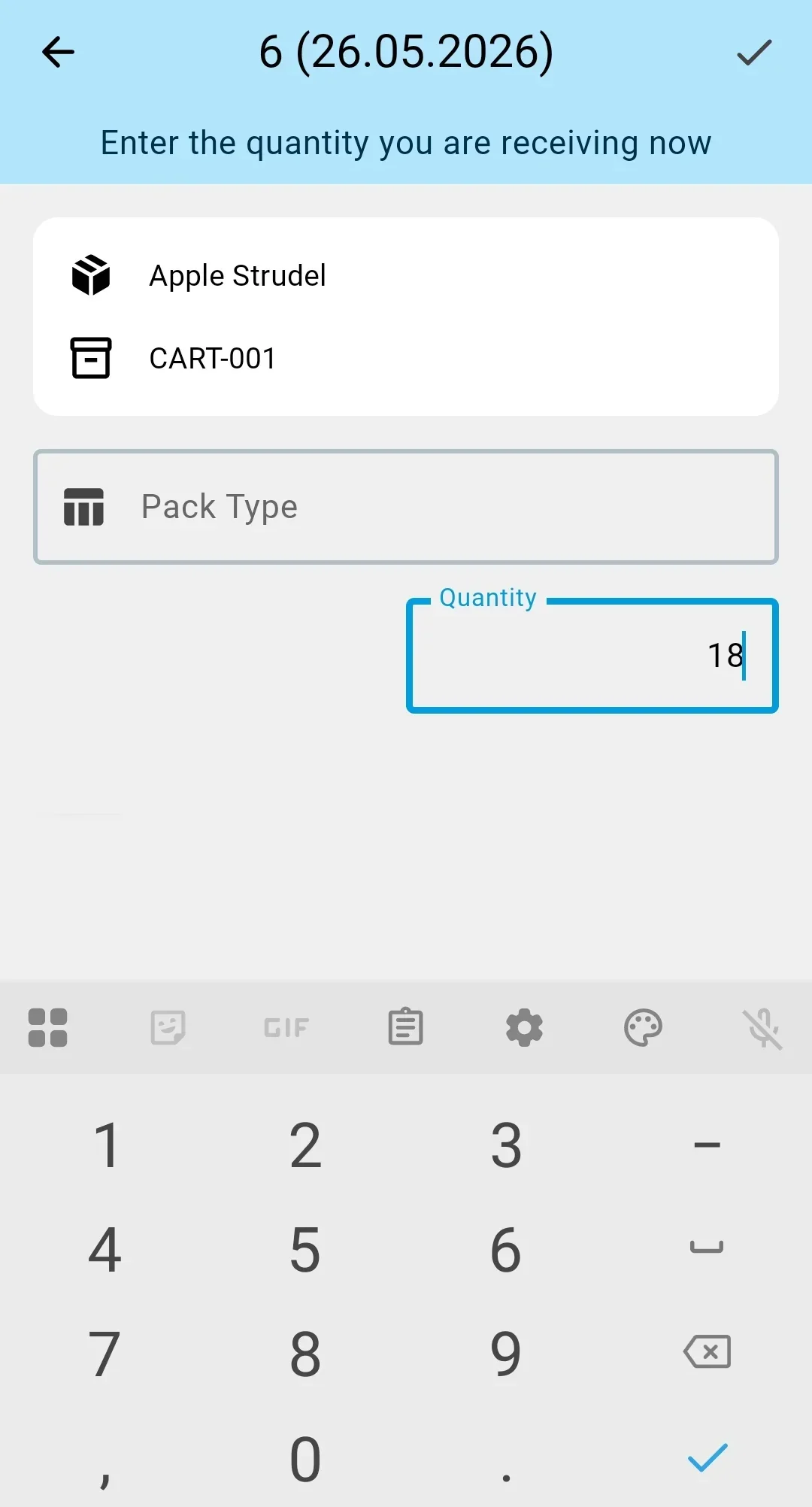
Before scanning lines, the operator has to tell the system where they land: directly into a cell of the receiving zone, into a supplier container, into a warehouse container, or into a temporary container. Without this step the next scans cannot be recorded — the system would not know which physical carrier to attach the goods to. Whether the step is mandatory depends on the warehouse settings.
Receiving container requirement
Receive into sender container if present
In this mode the operator can receive into a supplier pallet when one is on the truck, or directly into a cell when there is no pallet. When the pallet is there, the operator scans its barcode and it becomes the target of the next line scans. When there is no pallet or it is not allowed by the sender-container-handling setting, the system skips this step and every line lands in a designated cell of the receiving zone. Choosing a warehouse or temporary container manually is not allowed in this mode.
Container required for receiving
In this mode line scans are not recorded without a target: the operator must specify the container goods are being received into. The options on the PDT are:
- scan the barcode of an existing supplier pallet (when the sender-container-handling setting allows it);
- scan the barcode of an empty warehouse pallet prepared in advance for this delivery;
- create a temporary container on the PDT by sticking a fresh barcode on it.
Once a target is picked, its number is shown at the top of the screen — so the operator can see which container the current batch of lines is being written into.
Sender container handling
Sender containers accepted for storage
When the supplier pallet is picked as the receiving target and the setting says "accept for storage", the pallet is registered on the warehouse balance as a storage unit straight after the scan. Every line scanned afterwards attaches to it as a storage container.
Sender containers accepted for putaway
When the supplier pallet is picked as the target and the setting says "accept for putaway", the pallet is registered on the balance and immediately flagged "to putaway". The lines inside it will move into the storage zone together with the pallet.
Sender containers for tracking only
When supplier containers are used only for lookup, scanning a pallet as the receiving target is not allowed. The operator does this scan only as a reference; the pallet itself does not become a storage container — the lines that were in it land either in a cell of the receiving zone or in a warehouse container, depending on the receiving container requirement.
Sender containers not used
When the supplier does not use containers, this step does not offer to scan a supplier pallet — only a warehouse or temporary container, when the receiving requirement calls for one.