Counting cells
Counting is a short cycle repeated for every cell on the route:
- Walk to the cell and scan the cell barcode — this confirms the operator is physically at the right location; quantities cannot be entered against a cell that hasn't been scanned.
- Scan the barcode of each product found in the cell.
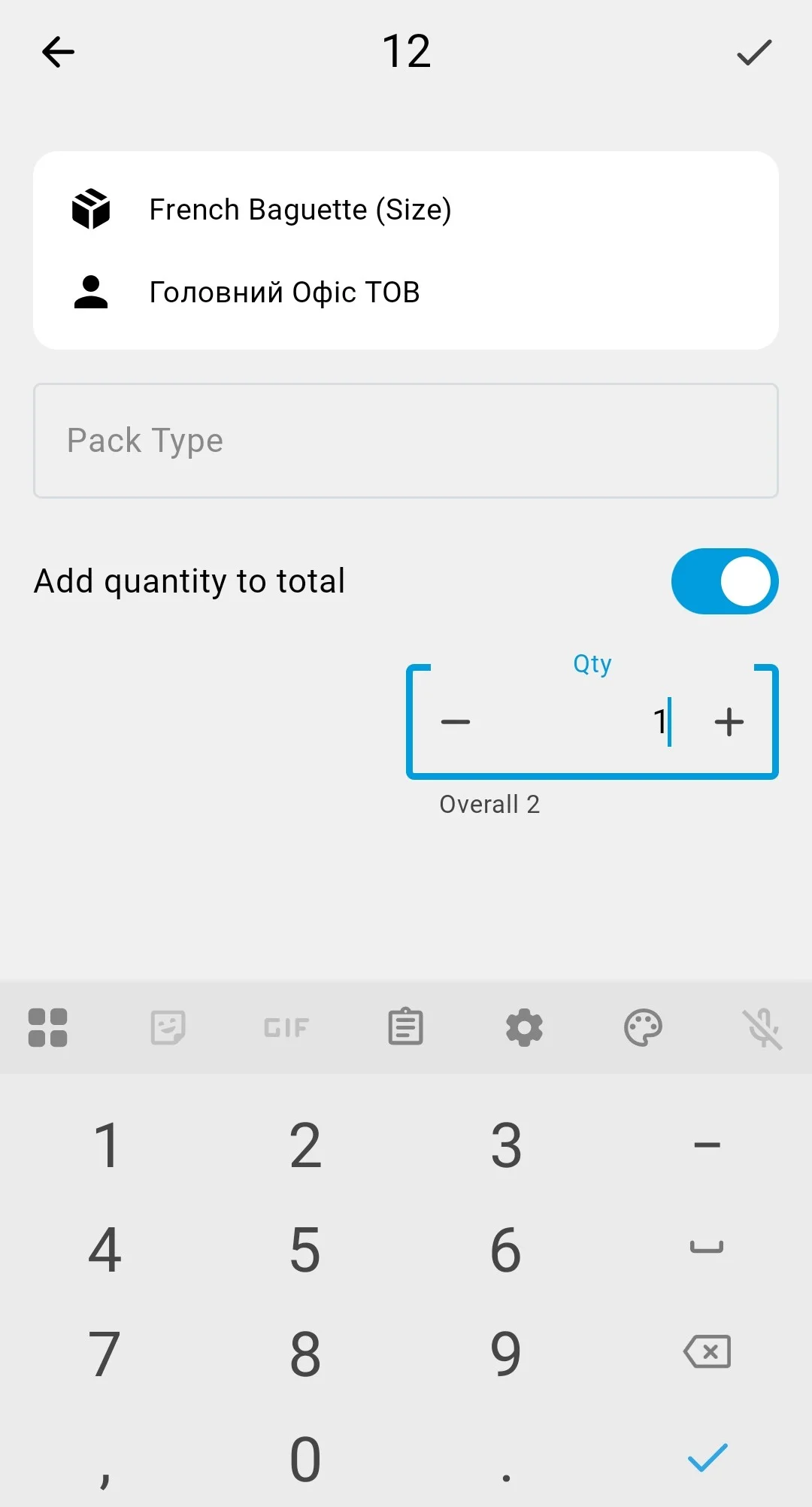
- Enter the quantity actually counted, and confirm.
The first entered quantity moves the count to the Entering Results status (see Count statuses).
The on-screen scanner button speeds up data entry — a single scan drops into whichever field is active (source, target, product, or pack type), resolved by context. How scanning works.
Quantities are operator-entered (a calculator helper is available for awkward math — say, 14 full boxes of 12 plus 7 loose pieces).
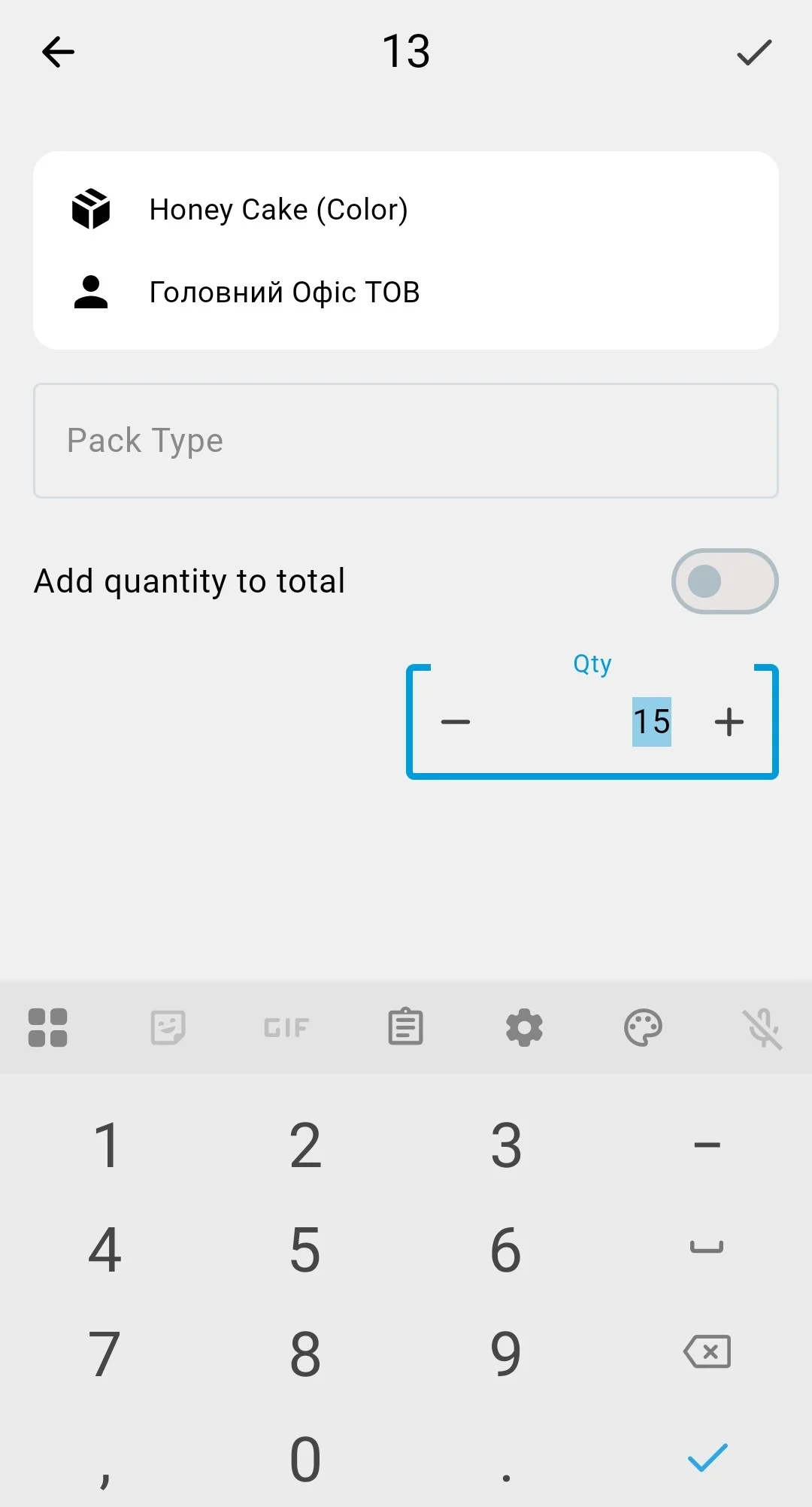
Each entry builds the operator's running total for the position: the quantity form shows the total so far (Overall N, «Загалом N») and carries the Add quantity to total («Додавати кількість до загальної») switch — with it on, the entered number is added to the total, which suits counting shelf by shelf. What the system stores is the operator's current total — a fresh snapshot of the position, not a history of additions. When several operators count in the same count, its settings decide whether their totals are summed or only the most recent one wins — that choice is made at planning.
What the operator sees next to each counted line depends on the inventory count type chosen when the count was planned:
Blind
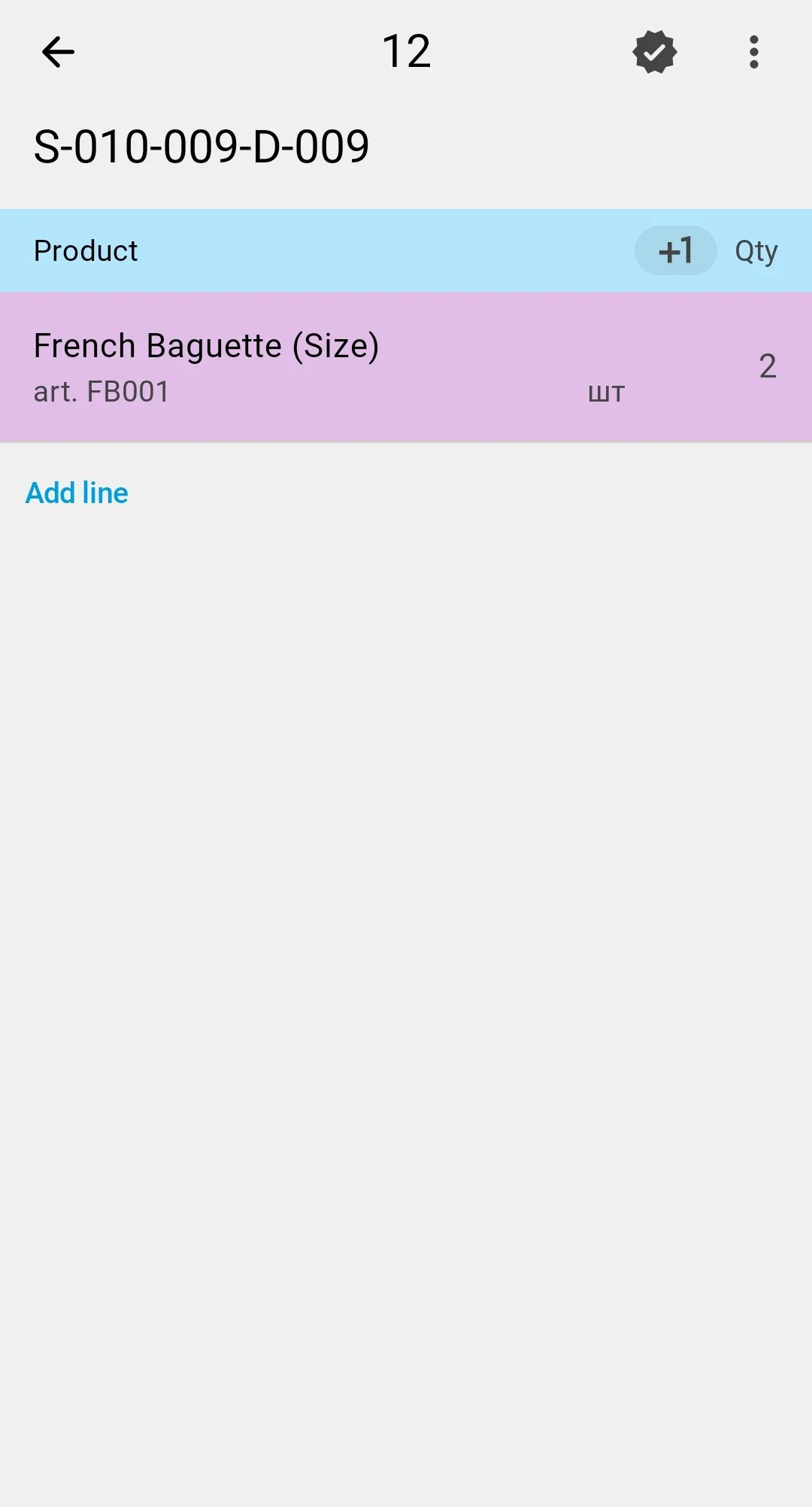
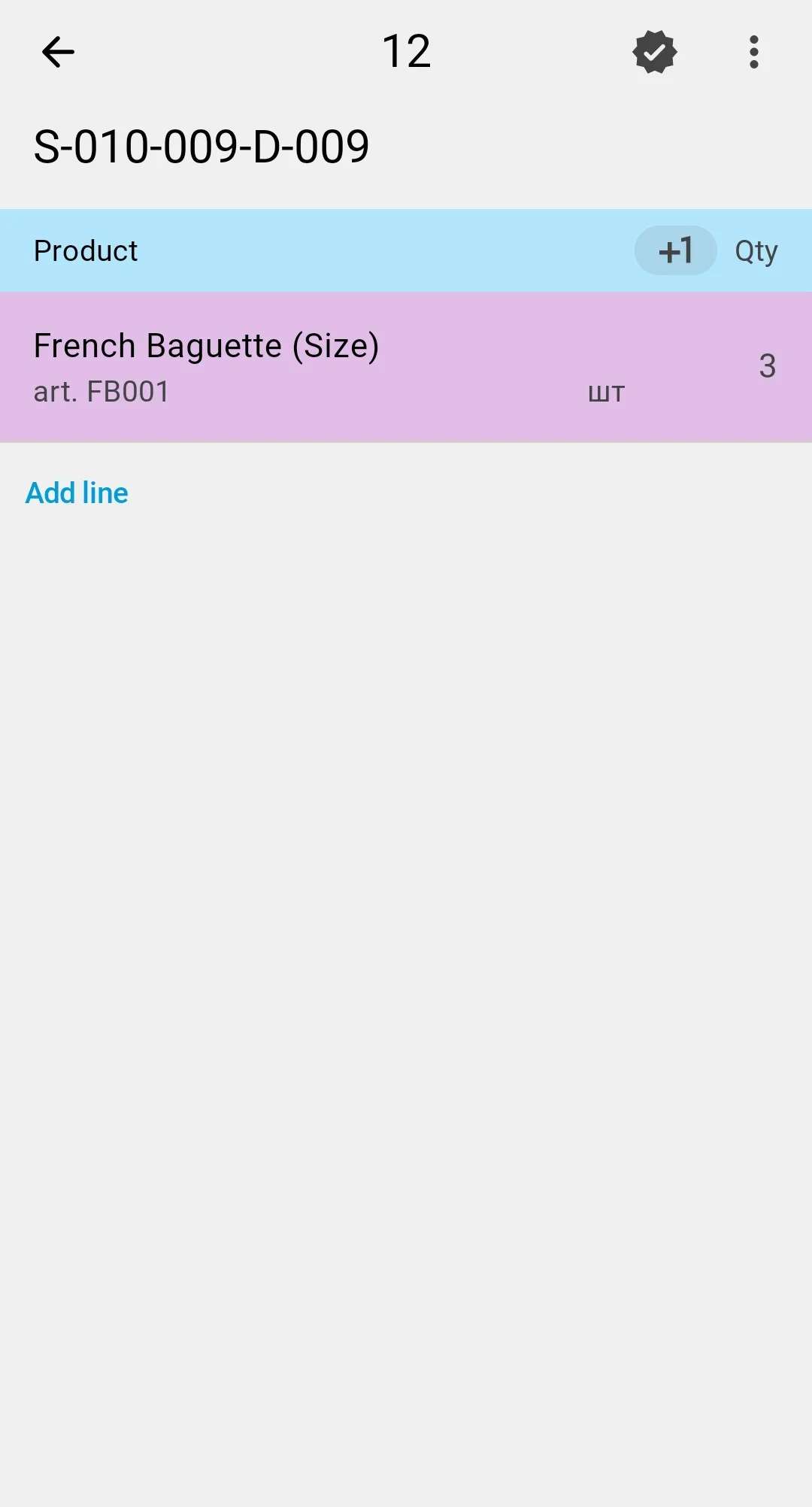
The PDT does not show the planned quantity before the fact is entered. The operator enters only what they actually see in the cell — there is nothing to "fit" the count to, which reduces the risk of biased counting.
Assisted
The planned quantity is visible from the moment the task opens — a Plan («План») column right next to Fact («Факт»), its figure highlighted until the entered fact matches it. The operator checks the cell against it and confirms or corrects. Suits quick counts with hints, at the cost of the operator knowing the "expected" number.
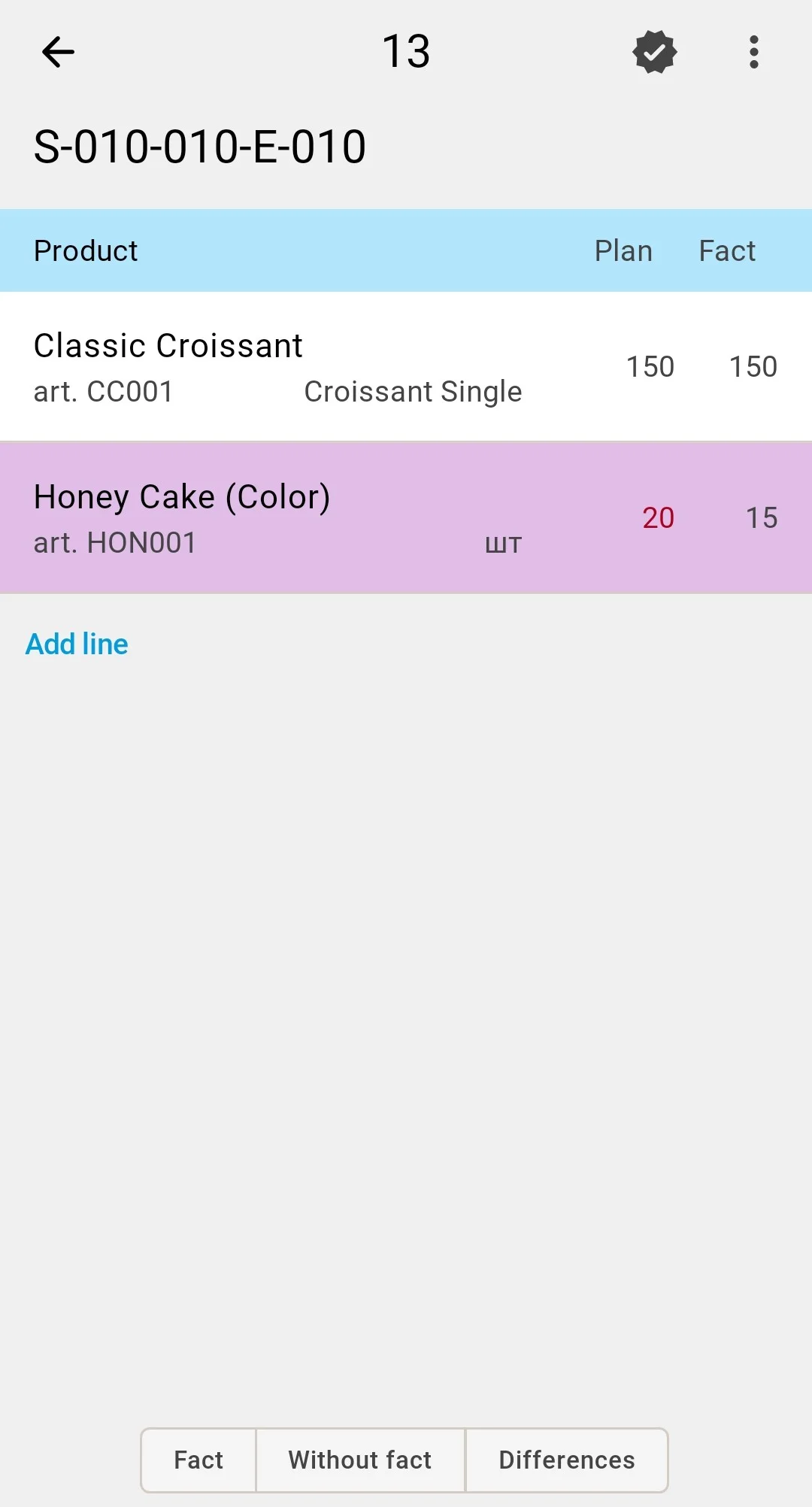
Variance
The fact arrives pre-filled with the recorded quantities: the operator corrects only the positions where what is in the cell differs from what the records say, and a position left untouched goes into the result at its recorded quantity. When a correction creates a deviation, the line is highlighted, and the Differences («Розбіжності») tab collects such positions — there every deviating line shows its Plan/Fact pair. The attention goes to the differences rather than to a full re-walk of the scope.
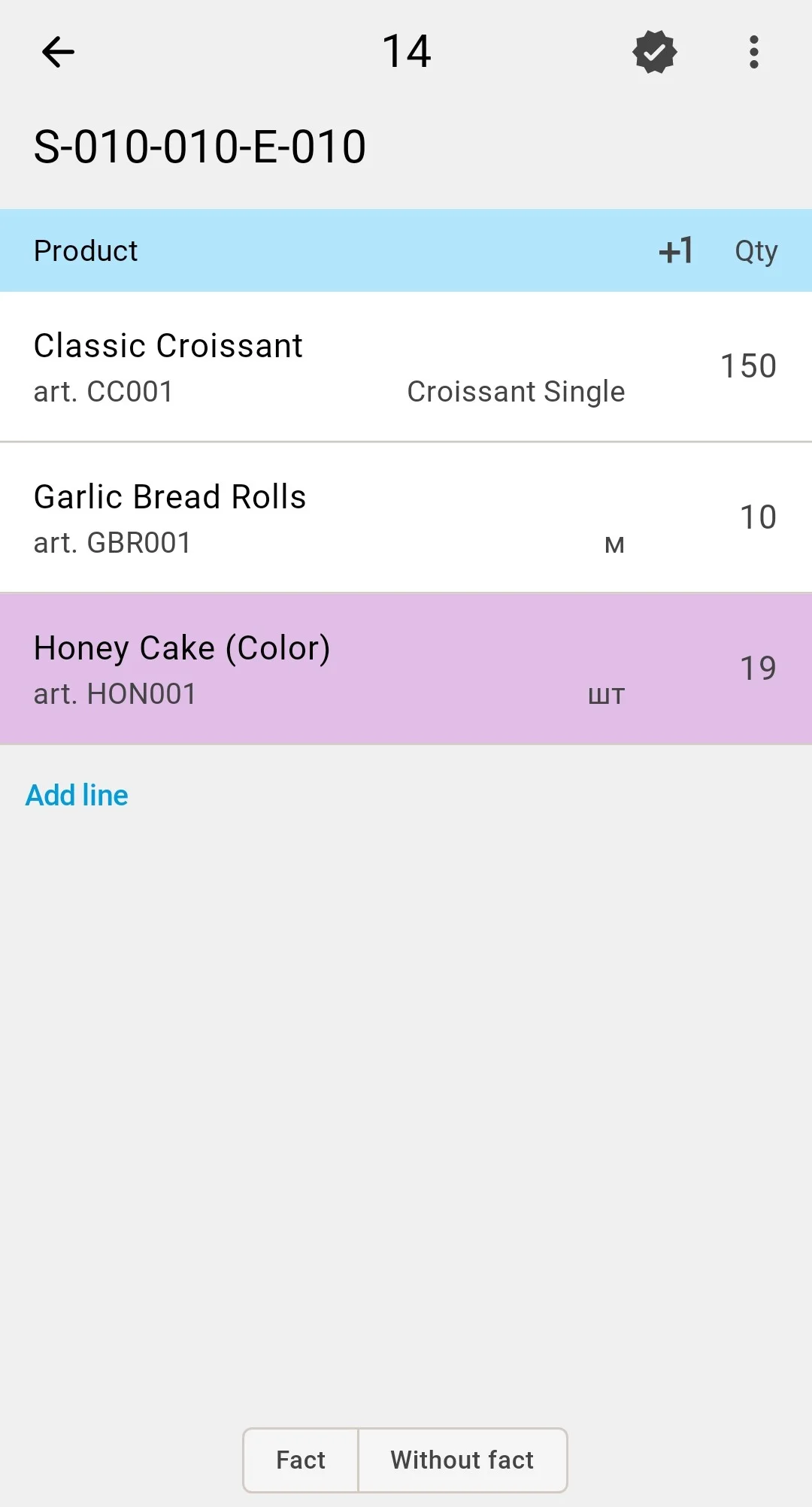
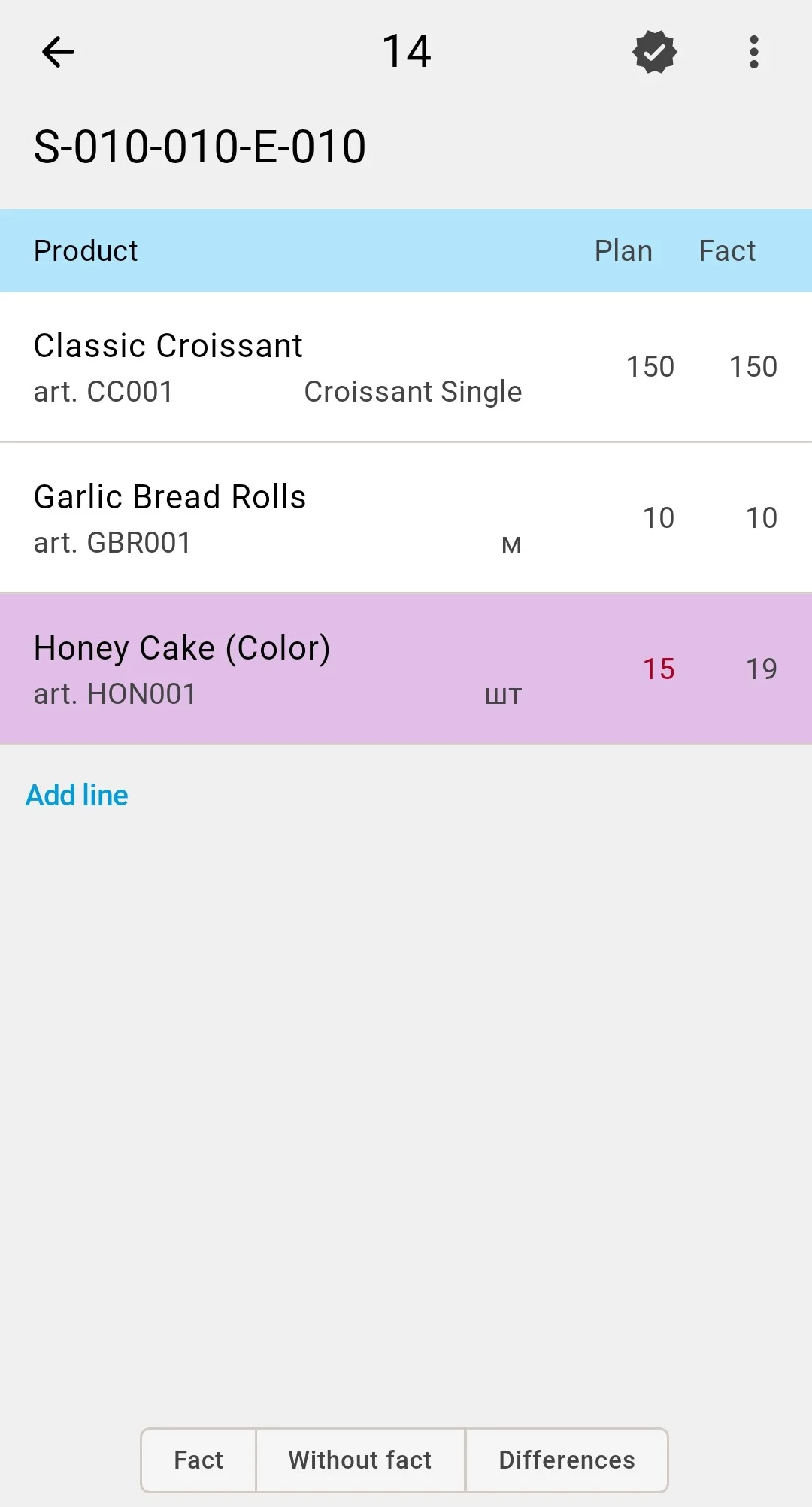
While a cell is part of an active count, goods in it cannot be moved — putaway, picking, and relocations touching the covered cells are blocked until the count completes, so nothing is counted twice or missed.
On clientCount type settingThe inventory count type — blind, assisted, or variance — is set when the count is planned in the client app.