Completing the task
When the last cell on the route has been counted, the operator presses the finish button — the white check mark in a black circle at the top right of the screen («Завершити приймання»). What happens next depends on the inventory count type chosen at planning:
Blind
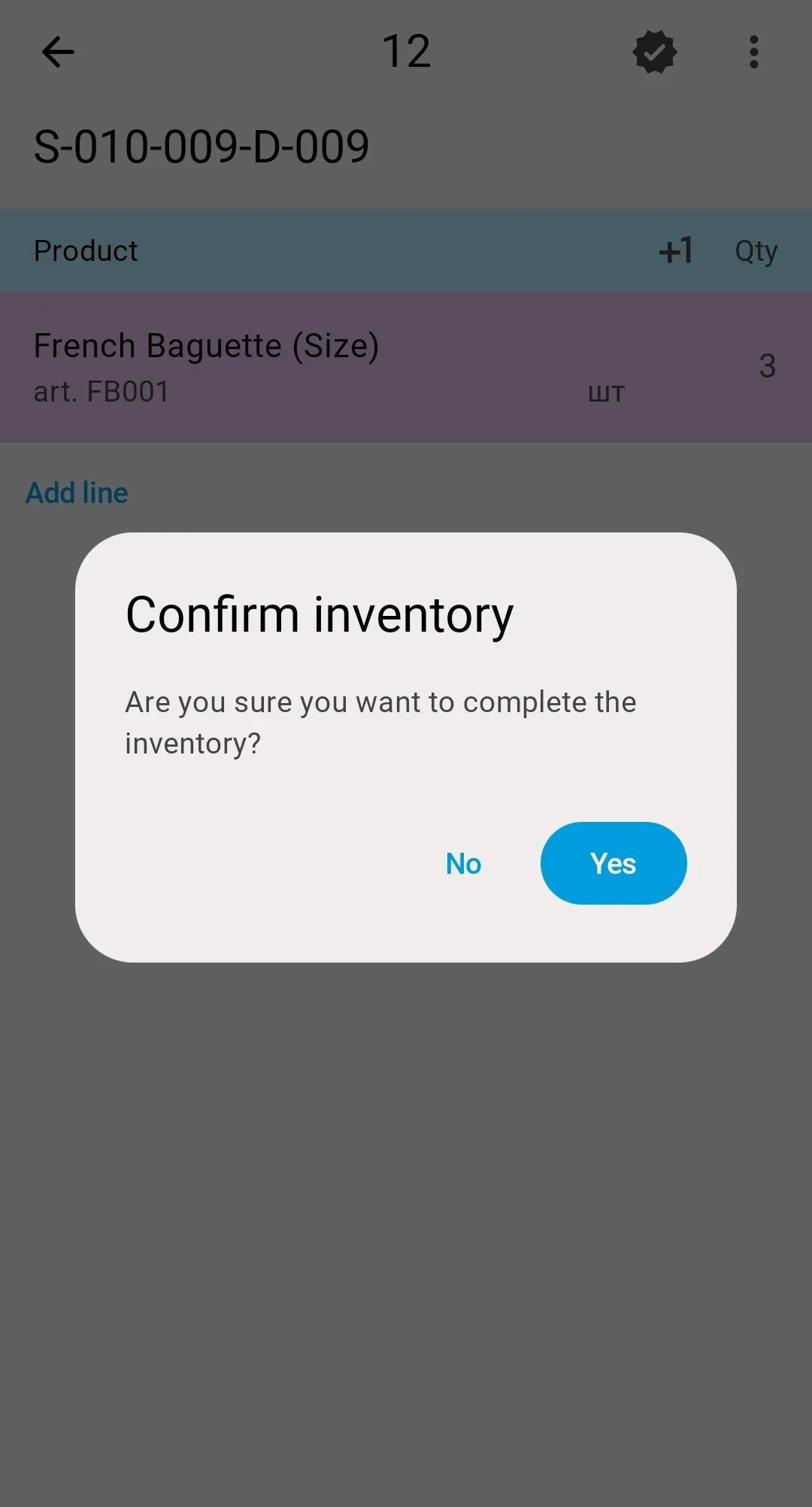
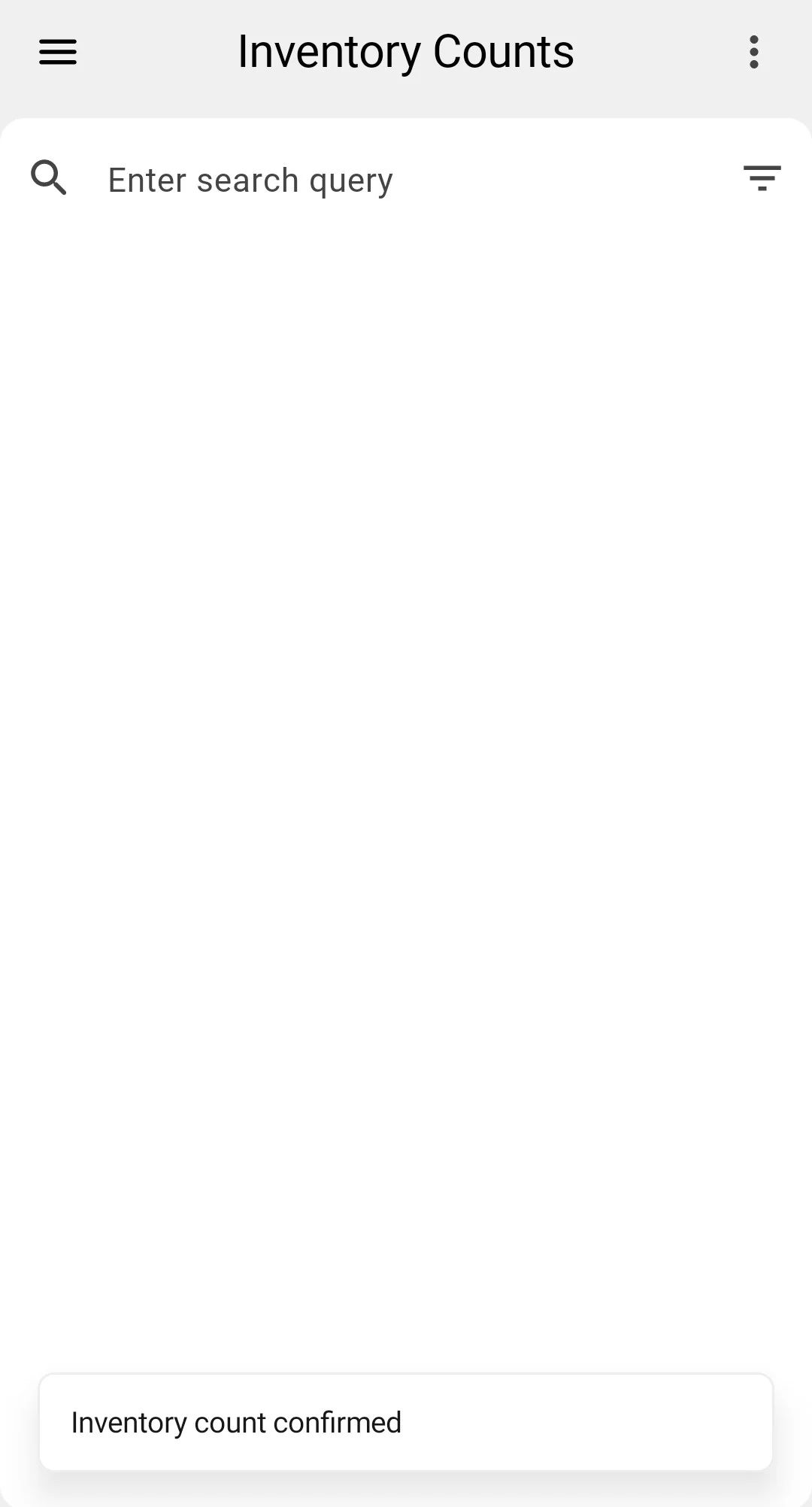
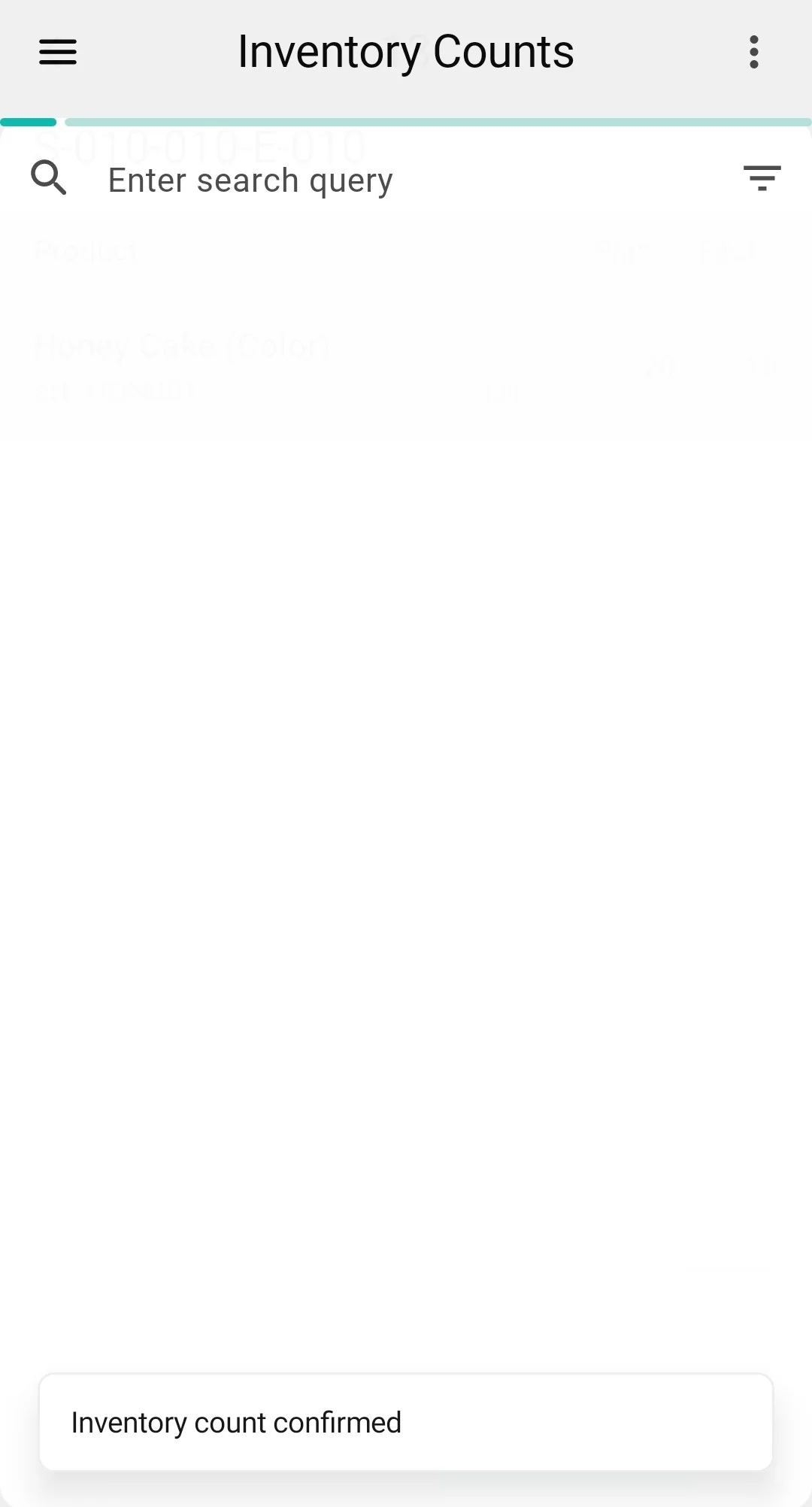
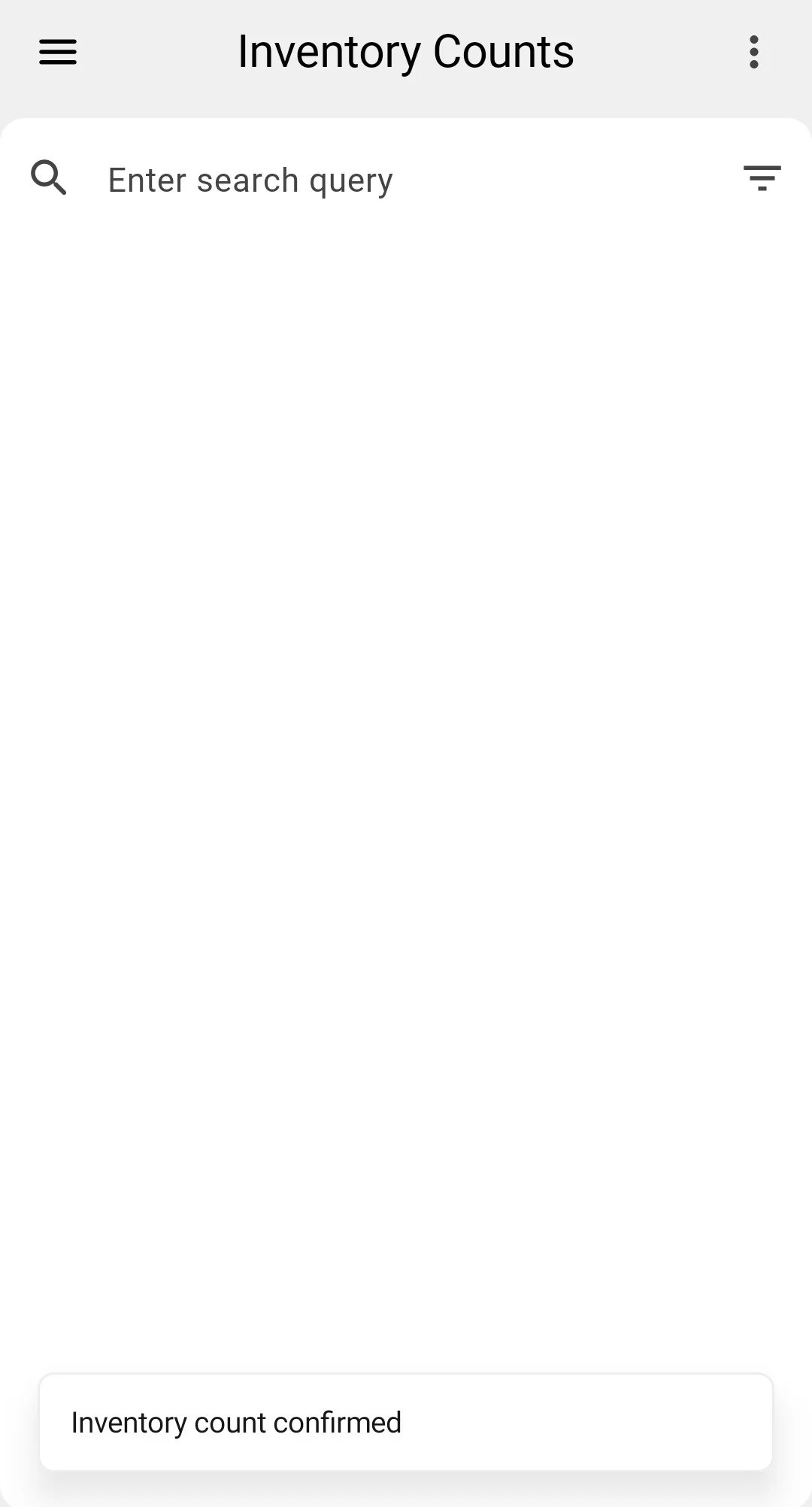
The PDT asks a single «Підтвердіть інвентаризацію» ("Confirm inventory") question — "Ви впевнені, що хочете завершити інвентаризацію?". Answering Yes closes the count straight into Completed, even when the entered quantities differ from the records: the operator never saw the expected numbers, so there is nothing to re-check on the spot. The differences surface in the client app — the Variance column and the Has Variance mark (see Reviewing discrepancies). The closed count leaves the PDT list, which confirms with the «Інвентаризацію підтверджено» ("Inventory count confirmed") message.
Assisted
- No differences — the count closes straight into the Completed status.
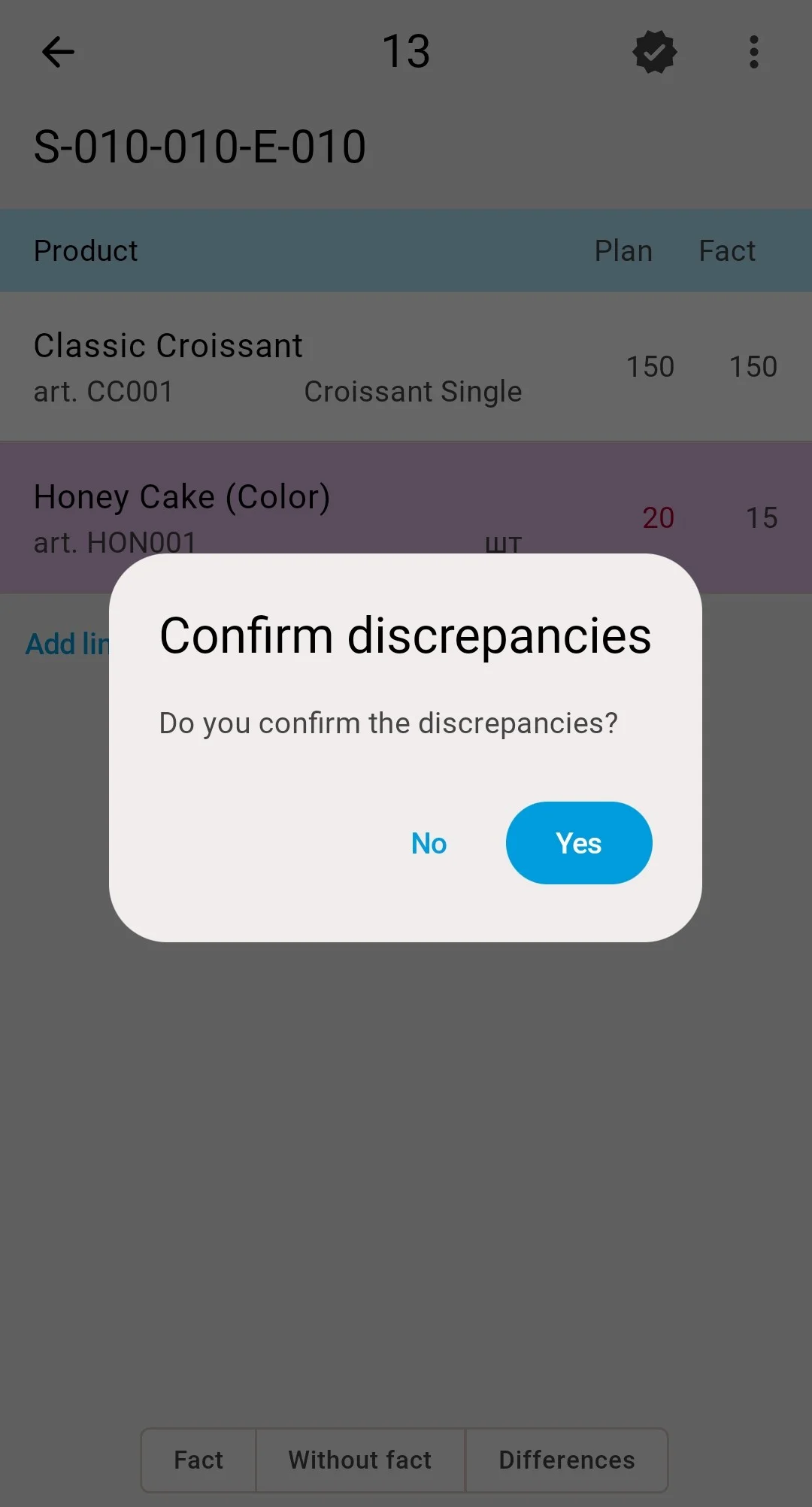
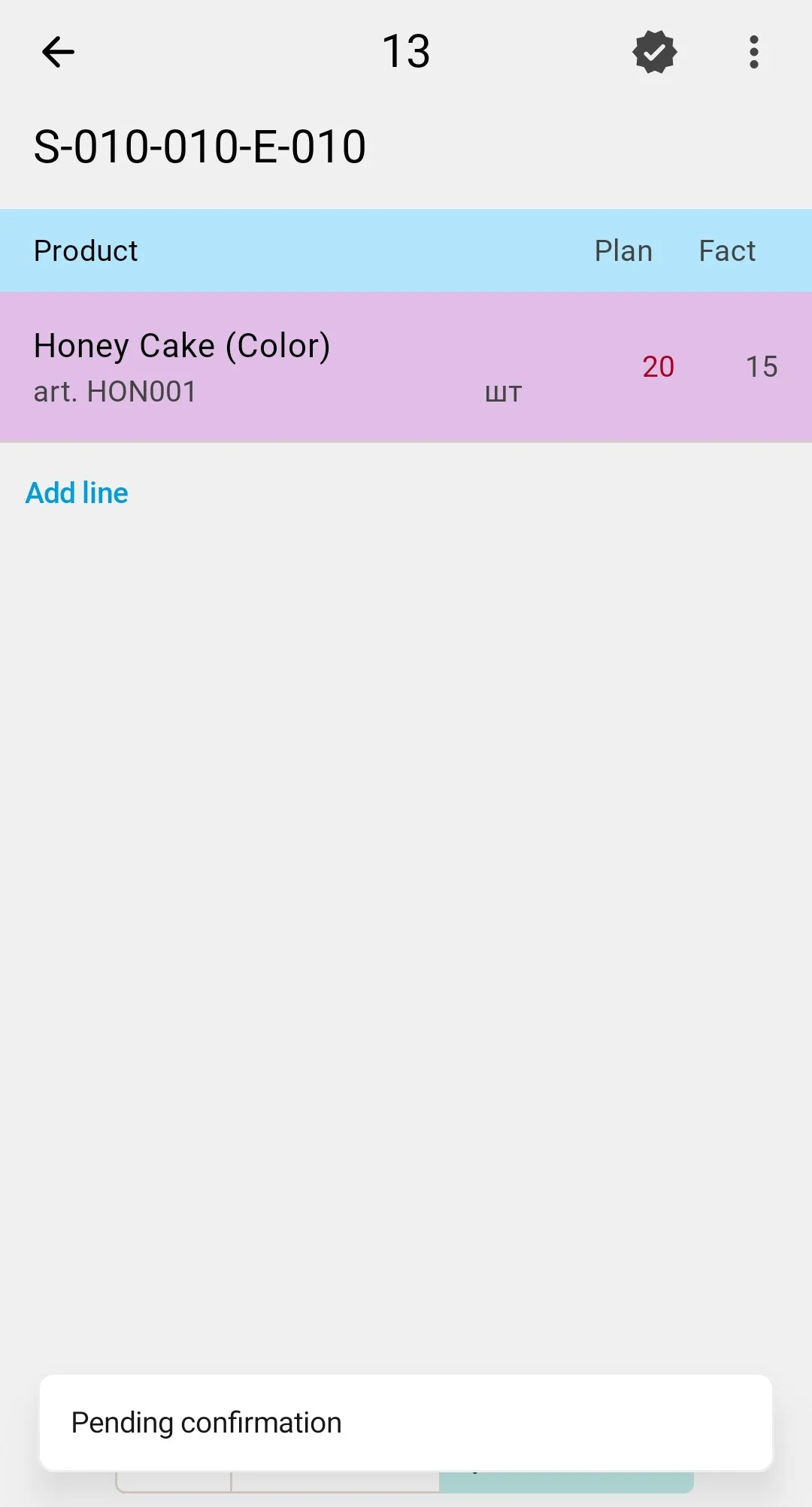
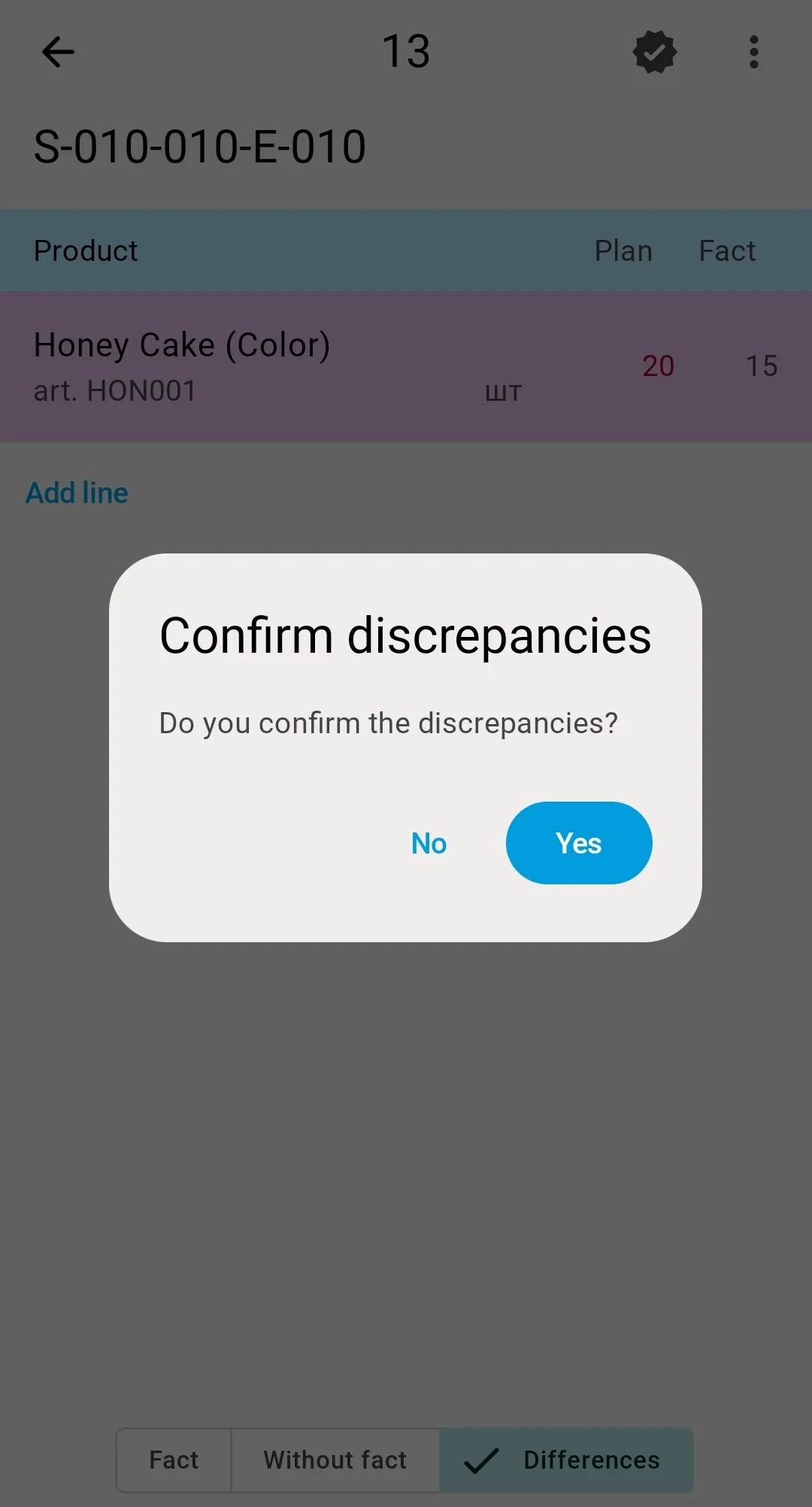
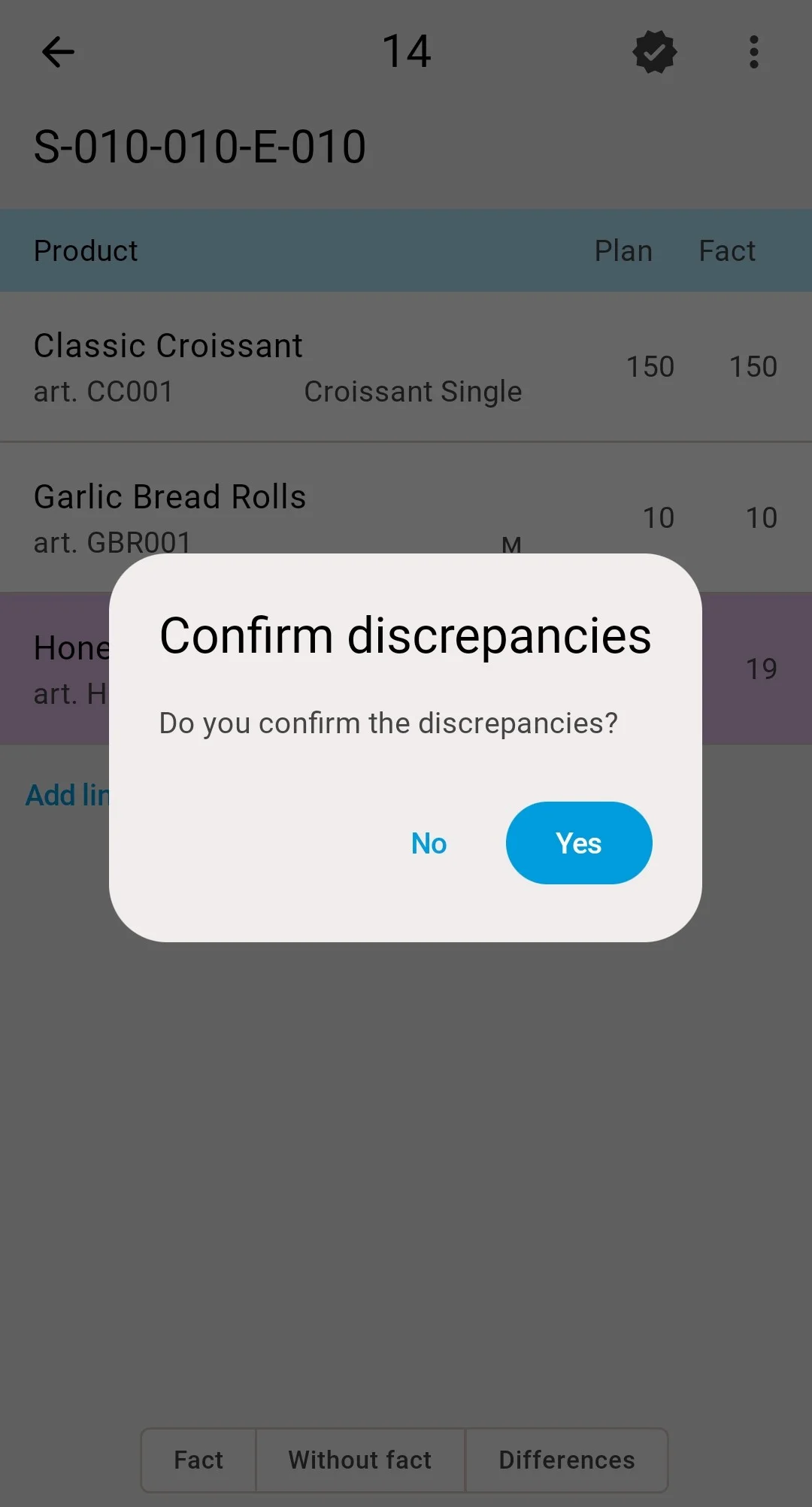
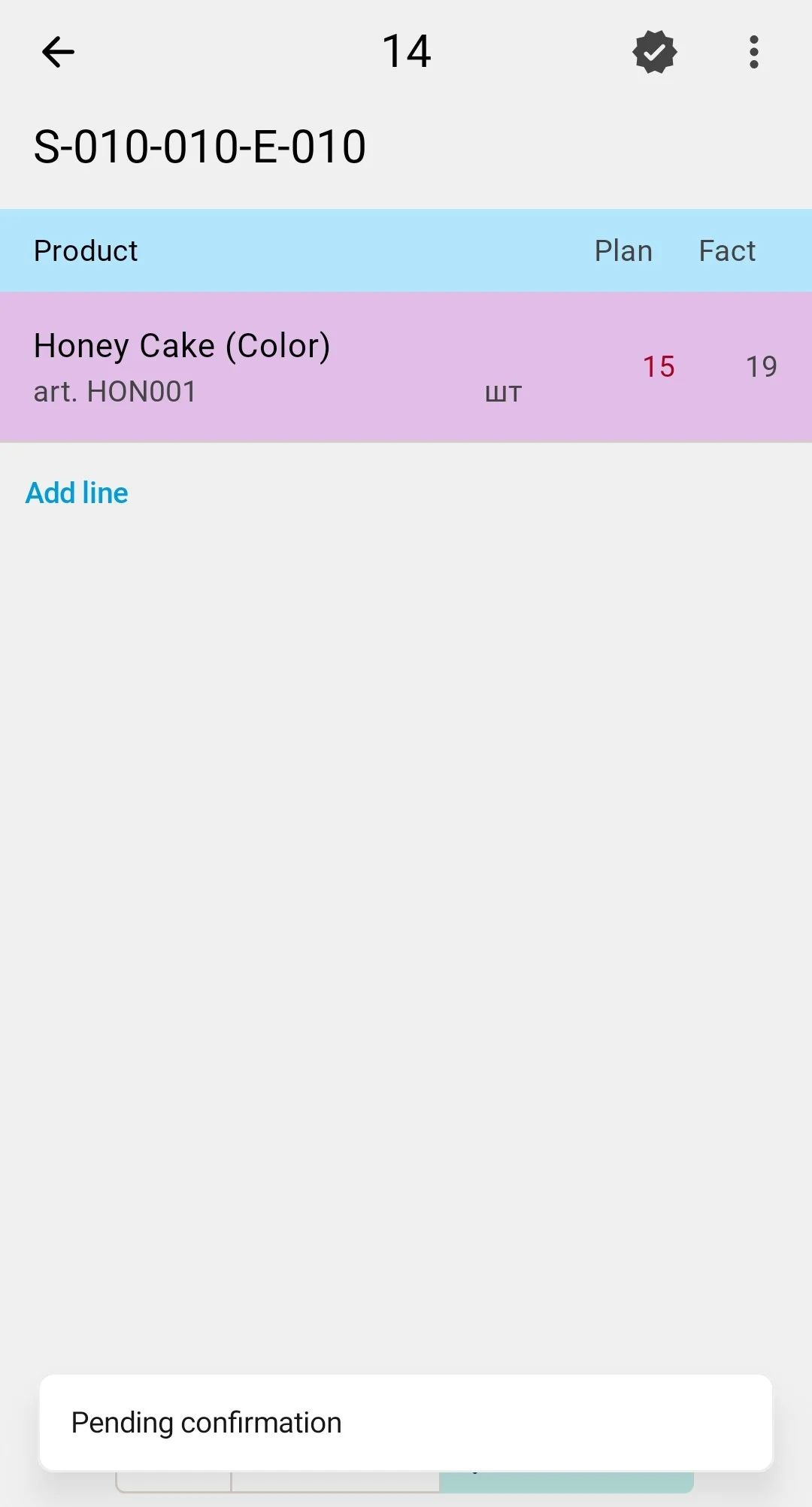
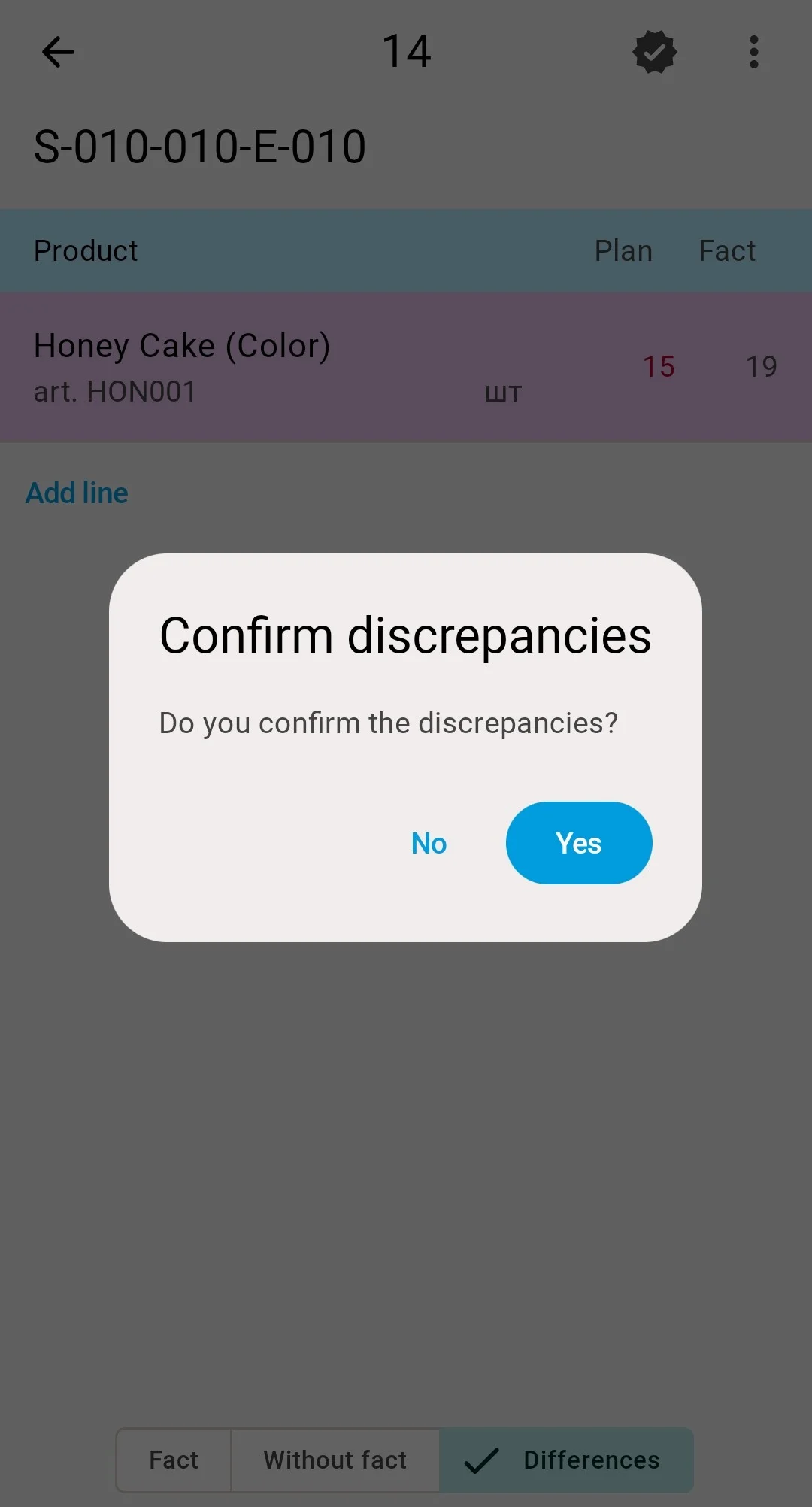
- There are differences — the PDT shows the «Підтвердіть розбіжності» ("Confirm discrepancies") prompt. Answering Yes moves the count to Pending confirmation, where the discrepancy list waits for the final decision. Returning to a position with a deviation drops the count back to Entering Results — finish again to repeat the cycle. Confirming the discrepancies a second time closes the count into Completed — the count leaves the PDT list with the «Інвентаризацію підтверджено» ("Inventory count confirmed") message.
Variance
Positions the operator never touched count as confirmed at their recorded quantity, so all that is left to review are the lines the operator actually changed. With no changed lines the count closes straight into Completed. With deviations the PDT runs the same two-step confirmation as the assisted count — the «Підтвердіть розбіжності» ("Confirm discrepancies") prompt, answered Yes, moves the count to Pending confirmation, and the deviating lines gather under the Differences («Розбіжності») tab for the final check on the spot. Finishing again repeats the prompt; the second Yes closes the count into Completed, and it leaves the PDT list with the «Інвентаризацію підтверджено» ("Inventory count confirmed") message.
Even a completed count can still be cancelled — see Count statuses for the full map.
The final confirmation can also be refused: if one of the covered cells has meanwhile been counted by a fresher count, the system will not close this one over it — the rule and the way out are described in Approving the results.
Recount tasks
If the comparison finds critical discrepancies, the system can automatically create a recount task for the affected cells. It arrives in the counting-task list like any other task — possibly assigned to a different operator, so the second pair of eyes is independent of the first — and is executed exactly the same way: scan the cell, scan the products, enter the quantities.
The blocks on the counted cells are lifted automatically once the count completes — no manual unblocking is needed before normal work resumes in the zone.
On clientReviewing discrepanciesWhat the system does with the entered quantities — discrepancy detection, recounts, and approval — happens in the client app.