Opening the counting task
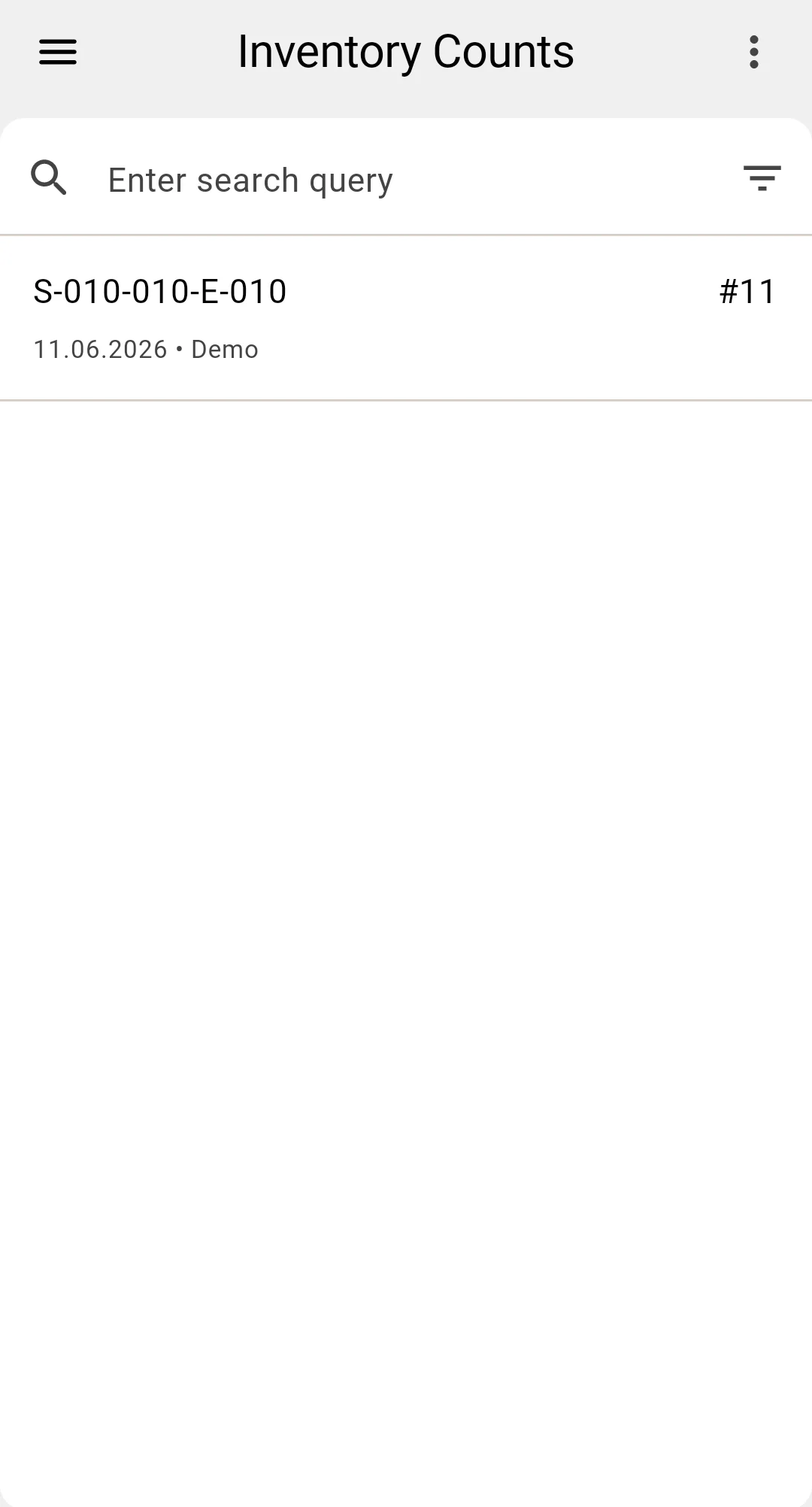
The operator opens the counting-task list on the PDT. The list shows the tasks assigned to this operator — each one created in the client app when the count was planned.
A task is a list of cells to recount, arranged along a recommended route so the operator walks the warehouse in an efficient order instead of criss-crossing the aisles. Several operators can work their own tasks in parallel — each task covers its own zone.
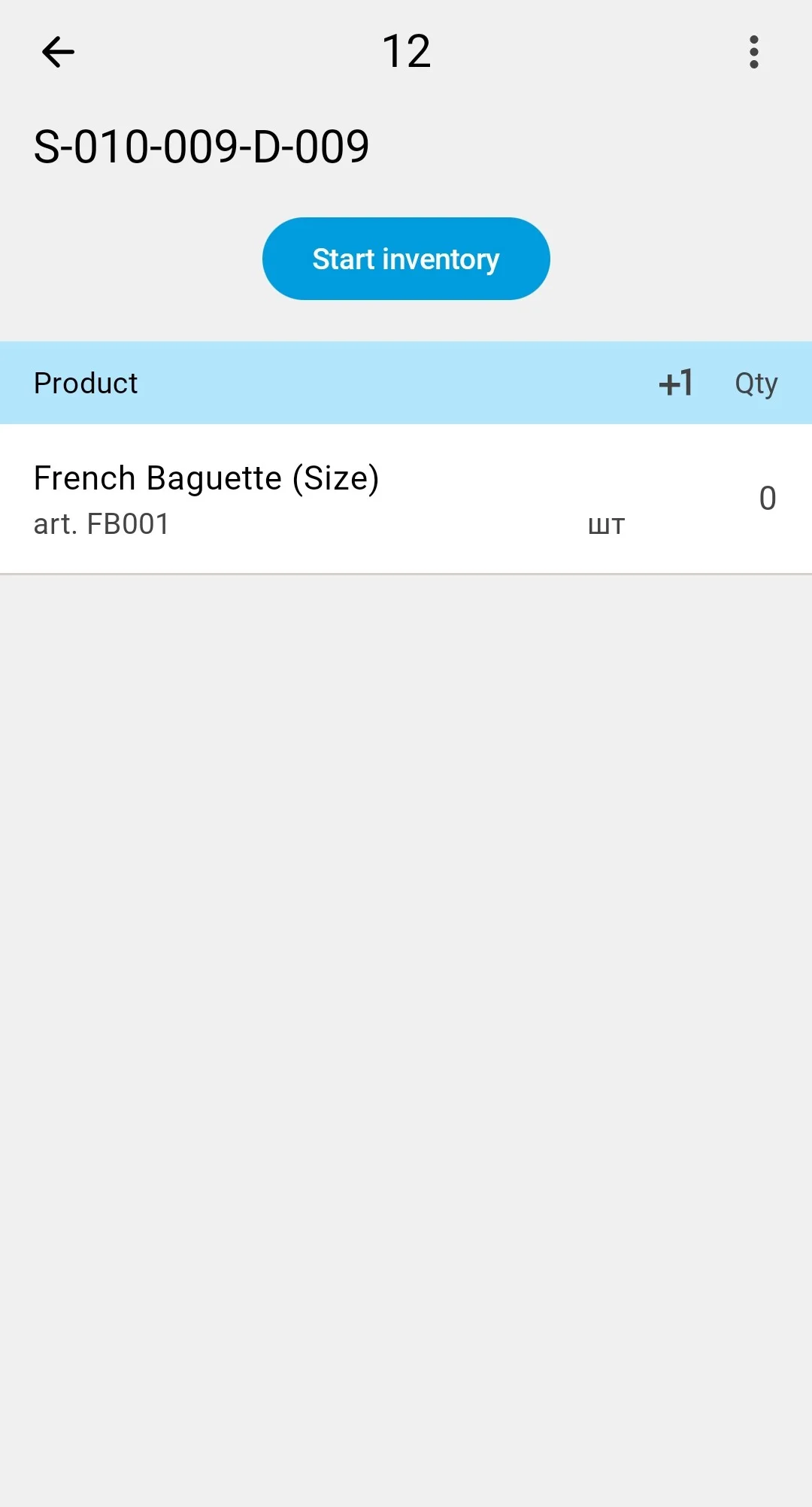
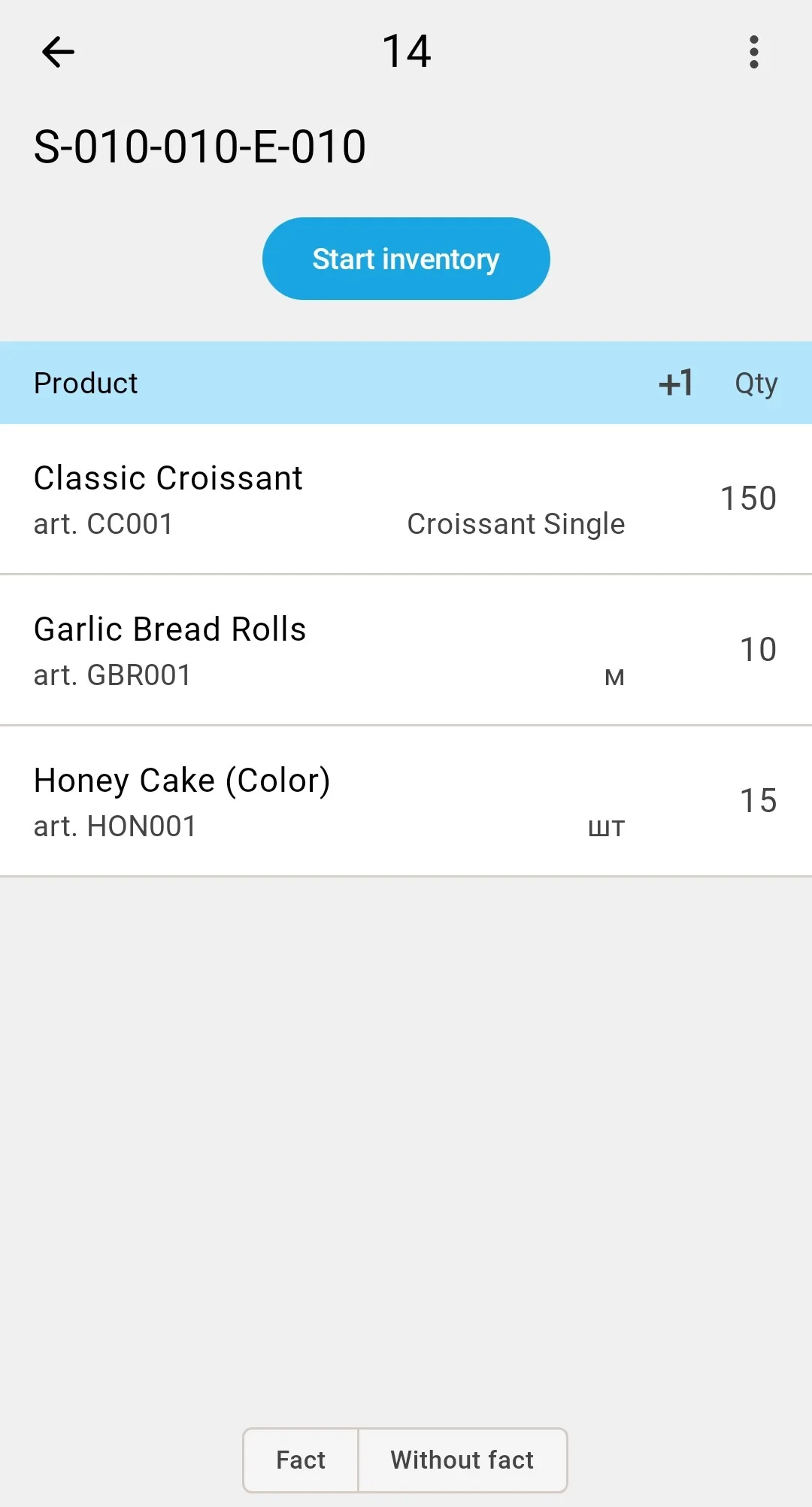
To start counting, the operator opens a task and presses Start inventory («Почати інвентаризацію») — the count moves to the In Progress status (see Count statuses), and the screen moves to the first cell on the route, described in the next step.
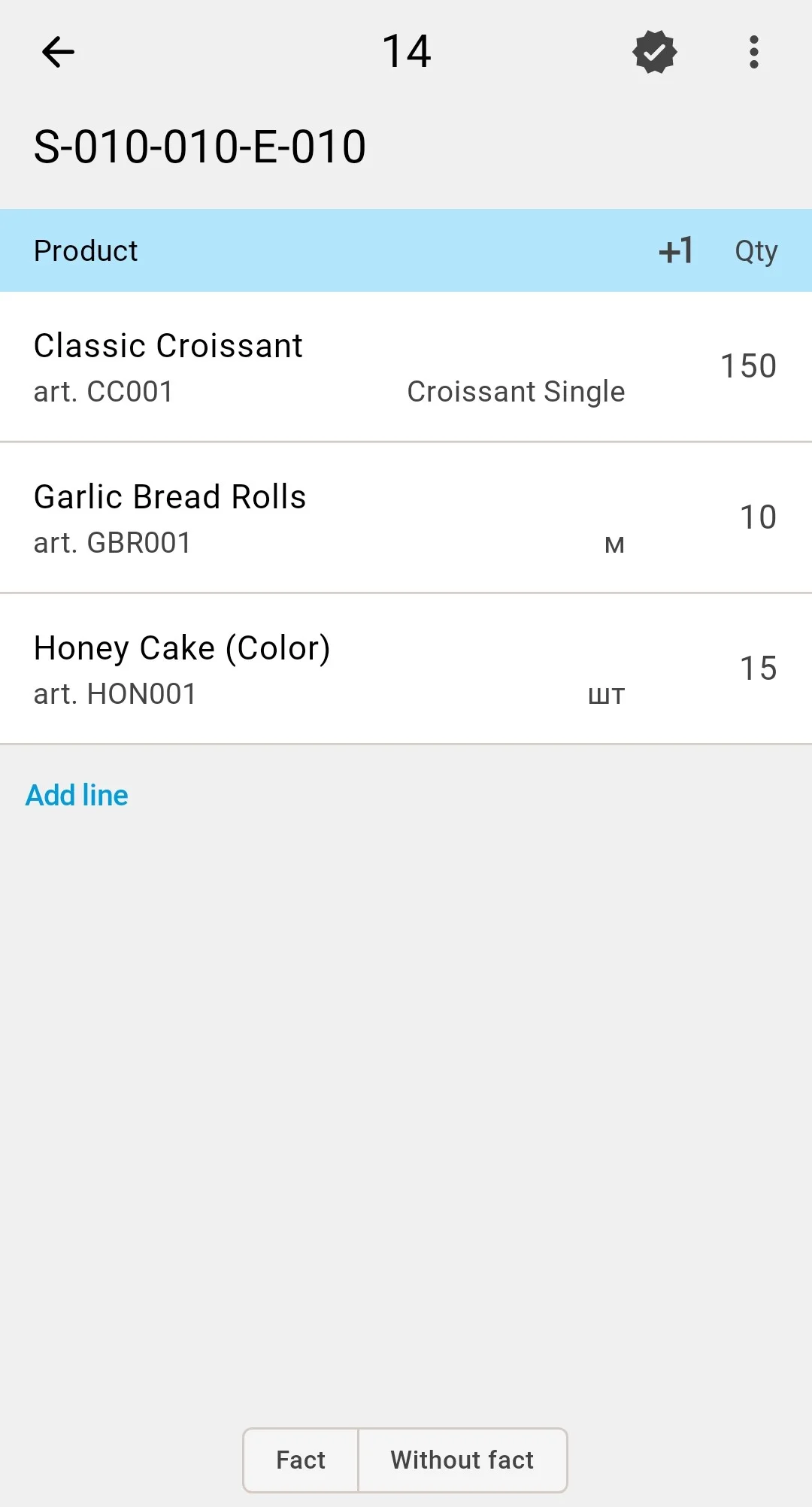
What the opened task shows next to each position depends on the inventory count type chosen at planning:
Blind
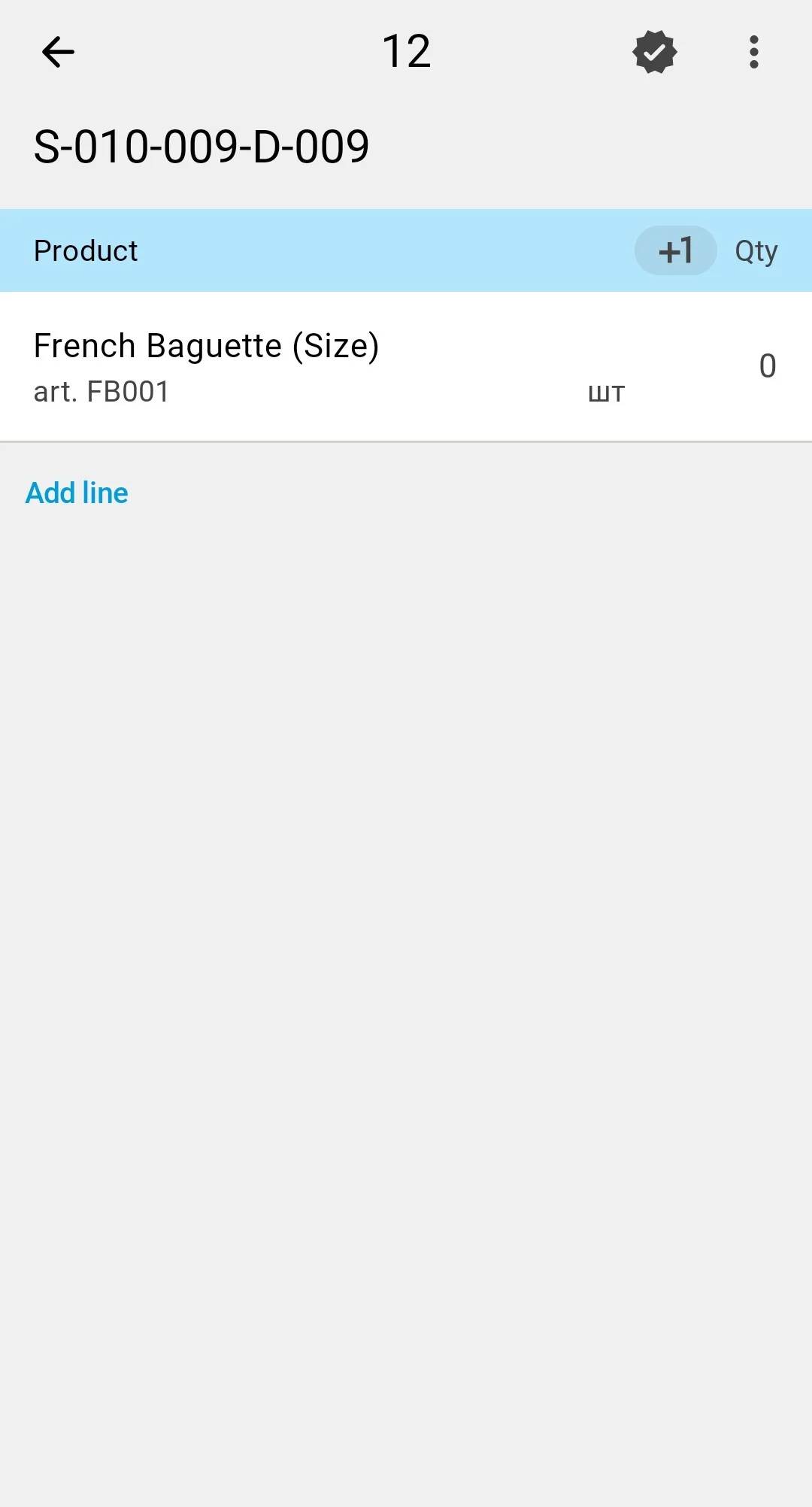
Assisted
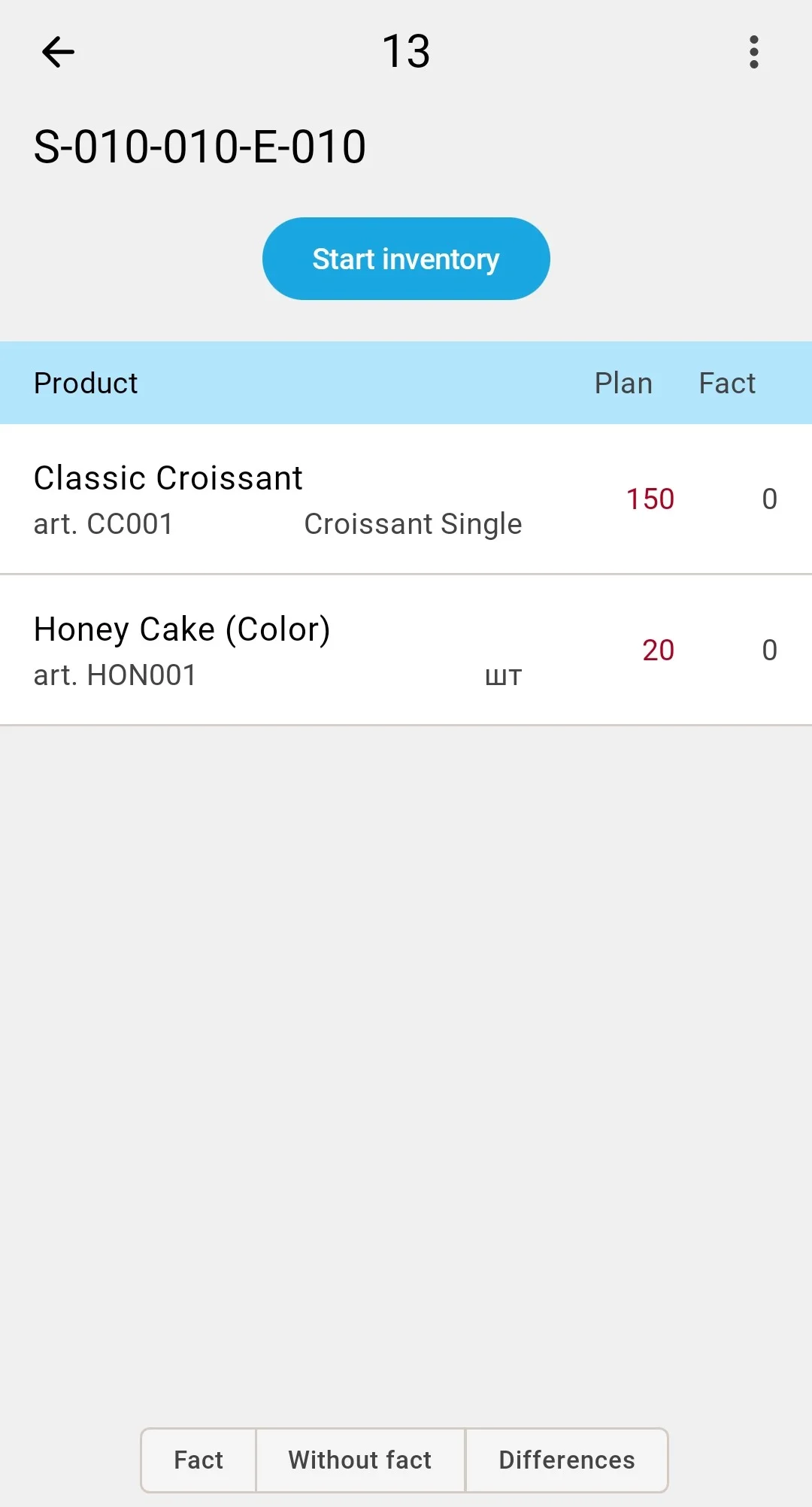
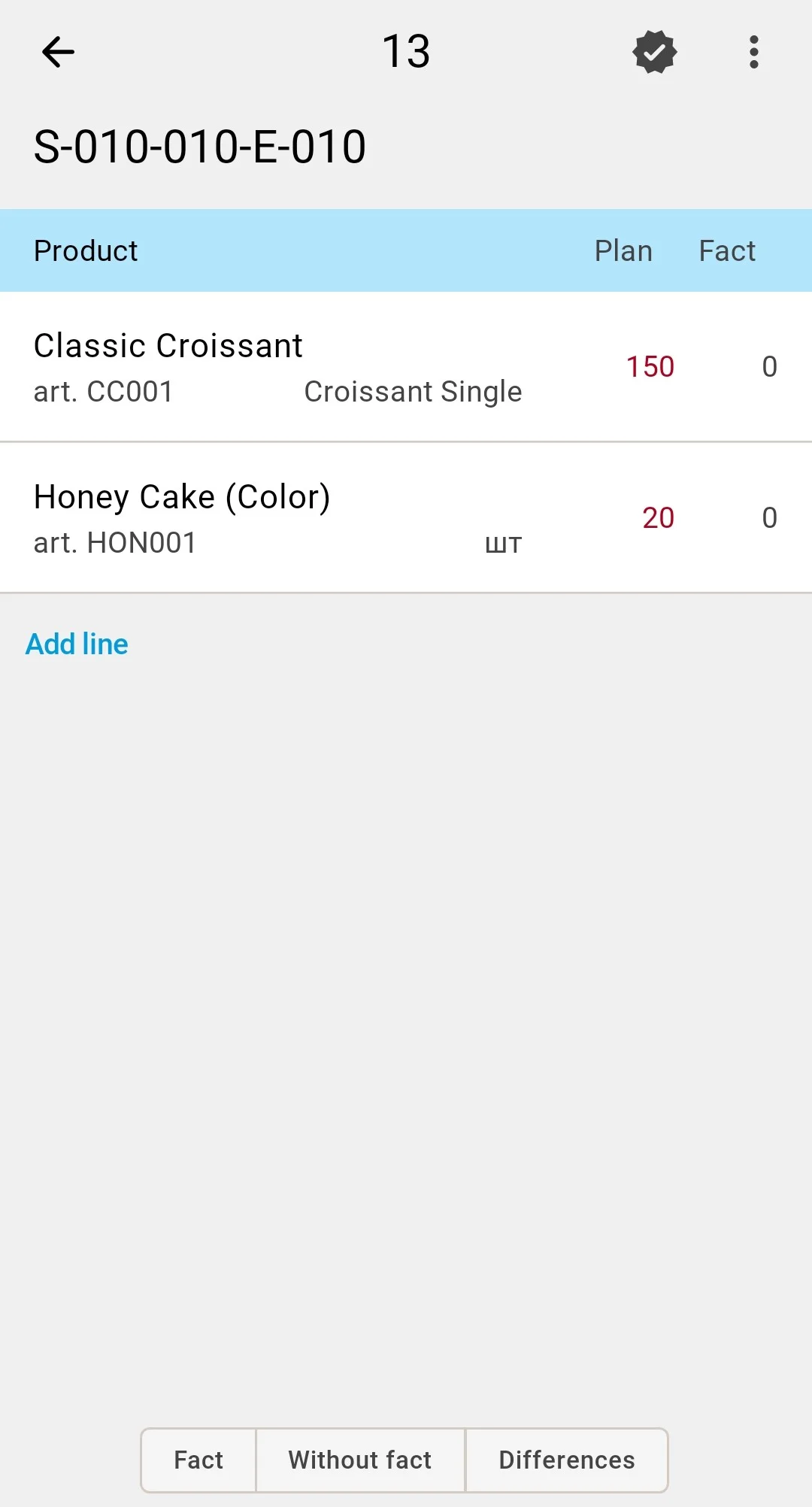
Variance
Counting tasks are created in the client app — see the planning phase for how the scope and the executors are chosen.