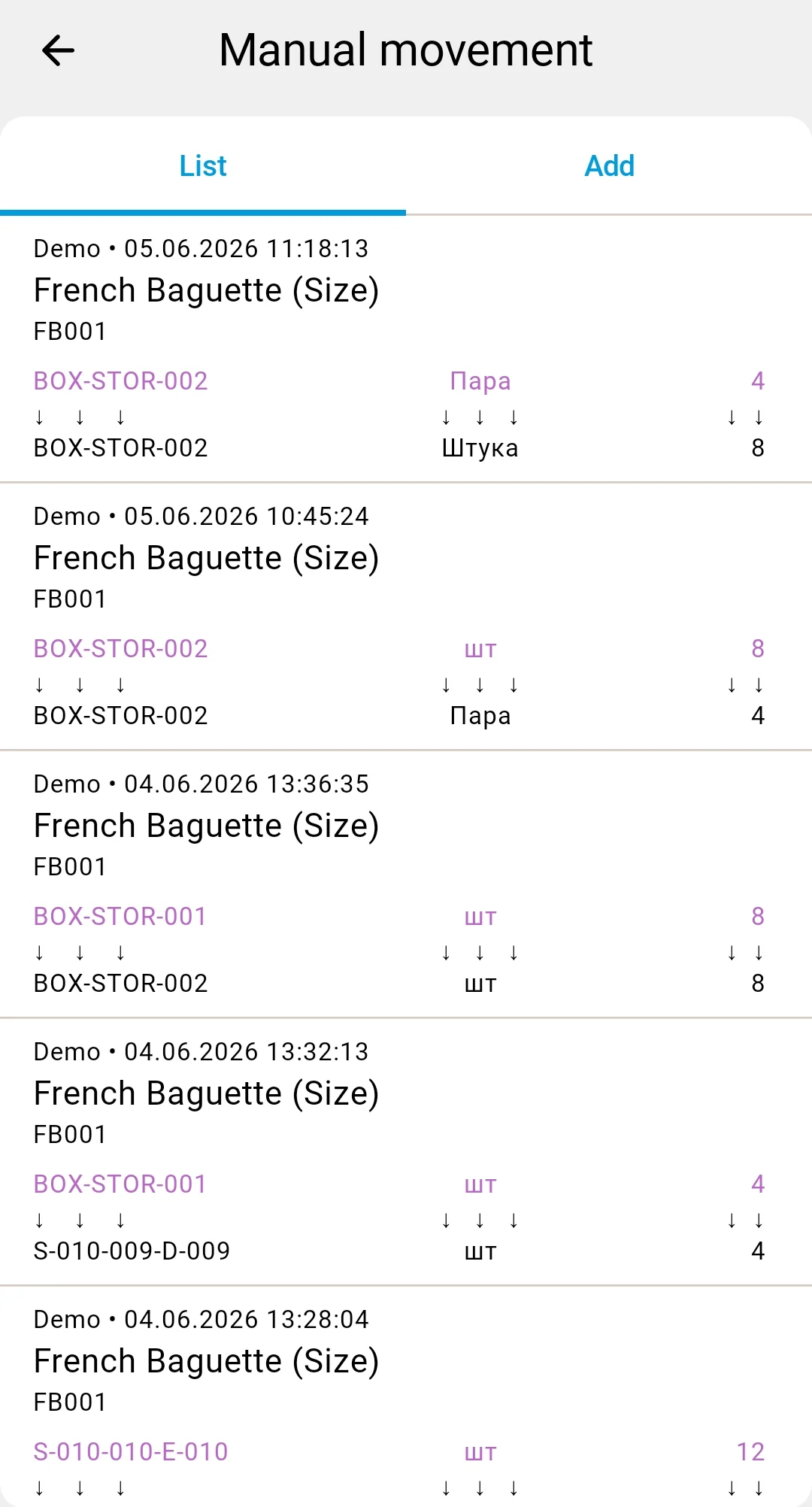
Reviewing saved ad-hoc facts
The LIST tab of the manual relocation screen shows a paginated history of the ad-hoc facts you've recently saved. Swipe down to refresh.
note
Don't be surprised if a fact you just saved appears under an existing document instead of a new one. The server groups ad-hoc facts within the current hour by the same operator and warehouse into one relocation document. You haven't lost anything — the fact is recorded, just attached to the existing hour's document.
Ad-hoc documents reach Completed automatically as soon as the server processes the fact. For details on each terminal status, see the Relocation statuses reference.