Opening the ad-hoc form
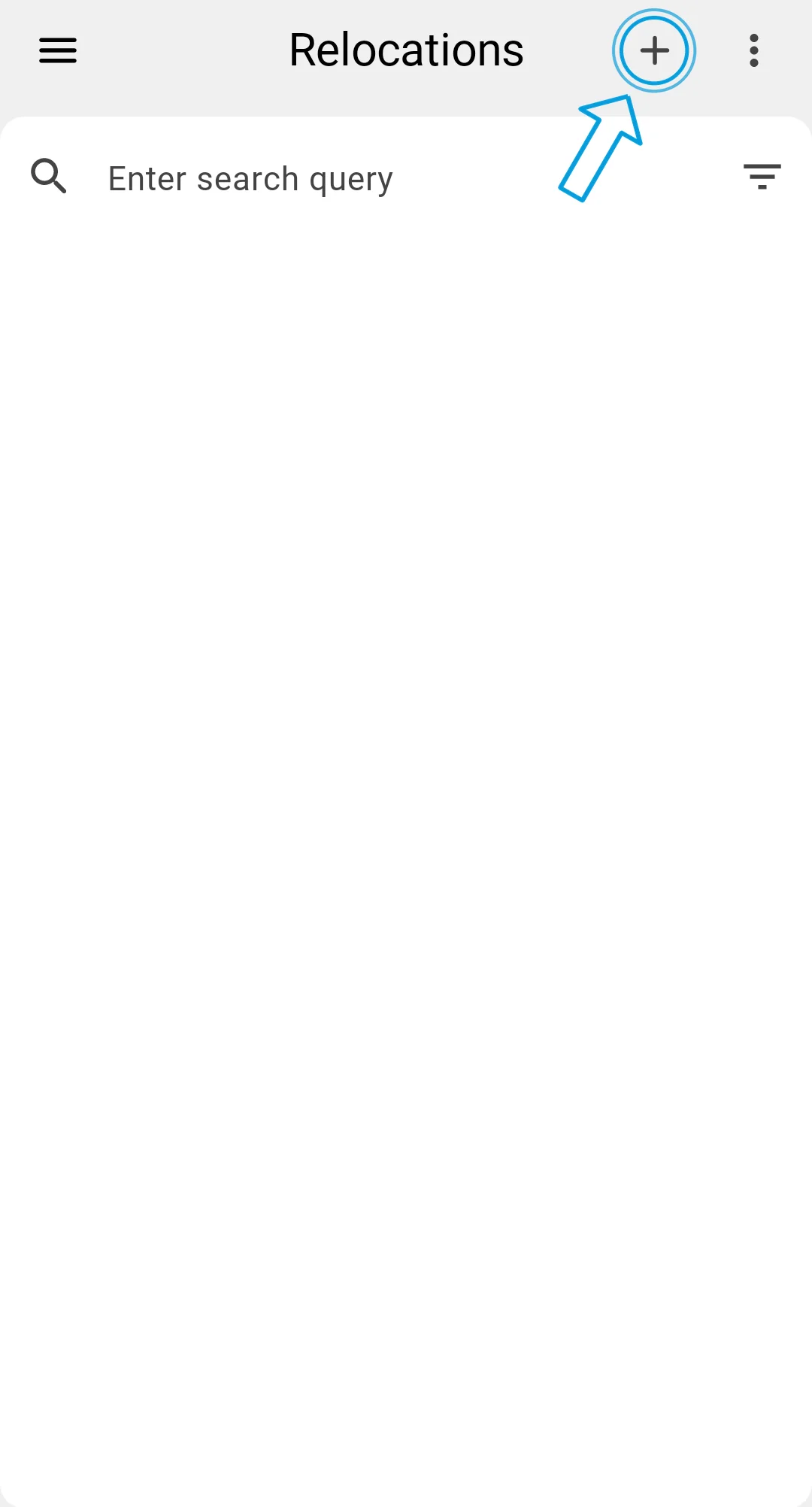
From the Relocations list (which is the same starting point as a planned relocation), the "+" button in the top bar opens the Manual relocation screen. The button is gated by the table's add-permission, so operators without that permission won't see it.
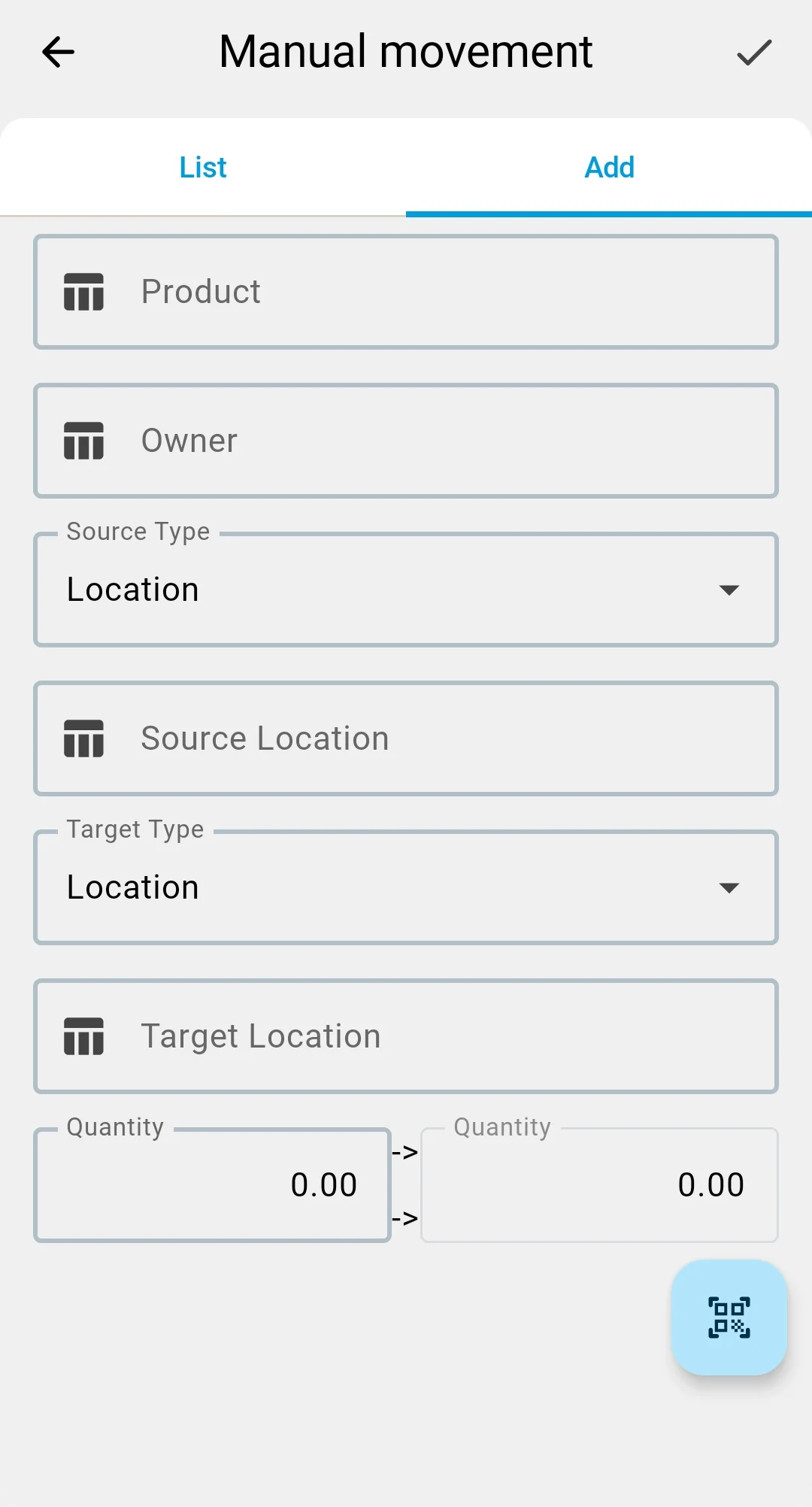
The screen has two tabs:
- ADD — the entry form for a new fact (default tab).
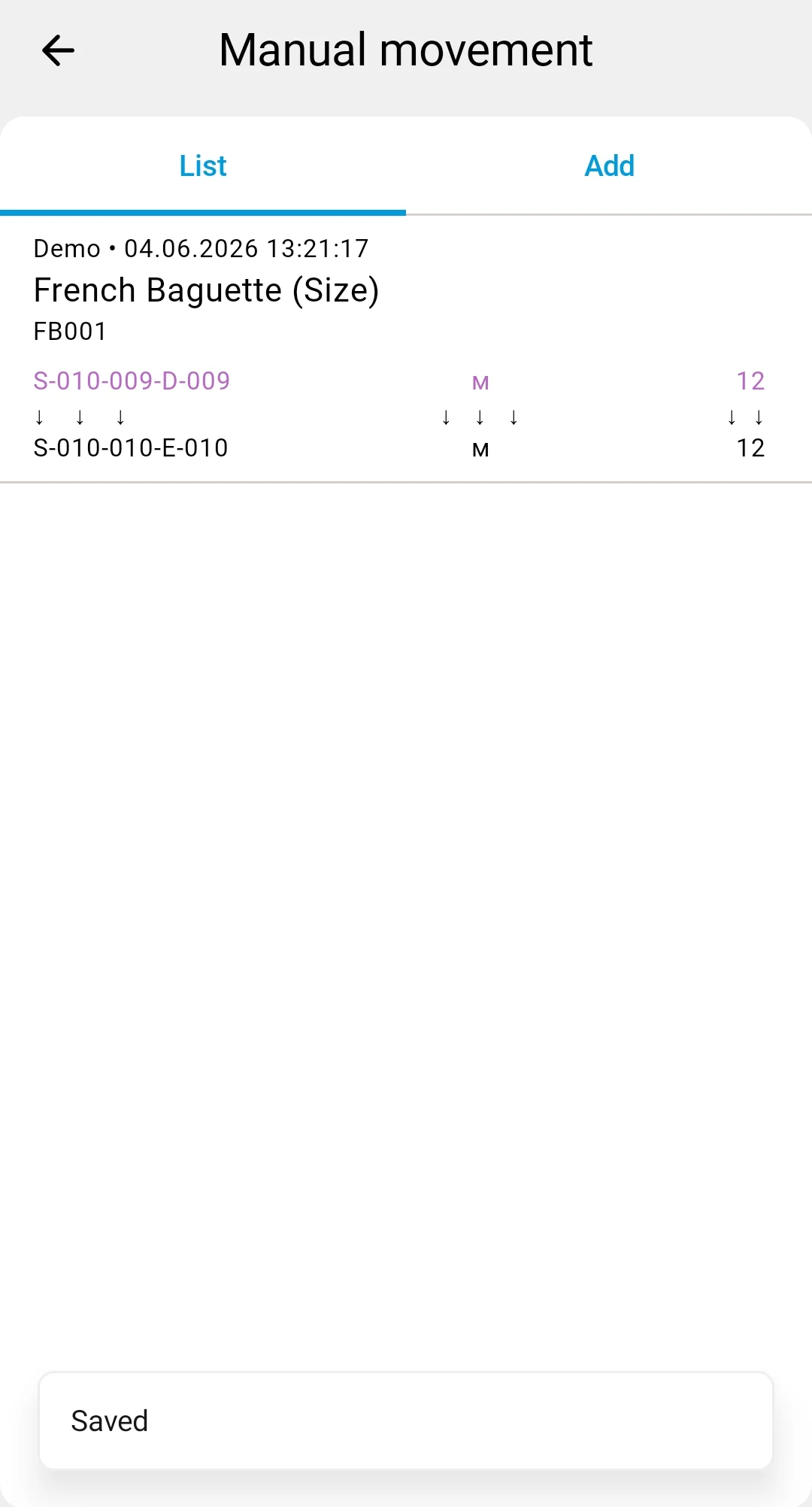
- LIST — a history of ad-hoc facts you've already saved.
The top bar shows the screen title, a ✓ save button (visible only on the ADD tab), and the barcode-scanner button (also ADD-only).
In the client app, ad-hoc relocation uses the single-document screen with the Ad-hoc checkbox — a different surface, same idea.