Closing the document
On the items table, while the document is In progress, a ✓ icon appears on the top bar. The operator taps it to close the document.
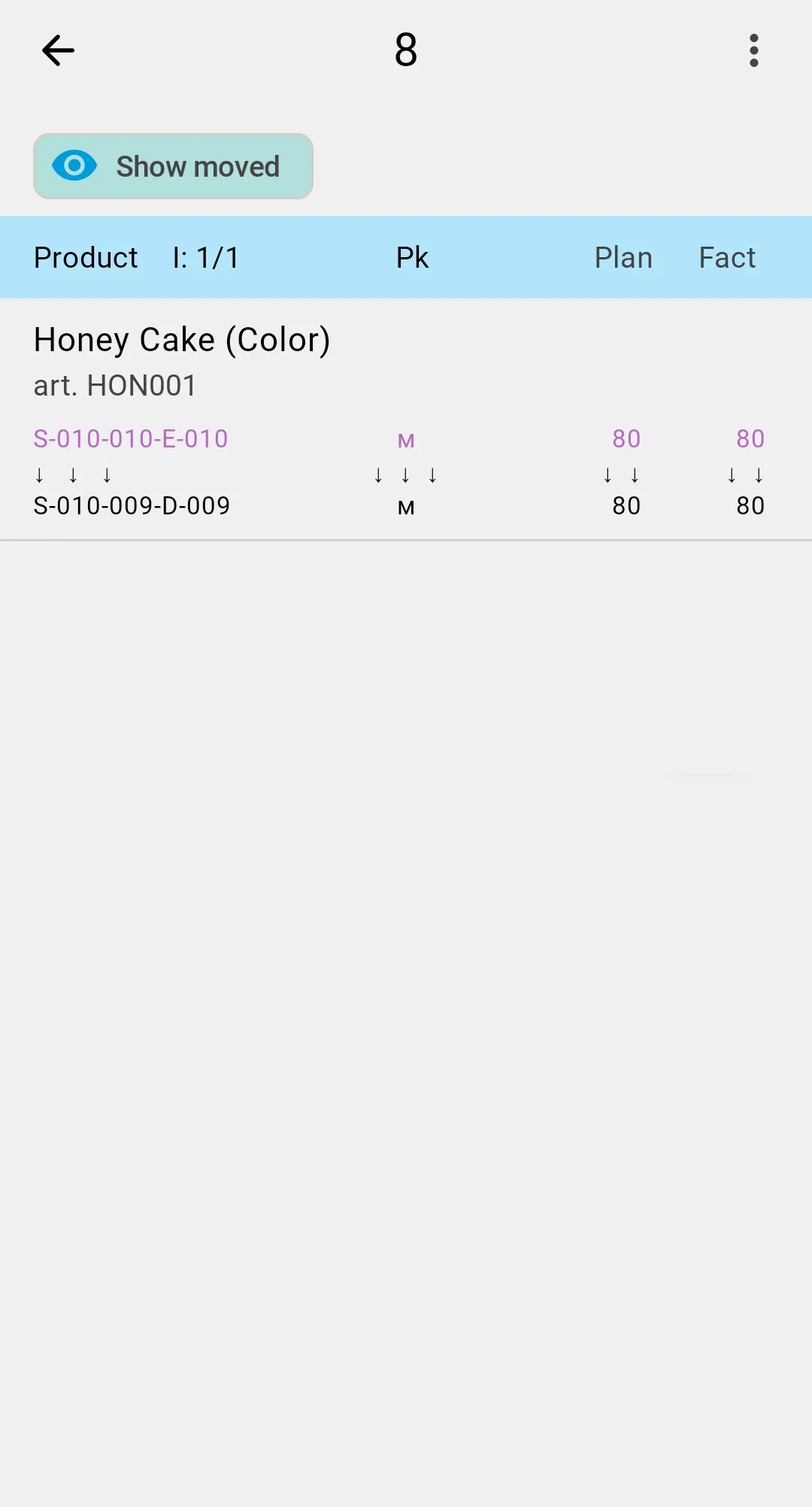
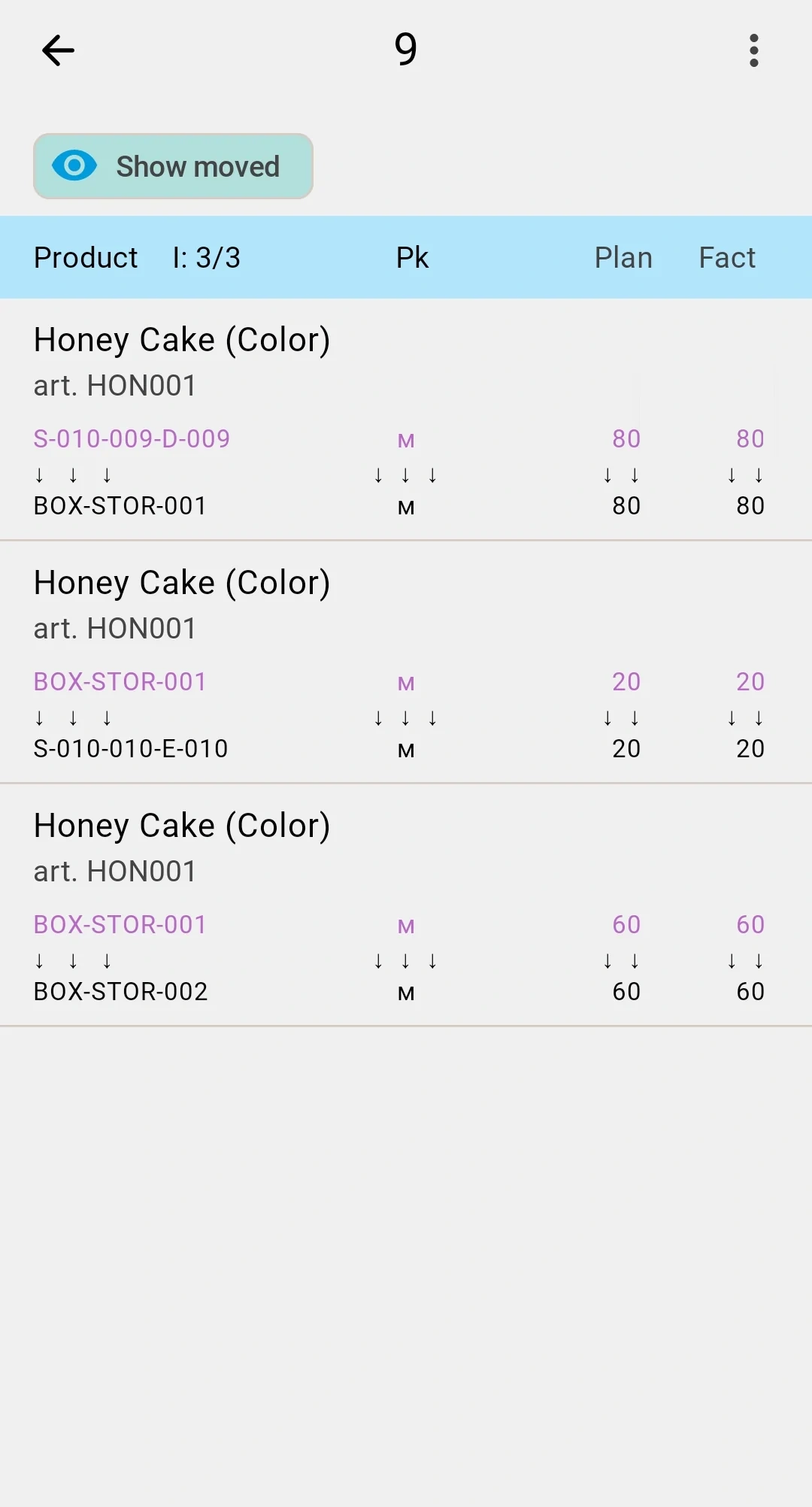
- Every line fully executed. The status moves directly to Completed.
- Some quantity remains. A confirmation dialog appears — confirming moves the status to Partially completed.
warning
When the document is closed with a remainder, every source cell that still has unmoved stock is given the Count required status in the Inventory state section of the cell. The next inventory-count cycle picks these cells up automatically.
Cancel isn't available on the PDT — to cancel a planned relocation, use the client app.
For the full meaning of each terminal status, see the Relocation statuses reference.
On clientClosing on client (incl. Cancel)Cancel is available only in the client app — and the client closure flow also covers Complete and Close partially.