Reading the items table
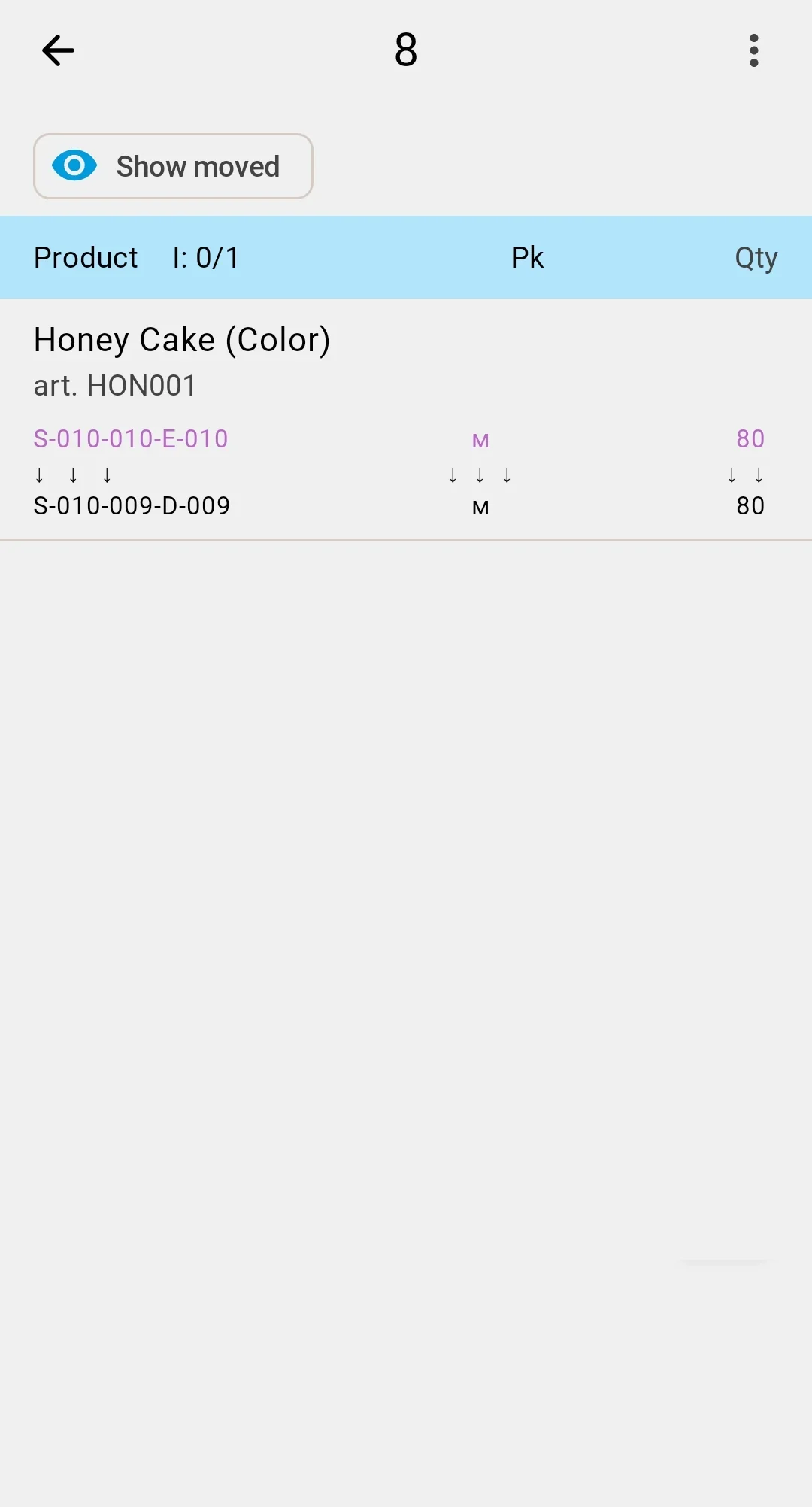
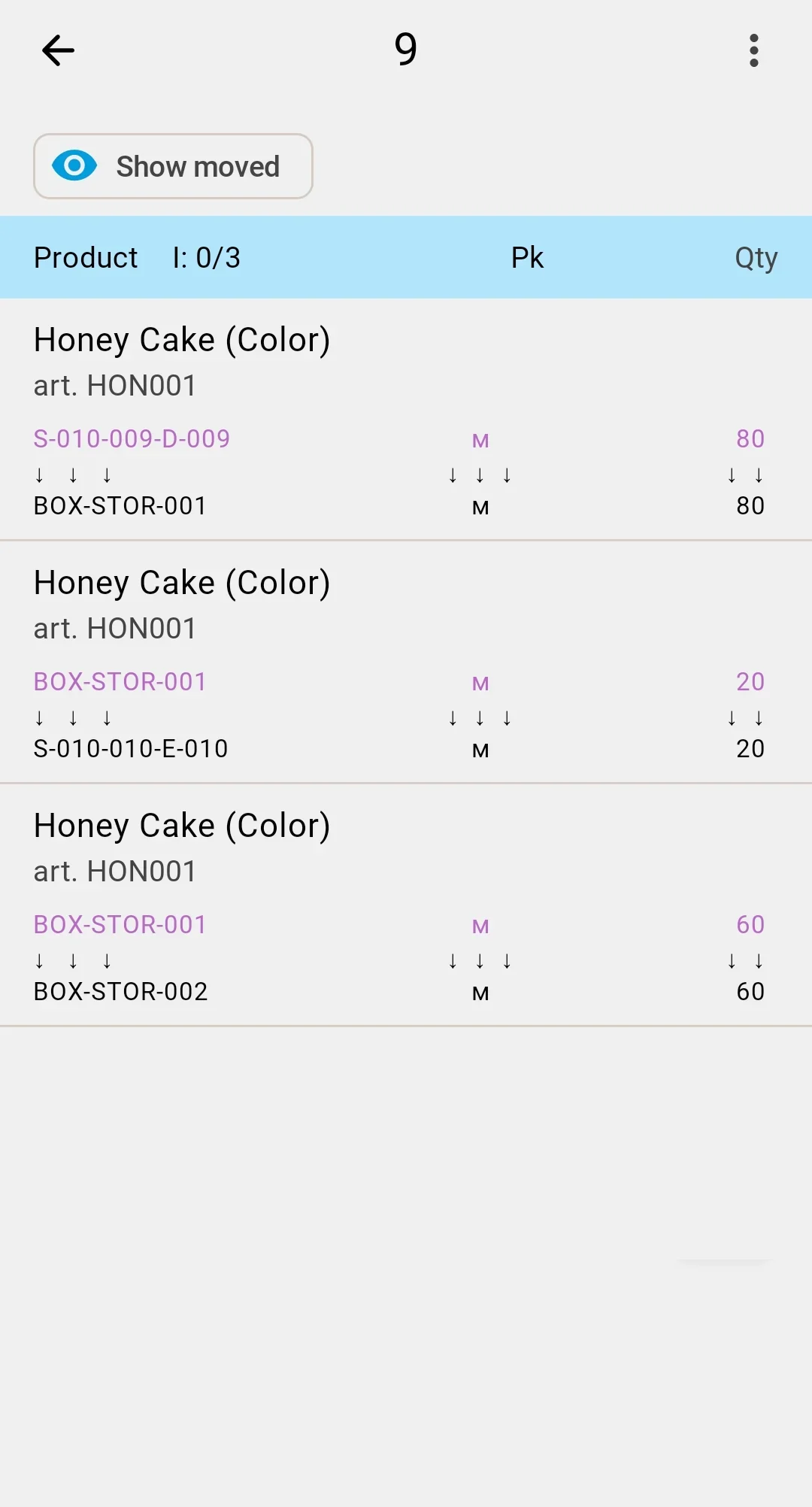
Once a planned document is open, the default view is the items table — one row per planned line. Each row shows the product (with its optional feature or lot if any), the planned quantity vs how much has already been moved, the pack-type hint, and a hint of the source and target (cell or container) from the plan.
What this screen doesn't offer: editing the plan or the multi-tab layout that the client app uses. The PDT is for execution only — adjustments to the plan happen in the client app.
The top bar shows a ✓ button (visible while the document is In progress) — used for closure. The ⋮ menu opens an Information view with the document's high-level header.
Tapping a line takes the operator to the fact-recording form. Multiple facts can be saved against one line — useful when the same line is split across several target cells.
In the client app, the same data lives across the General, Plan, and Execution tabs of the relocation document.