Opening the planned relocation
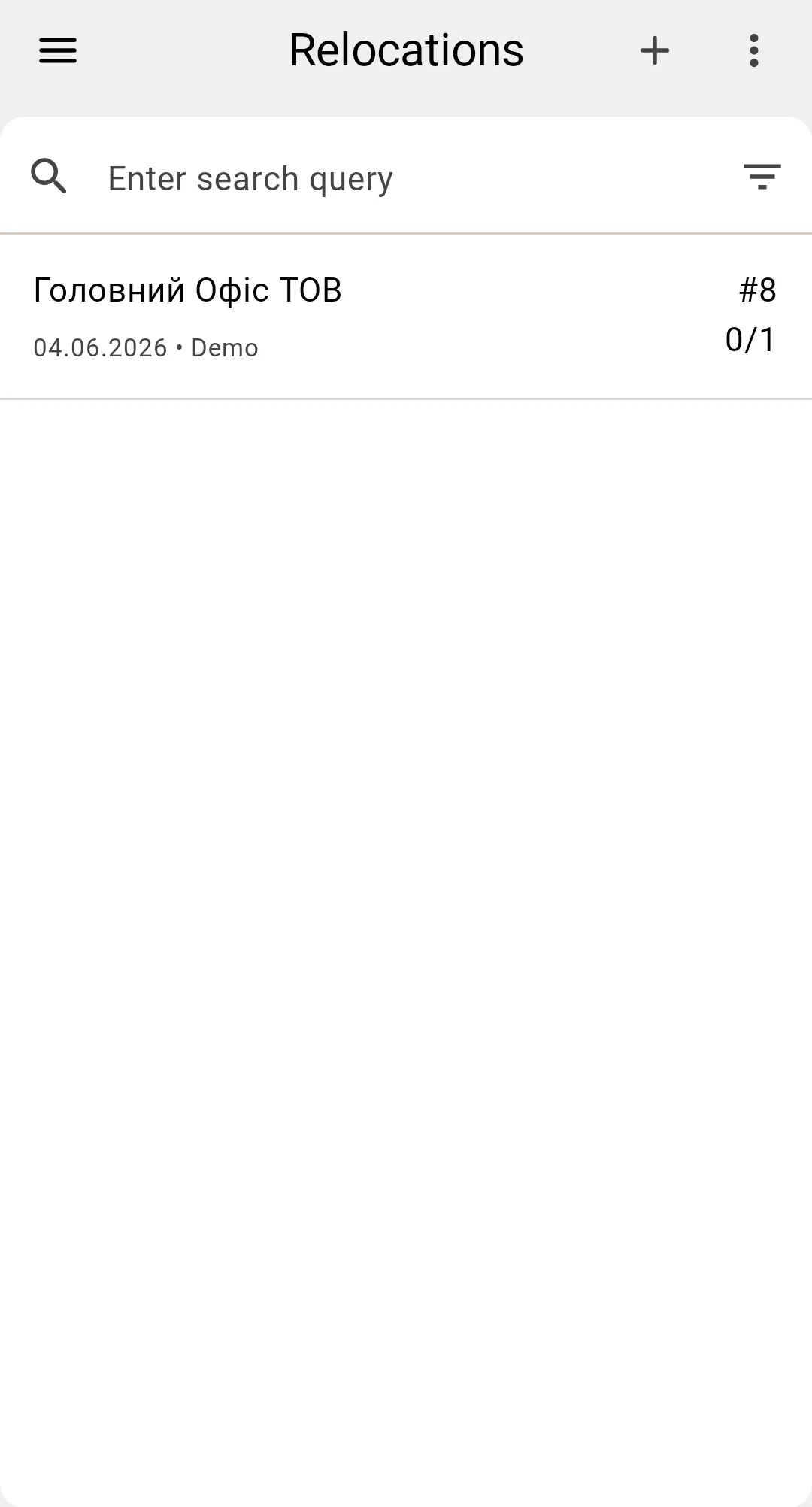
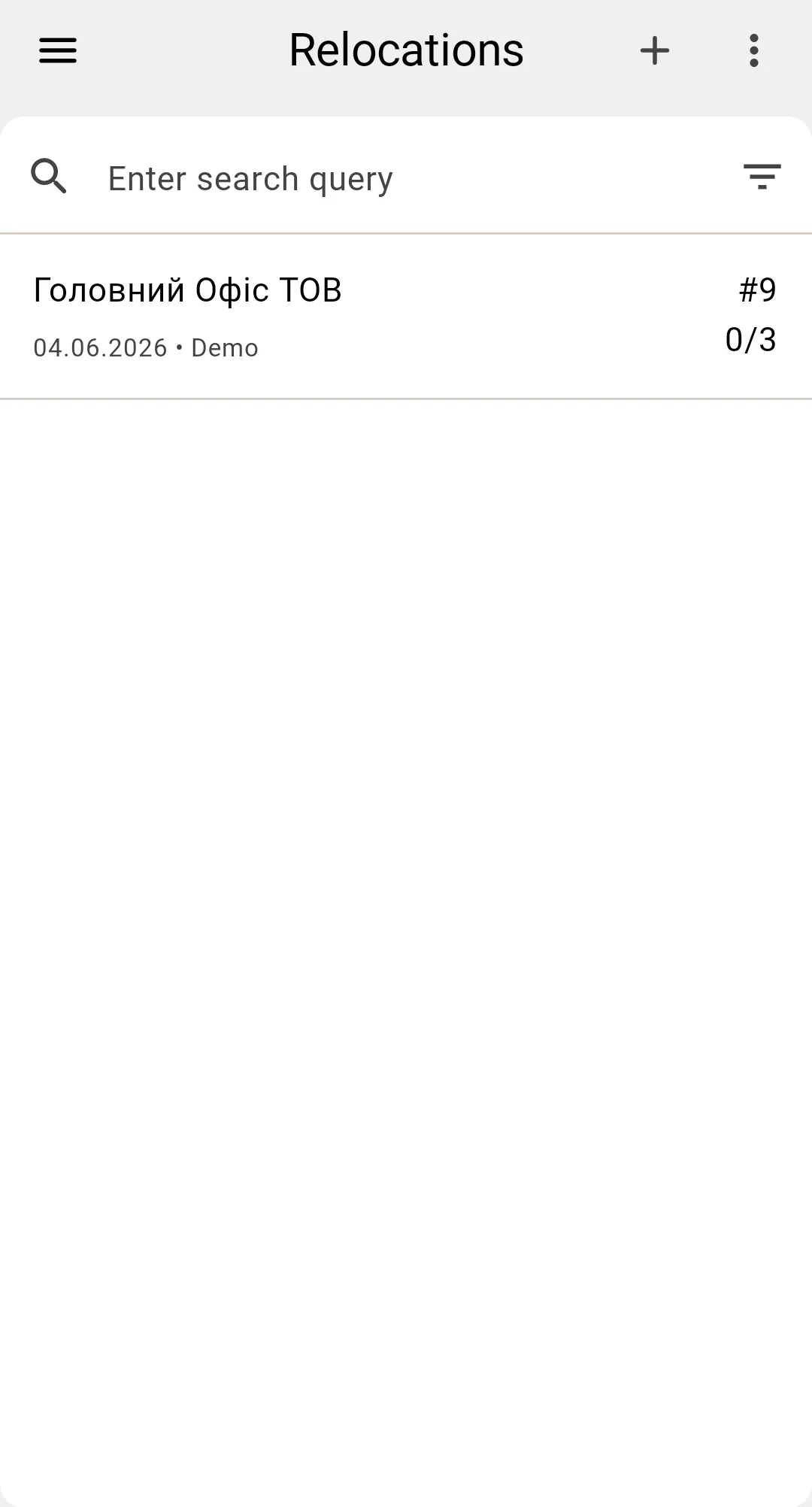
The operator opens the Relocations list from the PDT side menu. The list is a read-only view of the relocation documents visible in the operator's warehouse, with the standard search, filter, and sort controls on the top bar.
The "+" button in the top bar opens the ad-hoc form instead of creating a planned document. Creating or editing a planned relocation isn't available on the PDT — that happens in the client app.
To execute a planned document, the operator taps its row. The document opens in the PDT single-document screen; the default view is the items table, described in the next step.
Planned documents are created in the client app — see the plan-creation phase for how the plan reaches the PDT.