Barcode resolution
A scan does not always let the operator continue on its own. When a code is unknown, points at more than one item, or is not valid for the current operation, a short dialog steps in; once it is resolved, the operator returns to the normal quantity-entry loop. The cases below are the same wherever scanning identifies an SKU. Receiving adds one more — registering a new supplier code against the receipt — described on its own Barcode resolution on PDT page.
Ambiguous barcode
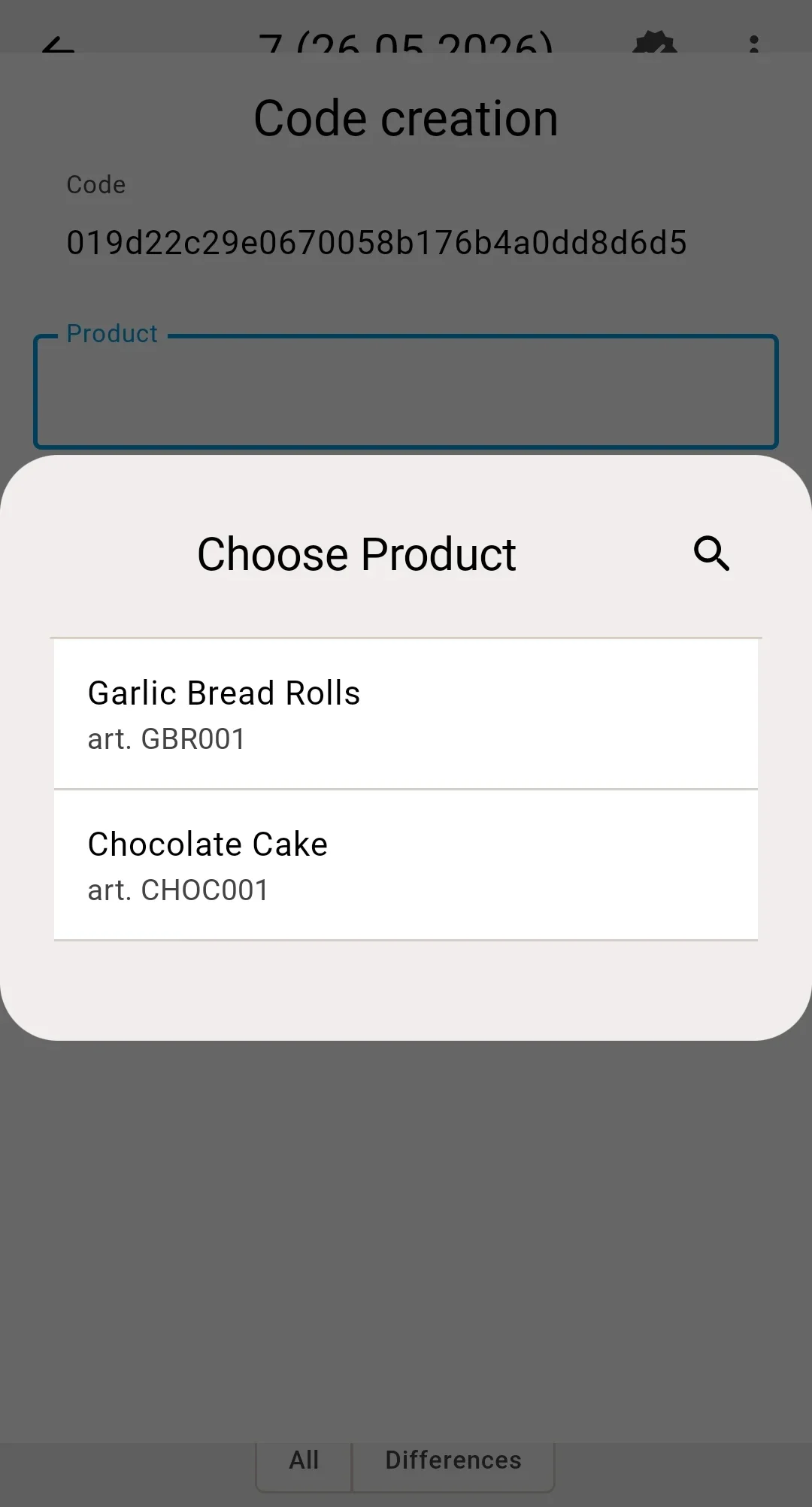
One code matches several catalogue entries — the same product in different features, lots, or pack types, or even different products altogether (the warehouse may allow duplicate codes, and duplicates created before a uniqueness rule was switched on stay valid). A Choose Product dialog lists the candidates (product, feature, lot, article, pack type); the operator picks the right one and moves on. Cancelling returns to scanning.
Unknown barcode
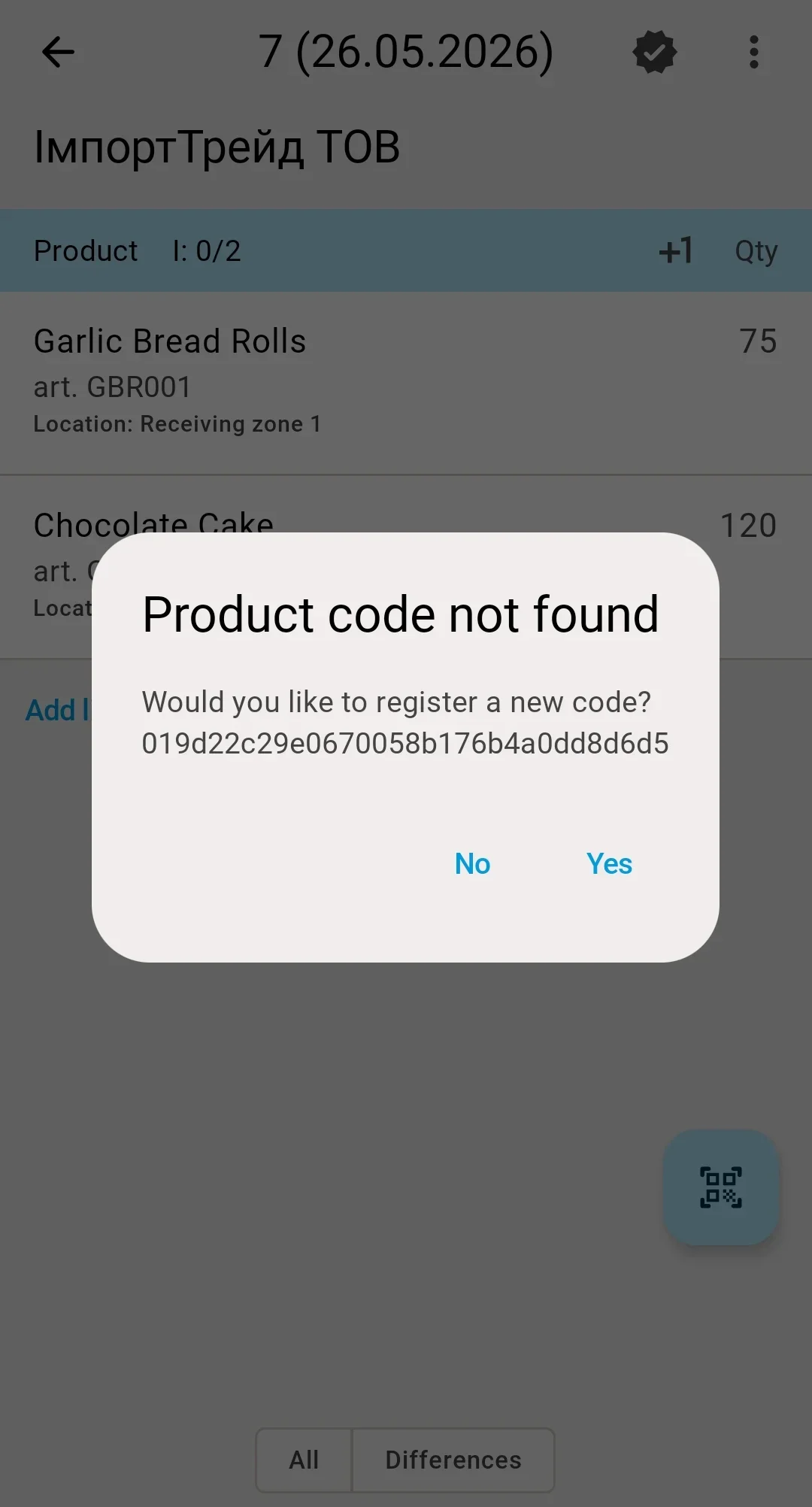
The code is not in the system. The operator is told the barcode is unknown and returns to scanning. In receiving, an unknown code can additionally be registered against the document — see Barcode resolution on PDT.
Out-of-context product
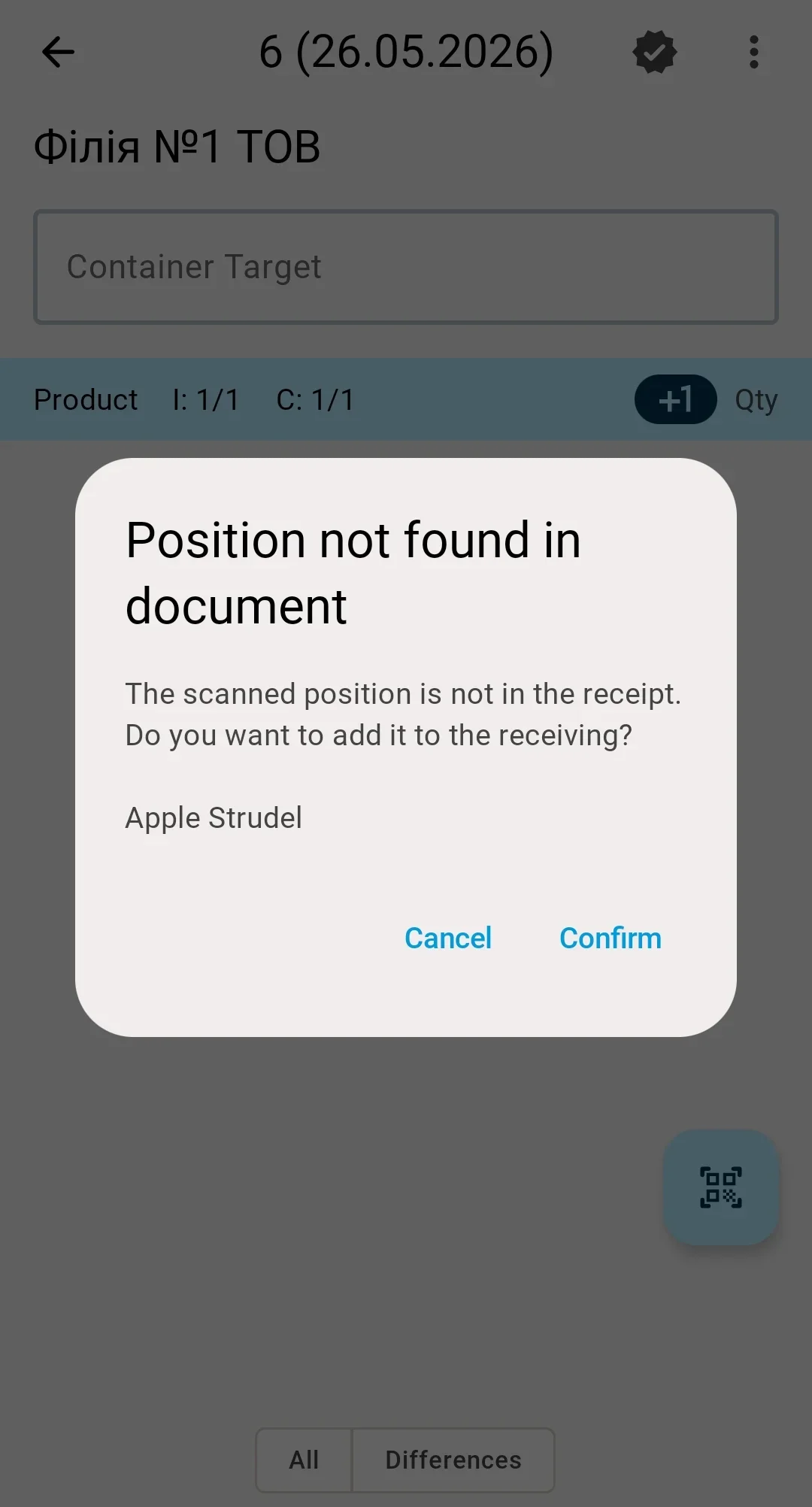
The code is known, but the product is not valid for the current operation — not on the receipt, or not present at the chosen source. The operator gets a clear message and cannot continue with that item until it is corrected or, where the flow allows it, explicitly confirmed. See Errors and how to handle them.